

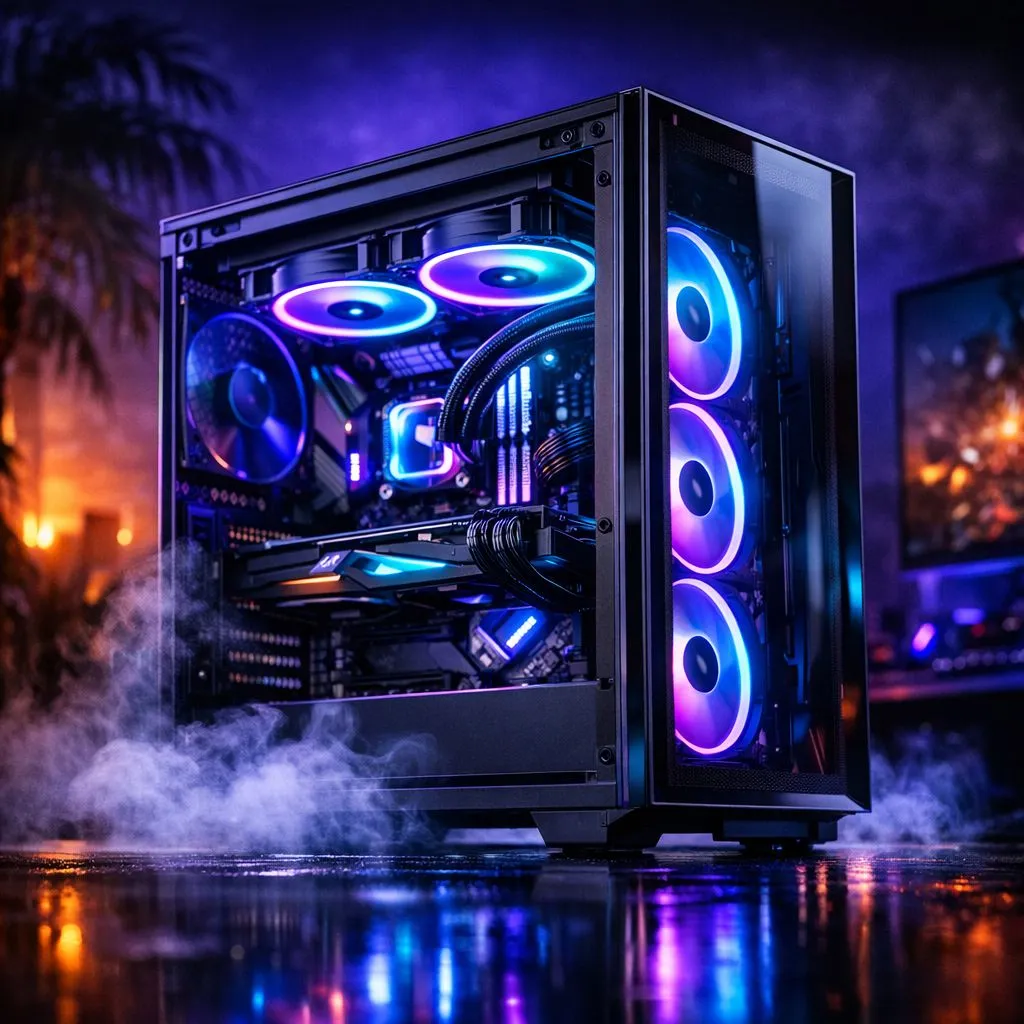
Keep your gaming PC cool this summer: fast wins for SA gamers 🔧
Keep Gaming PC Cool in Summer — South African Guide: hot days and long raids don’t have to mean thermal throttles. South African homes can spike past 30°C in summer, so a few sensible tweaks stop FPS drops and noisy fans. Read quick, actionable tips built for local rigs and budgets — from airflow fixes to the right case fans and fan sizes.
Keep gaming PC cool in summer: airflow basics
Airflow beats cramming extra cooling. Aim for a simple front-to-back pattern: cool intake at the front, exhaust at the rear/top. If your case supports it, balance intake and exhaust to avoid dust buildup and stagnant pockets of hot air. For a quick parts check, browse Evetech’s full case fans selection to match your chassis airflow plan. (See case fans selection)
Keep gaming PC cool in summer: pick the right branded fans
Brands matter when you want quiet and longevity. Corsair fans are a solid pick for mainstream builds; they balance noise and airflow well and pair with many RGB ecosystems.
If you’re on a tighter budget or chasing strong static pressure for radiators, Deepcool has competitive options worth considering.
Keep gaming PC cool in summer: lighting or silence — your choice
RGB looks great, but extra LEDs can add a few degrees in compact builds and sometimes cost more. If aesthetics matter, pick high-quality RGB fans that focus on airflow first.
Prefer a stealthy build? Non-RGB fans often prioritise quieter bearings and lower cost.
Keep gaming PC cool in summer: size and placement tips
Fan size affects noise and airflow. Where possible, favour larger diameters at lower RPMs for the same airflow—less noise, better sweep. Compare 120mm and 140mm fits when planning upgrades.
Keep gaming PC cool in summer: software, profiles and monitoring
Use BIOS fan curves or motherboard utilities to create temperature-aware profiles. Silent at idle, ramp at load. Monitor temps with tools you trust and adjust until your CPU and GPU stay comfortably below their boost limits.
Cooling Quick Tip ⚡
many motherboards set a mild intake bias: slightly higher intake fan RPM than exhaust. It reduces dust and maintains positive pressure. Clean filters monthly during summer for best results.
Keep gaming PC cool in summer: a short checklist before your next session
- Clear dust filters and vacuum vents.
- Re-seat cables to improve unobstructed airflow.
- Upgrade at least one intake and one exhaust fan for balanced flow.
- Use fan curves; avoid 100% RPM unless troubleshooting.
Ready to Find Your Perfect Match? The Mac vs Windows debate is complex, but for maximum power, choice, and value in South Africa, Windows is hard to beat. Explore our massive range of laptop specials and find the perfect machine to conquer your world.











