

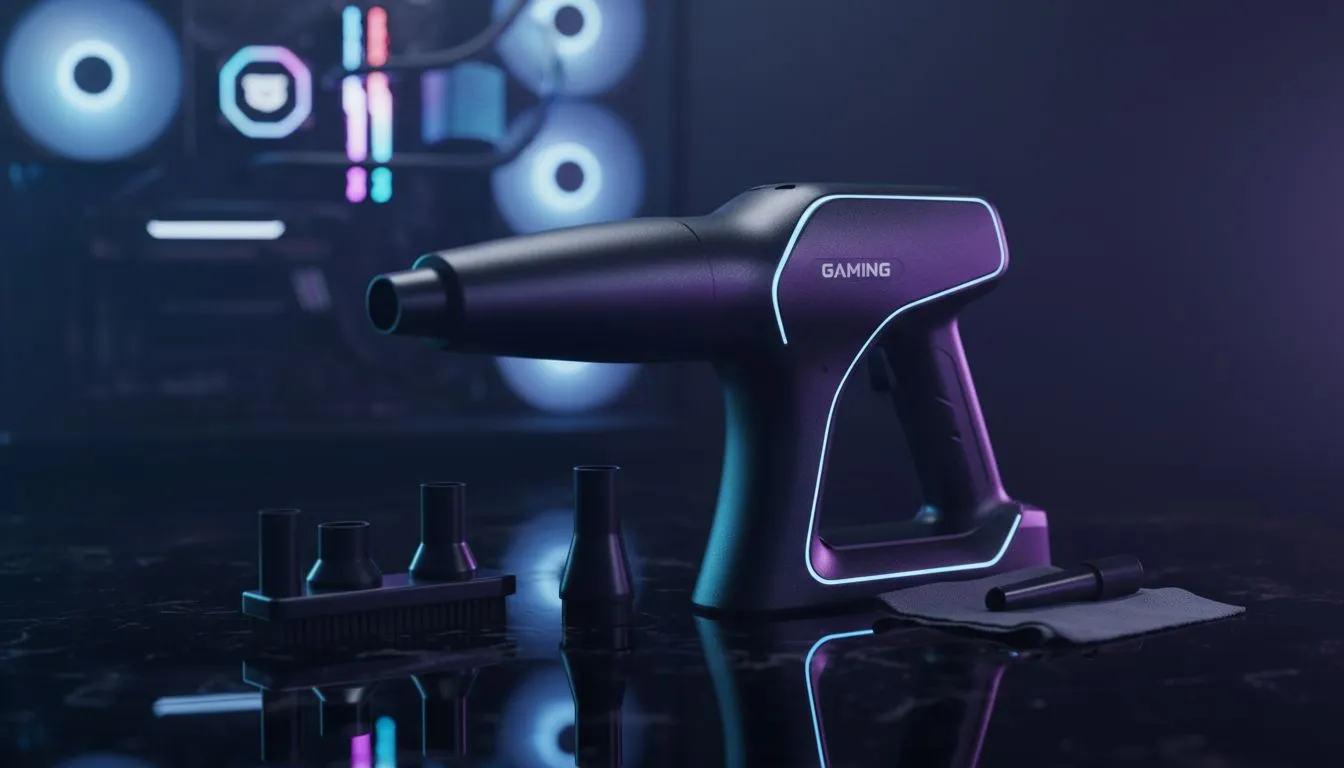
The Silent Threat to Your Frame Rates
Dust is a silent performance killer. In South Africa, our dry winters and windy summers mean your rig is constantly under siege. If you want to keep your gaming PC dust-free, regular maintenance is non-negotiable. A clogged heatsink leads to thermal throttling... and that means lost frames during a clutch match. Let's dive into how to keep your hardware running at peak efficiency. 🔧
Why Airflow is Essential for Performance
Your components generate heat. To manage this, fans pull cool air in and push hot air out. Dust acts like a blanket, trapping heat inside your GPU and CPU. Even entry-level budget gaming PCs require clear pathways to avoid overheating. When vents get blocked, your fans spin faster and louder. This puts unnecessary strain on the bearings and reduces the lifespan of your parts.
Essential Tools for PC Maintenance ⚡
You do not need an expensive kit to keep things tidy. A can of compressed air is your best friend. Use it to blow out stubborn particles from deep within the power supply and heatsink fins. For the exterior and fan blades, a simple microfibre cloth works wonders. If you are looking at PCs under R20k, many models now include magnetic dust filters. These are incredibly easy to pop off and rinse under a tap. Just ensure they are bone dry before putting them back.
Static Safety Tip ⚡
Always shut down your PC and unplug the power cable before cleaning. Avoid using a standard vacuum cleaner inside the case. Vacuums can create static electricity that might fry sensitive components like your RAM or motherboard. Stick to compressed air or specialised anti-static brushes for the internal bits.
Establishing a Cleaning Routine
How often should you clean? It depends on your environment. If your PC sits on a carpet, you might need a monthly check-up. For those with pre-built PC deals that feature tempered glass, you can easily see when the "dust bunnies" start to move in. A quick blast of air every three months is usually enough to maintain optimal airflow.
When Cleaning Isn't Enough 🚀
Sometimes, no amount of cleaning can restore that day-one speed. If your hardware is several years old, the thermal paste might have dried out. For enthusiasts running high-end PCs above R20k, refreshing the thermal compound can drop temperatures by several degrees. However, if the hardware is simply outdated, it might be time for an upgrade. You can browse the best gaming PC deals to find a modern system with better cooling architecture and easier maintenance features. ✨
Ready to Upgrade Your Setup? Keeping your current rig clean is vital, but sometimes a fresh start is the best way to boost your performance. Explore our massive range of gaming PC deals and find the perfect machine to conquer your favourite titles.











