

Master the Airflow in Your Chassis
As the mercury climbs past 30 degrees in Johannesburg or the humidity hits peak levels in Durban, your PC starts feeling the heat. High ambient temperatures are the enemy of performance. If you want to keep your graphics card cool for South African summer gaming, you need a strategy that goes beyond just opening a window... because that usually just lets more hot air in. ☀️
The first step is ensuring your case isn't a hotbox. If your fans are spinning at max RPM but your GPU is still hitting 85°C, you might have a positive pressure problem. Ensure you have more intake than exhaust to prevent dust buildup. If your current hardware simply cannot breathe, it might be time to look at a comprehensive selection of graphics cards that feature better heatsink designs.
Software Tweaks to Lower Your GPU Temperature
You do not always need to buy new hardware to see a drop in Celsius. Undervolting is a fantastic way to maintain performance while significantly reducing power draw and heat. By using tools like Afterburner on modern GeForce graphics cards, you can find the "sweet spot" where the chip runs at its rated clock speeds but uses less voltage.
The FPS Cap Trick ⚡
If you are playing on a 60Hz monitor, there is no reason to let your GPU pump out 140 FPS. Capping your frame rate to match your refresh rate reduces the workload on the silicon. This simple change can drop your temperatures by 10 degrees or more during those blistering afternoon sessions.
Similarly, if you prefer Team Red, Radeon graphics cards offer a feature called Radeon Chill. This dynamically regulates your frame rate based on your movements in-game. When you are standing still, the GPU clocks down... when the action starts, it ramps back up. It is an elegant way to keep things frosty without sacrificing the "feel" of the game.
Choosing Hardware Built for the Heat
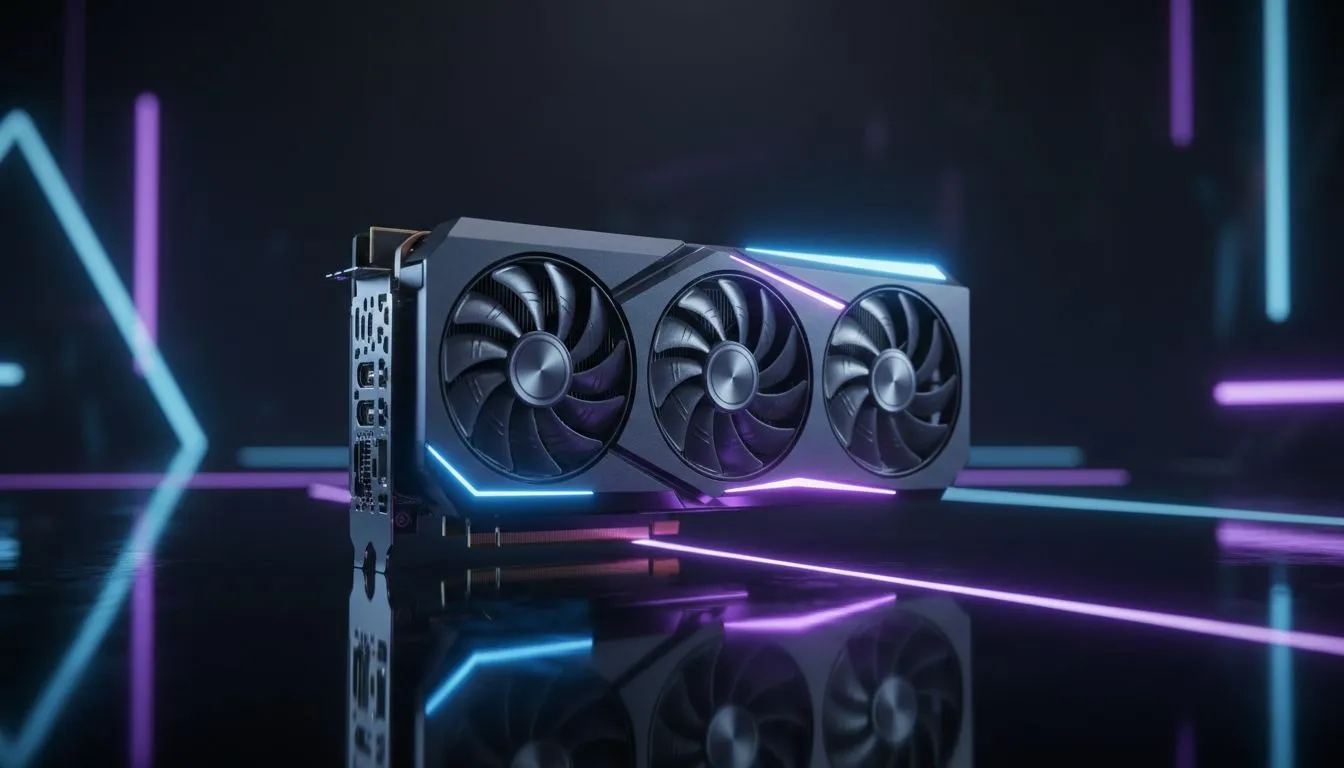
Sometimes, the local climate is just too much for entry-level coolers. In South Africa, where we often see ambient room temperatures exceeding 28°C, a triple-fan setup is almost a necessity for high-end gaming. Brands that prioritise thermal engineering... like the latest MSI graphics card models... use advanced heat pipe technology and specialised fan blades to push more air with less noise. 🚀
Replacing a fried GPU can cost upwards of R10,000 to R20,000 depending on your tier. Investing in a card with a premium cooling solution is a form of insurance. Look for models with "Zero Frozr" or similar tech that keeps the fans off during light tasks... this preserves the life of the bearings and keeps your system quiet until you actually start your favourite AAA title.
Ready to Keep Your Rig Frosty? Don't let the summer heat throttle your climb up the competitive ranks. Whether you need a more efficient GPU or a card with a beefier triple-fan cooler, Evetech has the stock to keep you running at peak performance. Explore our massive range of graphics cards and find the perfect match for your gaming PC today.











