

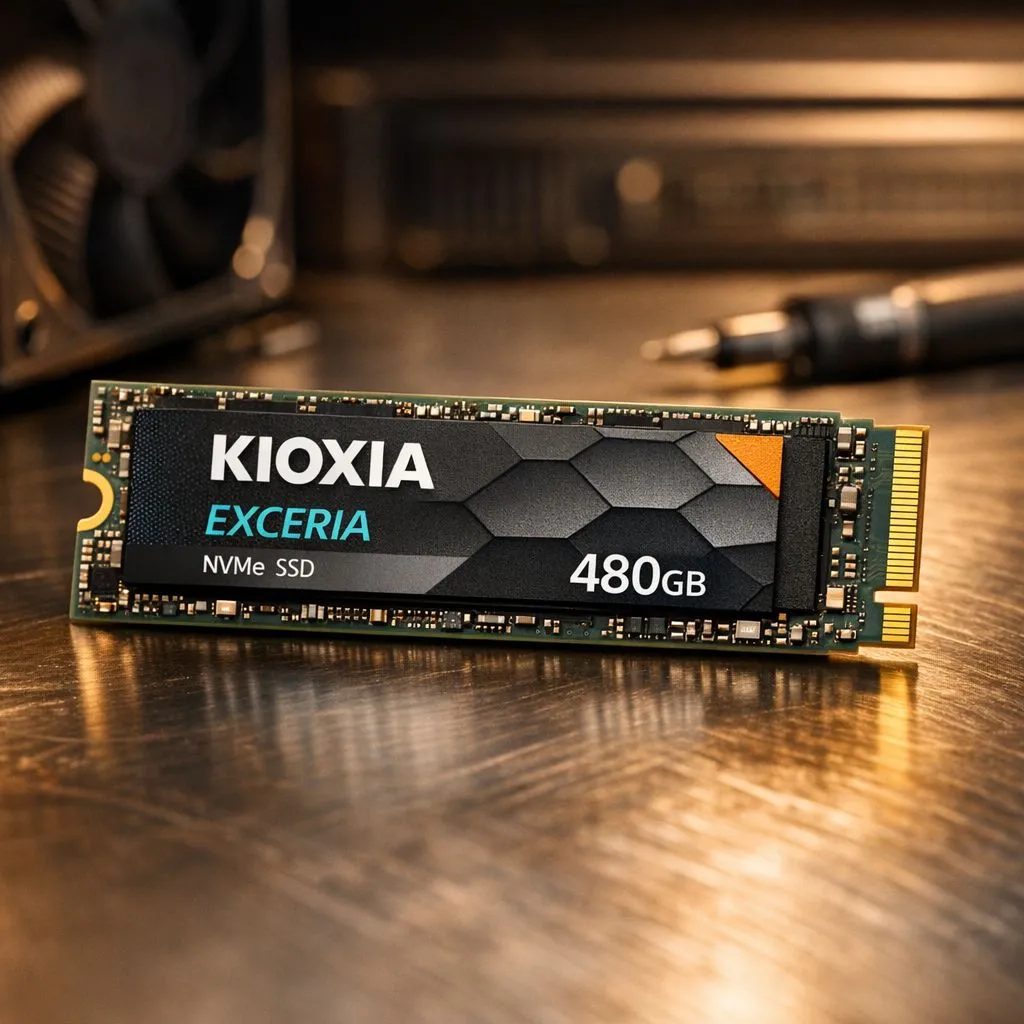
Windows 11 is a visual treat, but its heavy background processes can leave standard hard drives gasping for air. If you are tired of watching loading circles while your mates are already in the lobby, the Kioxia Exceria 480GB is your ticket to speed. This drive balances cost and performance perfectly for South African gamers. Let’s dive into how you can maximise your system's responsiveness today. ⚡
Maximising Your Kioxia Exceria 480GB Windows 11 Performance
To truly feel the difference, you need to ensure Windows 11 treats your hardware with respect. The Exceria series is built for stability, but software settings often hold back the raw speed. Start by checking your BIOS settings to ensure AHCI mode is active. This allows the drive to use its full instruction set. Many local users find that simple SSD upgrades are the most cost-effective way to breathe life into an ageing gaming laptop or desktop.
For those pushing high-end productivity, you might eventually look toward ultra-fast NVMe drives to handle massive file transfers. However, for a standard boot drive, the Exceria 480GB remains a champion of value in the ZAR market.
Essential Windows 11 Tweaks for Better Speed
Windows 11 includes a feature called 'Storage Sense' which helps keep your drive lean. Since the 480GB capacity is generous but not infinite, keeping it tidy is vital. You should also verify that TRIM is enabled. This feature tells the SSD which blocks of data are no longer in use, preventing the drive from slowing down over time. While we often recommend Western Digital options or reliable Kingston models for various builds, the Kioxia's firmware is particularly well-optimised for these standard Windows maintenance tasks.
Productivity Pro Tip ⚡
On Windows, use the PowerToys FancyZones utility to create custom snap layouts for your windows. It's a lifesaver for managing multiple apps on an ultrawide monitor, letting you organise your timeline, preview window, and asset folders perfectly for video editing.
Choosing the Right Storage Strategy
If your internal slots are full, don't forget the power of portable storage. Keeping your primary Kioxia drive for the OS and your most-played games like Apex Legends ensures the fastest boot times. For everything else, external SSDs provide the flexibility to carry your library to a friend's house. 🚀
If you are building a brand-new rig, you might compare this setup against ADATA drives to see which fits your budget. Enthusiasts looking for the absolute bleeding edge of technology should investigate Gen 5 storage... though for most of us, the Kioxia Exceria 480GB hits that sweet spot of performance and price. ✨
Ready to Find Your Perfect Match? The storage market is evolving fast, but for maximum power, choice, and value in South Africa, a solid SSD is hard to beat. Explore our massive range of laptop specials and find the perfect machine to conquer your world.











