

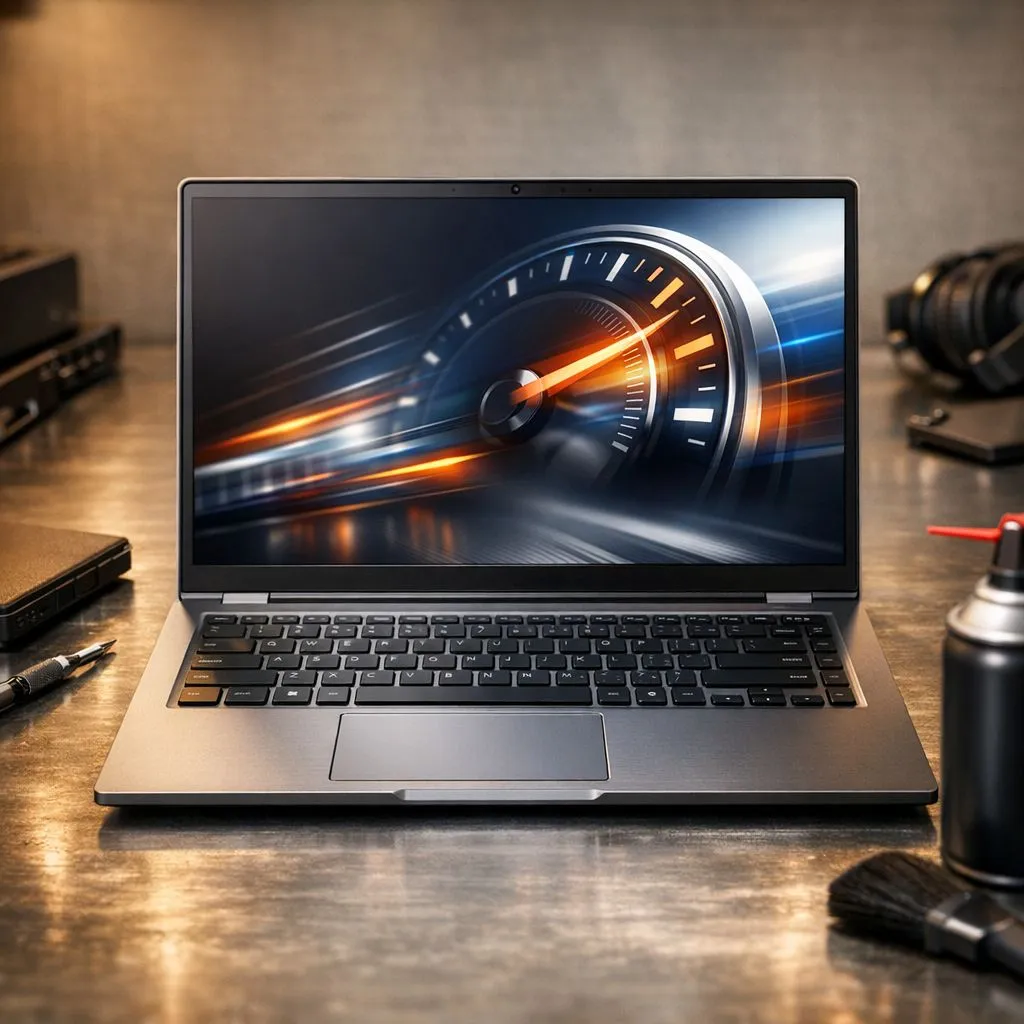
Remember that brand-new laptop feeling? Lightning-fast boot times, apps opening in a blink… it was bliss. Now, does it groan when you open a spreadsheet? That once-slick work machine can start to feel like a digital paperweight. Don’t stress. With a few smart laptop maintenance tips, you can reclaim that speed and keep your work laptop running fast, so you can get back to being productive… and maybe some after-hours gaming.
Essential Software Maintenance Tips ⚡
Before you even think about opening your laptop case, the biggest performance gains are hiding in your software. A clean digital environment is the first step to a faster machine. Think of it as a digital tune-up.
Clear Out the Clutter
Over time, we all install apps we use once and forget. This "bloatware" can run background processes that eat up precious resources.
- Uninstall Unused Programs: Go through your installed applications list in Windows Settings. If you don't recognise it or haven't used it in months, get rid of it.
- Manage Startup Apps: Too many programs launching at boot is a primary cause of slow startup. Disabling non-essential apps can make a massive difference.
- Keep Drivers Updated: Outdated drivers, especially for your graphics card, can cause performance issues. Regularly check for updates from your manufacturer or use software like GeForce Experience to keep your GPU drivers fresh, which is crucial for the latest GeForce RTX gaming laptops.
Pro Tip: Tame Your Startup 🚀
Press Ctrl + Shift + Esc to open the Task Manager, click on the "Startup" tab, and see a list of every program that launches with Windows. You can see the "Startup impact" of each one. Right-click and disable anything you don't need immediately, like game launchers or update checkers. You can always open them manually later.
Physical Laptop Maintenance for Peak Performance 🔧
Keeping your laptop physically clean isn't just about aesthetics; it's vital for performance, especially in the South African climate where dust is a constant battle. A hot laptop is a slow laptop.
Keep It Cool and Clean
Heat is the enemy of performance. When components get too hot, they automatically slow down (a process called thermal throttling) to protect themselves.
- Clean Your Vents: Use a can of compressed air to blow dust out of the intake and exhaust vents. Do this every few months to ensure optimal airflow.
- Wipe It Down: Use a microfibre cloth to clean the screen and a separate one with a bit of isopropyl alcohol for the keyboard and chassis to keep things hygienic and looking good.
- Battery Health: Don't leave your laptop plugged in 24/7 if you can help it. Modern batteries are smart, but letting them discharge partially (to around 40-50%) before plugging them in again can help prolong their overall lifespan. This is great advice whether you're running one of the latest Intel laptops on special or another model.
When Maintenance Isn't Enough
These laptop maintenance tips can breathe new life into an aging machine, but sometimes, the hardware itself is the bottleneck. If you've cleaned everything up and your laptop still struggles with modern applications or a few rounds of Apex Legends, it might be time for an upgrade. A slow hard drive, insufficient RAM, or an older CPU can't be fixed with software tweaks.
For demanding work and play, the efficiency of modern processors is a huge factor. Checking out the current Ryzen laptop deals can show you just how far performance-per-watt has come. If your current machine is holding you back, a new laptop can be a massive productivity boost. You don't even have to break the bank; there are some seriously powerful gaming laptops under R20,000 that will crush your work tasks. Ultimately, if your laptop is more than 4-5 years old, even the best gaming laptop deals today will offer a monumental leap in speed and capability.
Is Your Laptop Beyond Saving? These laptop maintenance tips can work wonders, but sometimes the best upgrade is... well, an upgrade. If your machine is still lagging, it might be time for a fresh start. Explore our massive range of laptop specials and find a new powerhouse to conquer your workday.











