

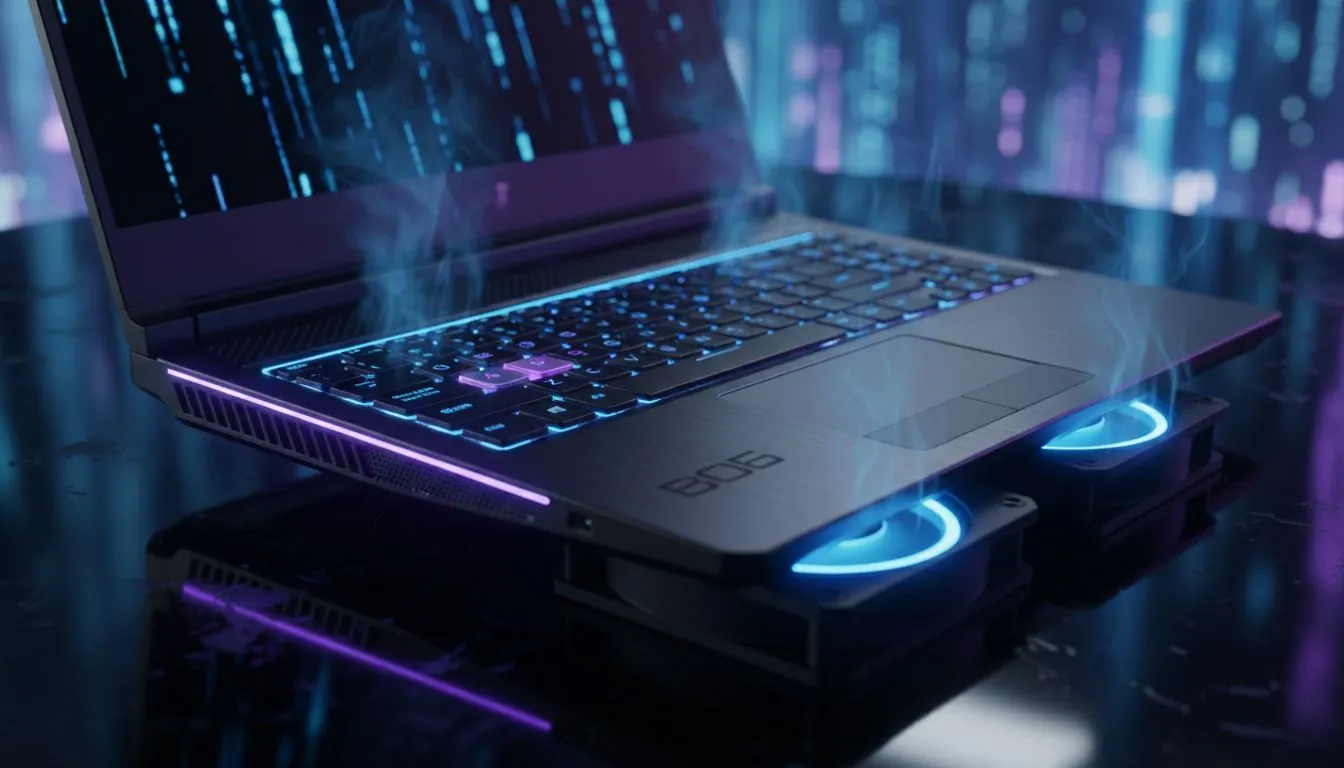
Is your laptop sounding like a jet engine during a frantic round of Black Ops 6? You aren't alone. With the high-octane action of BO6, thermal throttling can tank your frame rates exactly when you need them most. Dealing with laptop overheating in BO6 is a common headache for South African gamers... especially when the ambient temperature climbs. Let’s get your thermals under control. ✨
Why Black Ops 6 is Taxing Your Hardware
Call of Duty: Black Ops 6 is a technical marvel, but it demands a lot from your silicon. The fast-paced movement and dense environments put immense pressure on both your CPU and GPU. When these components work at maximum capacity, they generate significant heat. If that heat cannot escape, your laptop will automatically slow down to protect itself. This results in the dreaded "stutter" during a gunfight.
If you are currently pushing for high refresh rates on geforce-rtx-gaming-laptops-on-special, you need to ensure your cooling solution is up to the task. Modern thin-and-light designs often struggle with the sustained loads required by AAA titles.
Optimize Your Environment to Stop Laptop Overheating in BO6
The simplest way to lower temperatures is to improve airflow. Never play with your laptop on a bed, carpet, or couch. These soft surfaces block the intake vents at the bottom of the chassis. Instead, use a hard, flat surface like a desk. This allows the small rubber feet on your device to create the necessary gap for air to circulate.
Thermal Maintenance Pro Tip ⚡
Use a can of compressed air to blow out your laptop's vents every three months. Dust buildup acts like a blanket over your internal components, trapping heat and forcing fans to spin faster for less cooling. It is a simple five-minute task that can significantly extend the lifespan of your gaming machine.
For those using entry-level hardware, such as gaming laptops under R20k, an external cooling pad can make a noticeable difference. These pads provide an extra boost of fresh air directly into the intake fans, often lowering temperatures by 3 to 5 degrees Celsius. 🔧
Software Settings to Keep Your Temps Low
You do not always need to sacrifice visuals to stay cool. Sometimes, capping your frame rate is the best solution for laptop overheating in BO6. If your screen only supports 60Hz, there is no reason to let your GPU render 120 frames per second. By setting a frame rate limit in the game settings, you prevent your hardware from working harder than necessary.
Many intel-laptops-on-special come with dedicated software like Alienware Command Center or PredatorSense. Use these tools to set your fans to a "Performance" or "Max" profile before you launch the game. It might be louder... but it keeps your components safe.
When Hardware Limits Are Reached
Sometimes, the internal thermal paste has dried out, or the cooling pipes simply cannot keep up with modern demands. If you find your laptop hitting 95 degrees Celsius even with a cooling pad, it might be time to look at a machine with a more robust thermal design.
The latest ryzen-laptop-deals offer incredible power efficiency, which naturally results in less heat generation during intense sessions. Upgrading to a device with a more advanced vapour chamber or liquid metal cooling system can eliminate thermal worries entirely. 🚀
If you are tired of the heat and ready for a smoother experience, browsing the best gaming laptop deals will reveal plenty of options designed specifically for the South African climate.
Ready to Find Your Perfect Match? Dealing with overheating can be a thing of the past. For maximum power, choice, and value in South Africa, our curated selection of gaming hardware is hard to beat. Explore our massive range of laptop specials and find the perfect machine to conquer your world.











