


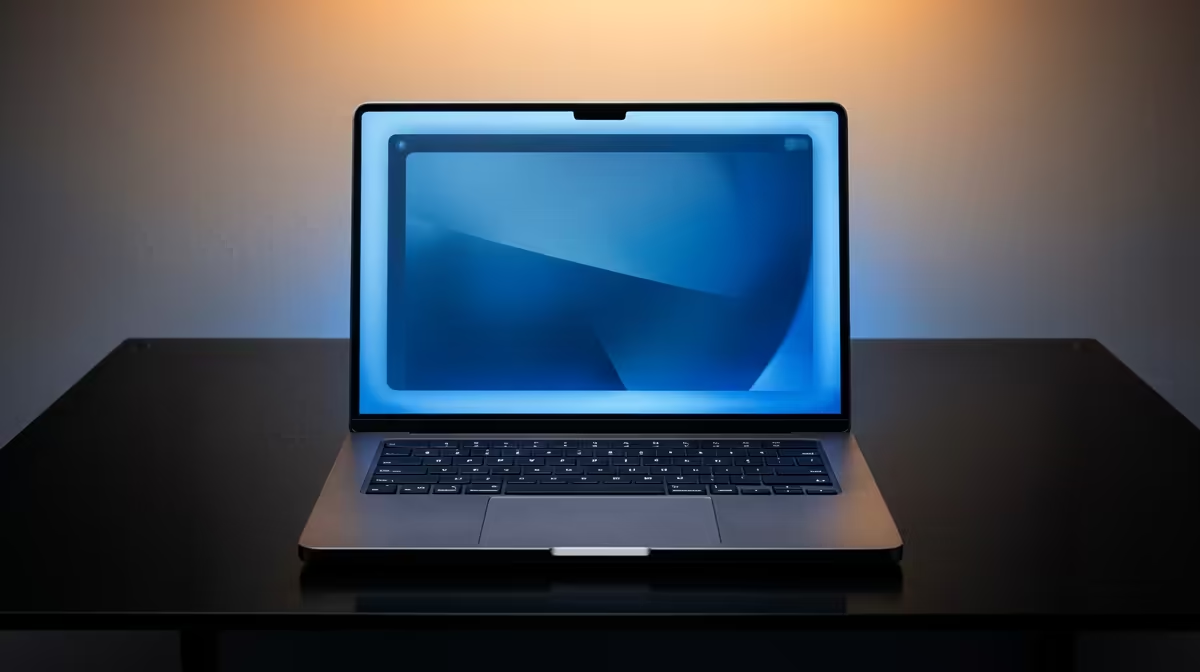
So, you've laid down a lekker beat, the melody is flowing, and just as you hit record... your laptop freezes. The dreaded spinning wheel of death. Sound familiar? For aspiring producers and seasoned pros across Mzansi, this is a creative nightmare. Choosing the right laptop for music production in South Africa isn't just about specs; it's about finding a reliable partner for your creative journey. Let's break down how the tech has evolved and what you need to make hits. 🎹
Core Specs for Modern Music Production
Before you drop your hard-earned Randelas, understanding the engine under the hood is crucial. A balanced machine is key. Focusing too much on one component while neglecting another can lead to bottlenecks that'll kill your workflow faster than unexpected an unexpected outage.
CPU: The Brain of Your Studio
Your Central Processing Unit (CPU) does the heavy lifting, processing every plugin, virtual instrument, and audio track in real-time. For Digital Audio Workstations (DAWs) like FL Studio or Ableton Live, strong single-core performance is vital for smooth playback and low latency.
While multi-core performance helps when exporting or bouncing multiple tracks, that single-core speed is what you'll feel during creation. This is where the choice between the two giants comes in. You can find incredibly powerful Intel laptops that excel here, but don't overlook the great value AMD laptops that offer fantastic multi-threaded muscle for your money.
RAM & Storage: Your Creative Workspace
Think of RAM as your short-term memory. It's where your active samples, plugins, and project files live. In 2024, 8GB is simply not enough.
- 16GB RAM: The absolute minimum for serious production. It'll handle most projects without constant stuttering.
- 32GB+ RAM: The sweet spot. If you use large orchestral libraries (like Kontakt) or heavy-duty synth plugins (like Serum), 32GB ensures a buttery-smooth experience.
For storage, the conversation is over: a Solid State Drive (SSD) is non-negotiable. The speed difference is massive. Your DAW, plugins, and massive sample libraries will load in seconds, not minutes. An NVMe SSD is the gold standard for any modern laptop for music production.
Taming Latency ⚡
In your DAW's audio settings, find the 'buffer size'. A lower buffer size (e.g., 128 samples) reduces latency, which is great for recording vocals or MIDI keyboards. A higher buffer size (e.g., 1024 samples) gives your CPU more breathing room, preventing crackles and pops during mixing and playback of complex projects. Adjust it based on your current task!
Why Gaming Laptops are a Producer's Secret Weapon
Wait, a gaming laptop for making music? Absolutely. Think about it: what do high-end games and complex music projects have in common? They both demand powerful CPUs, tons of fast RAM, speedy SSDs, and robust cooling systems to handle sustained workloads. 🇿🇦
A gaming laptop often gives you the best performance-per-Rand, packing top-tier components into a chassis built to stay cool under pressure. Plus, they come with plenty of ports for your audio interface, MIDI controllers, and external drives. Exploring our best gaming laptop deals could uncover the perfect, powerful machine for your studio at a surprisingly competitive price.
Ready to Find Your Perfect Match? Whether you're a bedroom producer or a seasoned pro, the right machine makes all the difference. For maximum power, choice, and value in South Africa, a high-performance laptop is hard to beat. Explore our massive range of laptop specials and find the perfect machine to bring your sound to life.










