

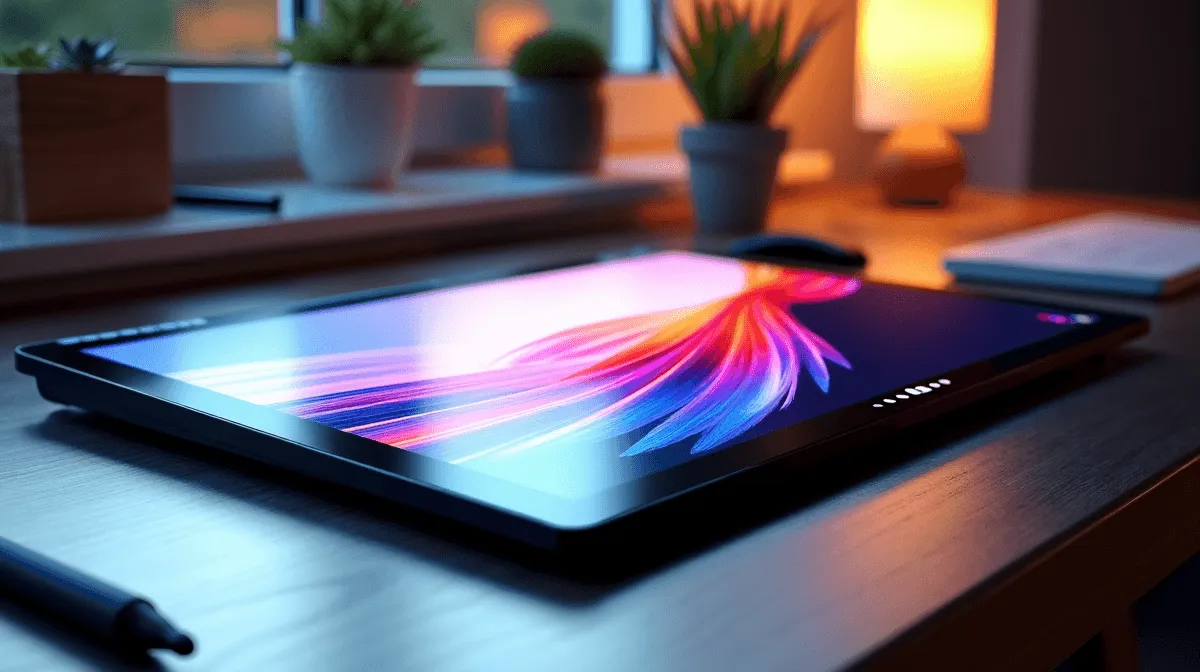
South African students and creative professionals are increasingly relying on tablets for handwritten notes, digital sketching, and light productivity - and two names that come up regularly at accessible price points are Lenovo and Nokia. Both offer Android tablets in the sub-R6,000 range that target everyday users, but their approaches to pen input, display quality, and software support differ in ways that matter significantly for drawing and note-taking. This comparison helps you choose the right tool for your workflow.
Quick Answer
For drawing and note-taking, Lenovo Tab tablets are the stronger choice over Nokia tablets in 2026. Lenovo's Tab P11 and Tab M-series support active stylus input with lower latency and pressure sensitivity, while Nokia's tablet lineup lacks dedicated stylus support and uses less capable displays for precision work. Lenovo also maintains longer software update commitments on its Tab range. For serious drawing and note-taking, Lenovo wins clearly; Nokia suits general media consumption better.
✏️ Stylus and Pen Input: Where Lenovo Leads
The most critical factor for drawing and note-taking is the quality of stylus input - and this is where Lenovo's Tab lineup has a decisive advantage. The Lenovo Tab P11 Pro Gen 2 and Tab P12 support the Lenovo Precision Pen with 4,096 levels of pressure sensitivity, palm rejection, and tilt support. These specs match what digital artists and note-takers need for natural handwriting and brush stroke variation in apps like Concepts, Infinite Painter, or GoodNotes for Android.
Nokia's current tablet offerings - including the Nokia T21 and T20 - do not support active stylus input with pressure sensitivity. While you can use a basic capacitive stylus on any touchscreen, this produces line widths with no variation and no palm rejection, making sustained note-taking and drawing frustrating. For anyone serious about pen-on-glass productivity, this single difference makes Nokia tablets unsuitable regardless of their other merits.
🖥️ Display Quality for Creative Work
Drawing and note-taking demand screens that are bright enough to use in well-lit environments, colour-accurate enough to judge sketches faithfully, and sharp enough that handwriting looks clean rather than pixelated.
Lenovo's higher-end Tab models use 2K or 2.5K LCD displays with P3 colour coverage - the Tab P12 Pro uses a 12.6-inch 2560×1600 IPS panel that's outstanding for creative work. Even the mid-range Tab P11 Gen 2 offers a 2000×1200 IPS display with 400 nits brightness.
Nokia's T21 uses a 2000×1200 IPS panel that's respectable for the price but paired with weaker colour calibration out of the box. It's a fine screen for video streaming and browsing, but not calibrated or optimised for illustration work. If display accuracy matters for your art, Lenovo's panel advantage extends beyond just resolution.
🔋 Battery, Performance, and Software Support
For long note-taking sessions in lectures or drawing marathons, battery life and thermal management matter. Lenovo's Tab P-series uses MediaTek Kompanio or Snapdragon chipsets paired with 8,600–10,200mAh batteries, delivering 10–13 hours of moderate use. Nokia's T-series similarly offers large batteries but runs lighter Unisoc chipsets that can struggle under sustained creative app workloads, showing frame drops in brush-heavy illustration apps.
Software support is another key differentiator for SA buyers making a multi-year investment. Lenovo commits to 2–3 years of Android OS updates and 4 years of security patches on its Tab range. Nokia has historically promised 3 years of updates but has been inconsistent in delivery across its product lines. Either way, confirm the update commitment for the specific model before purchase.
For note-taking apps in South Africa, Notability and GoodNotes have Android versions; Microsoft OneNote is free and excellent with a stylus. Lenovo's Lenovo Note Saver app also works natively with the Precision Pen for quick capture without opening a third-party app.
📱 Connectivity and Value
Lenovo Tab models in South Africa typically include USB-C (with optional display output on higher-end models), microSD expansion, and in some cases a keyboard folio attachment that converts the tablet into a mini laptop - useful for students splitting time between drawing and writing essays. Nokia's tablets also include USB-C and microSD but lack keyboard accessory ecosystems.
On price: both brands compete in the R3,500–R5,500 range for their mid-tier offerings locally. Given the significant functionality gap in stylus support, Lenovo's Tab P11 or P12 represent meaningfully better value for creative and academic users even when priced higher.
❓ FAQ
Q: Can I use a Samsung stylus on a Lenovo or Nokia tablet? A: Samsung's S Pen uses Wacom EMR technology specific to Samsung hardware. It won't work on Lenovo or Nokia tablets. Use the Lenovo Precision Pen designed for compatible Tab models, or a third-party USI 2.0 stylus on supported Lenovo models.
Q: Is a Lenovo Tab good enough to replace a drawing tablet for digital art? A: For hobbyist illustration, journaling, and note-taking, yes. Professional digital artists who need the precision of a dedicated drawing tablet (like a Wacom Cintiq) will find the Lenovo Tab P-series a capable but not equivalent substitute. It excels for portability and versatility.
Q: What note-taking app should I use on a Lenovo Tab in South Africa? A: Microsoft OneNote (free) is the most accessible option with full Android support. Noteshelf and GoodNotes offer superior handwriting recognition and organisation for users willing to pay a once-off fee. Samsung Notes is not available outside Samsung devices.
Q: Does Nokia make a stylus-compatible tablet? A: As of 2026, Nokia's consumer tablet lineup does not include models with active stylus support and pressure sensitivity. Nokia tablets are positioned primarily as media consumption and light productivity devices.
Evetech stocks Graphics Card Deals and Evetech Best Sellers — shop online with fast delivery across South Africa.
Ready to Find Your Perfect Match? Explore Evetech's tech deals to find the right tablet and accessories for your creative workflow.











