

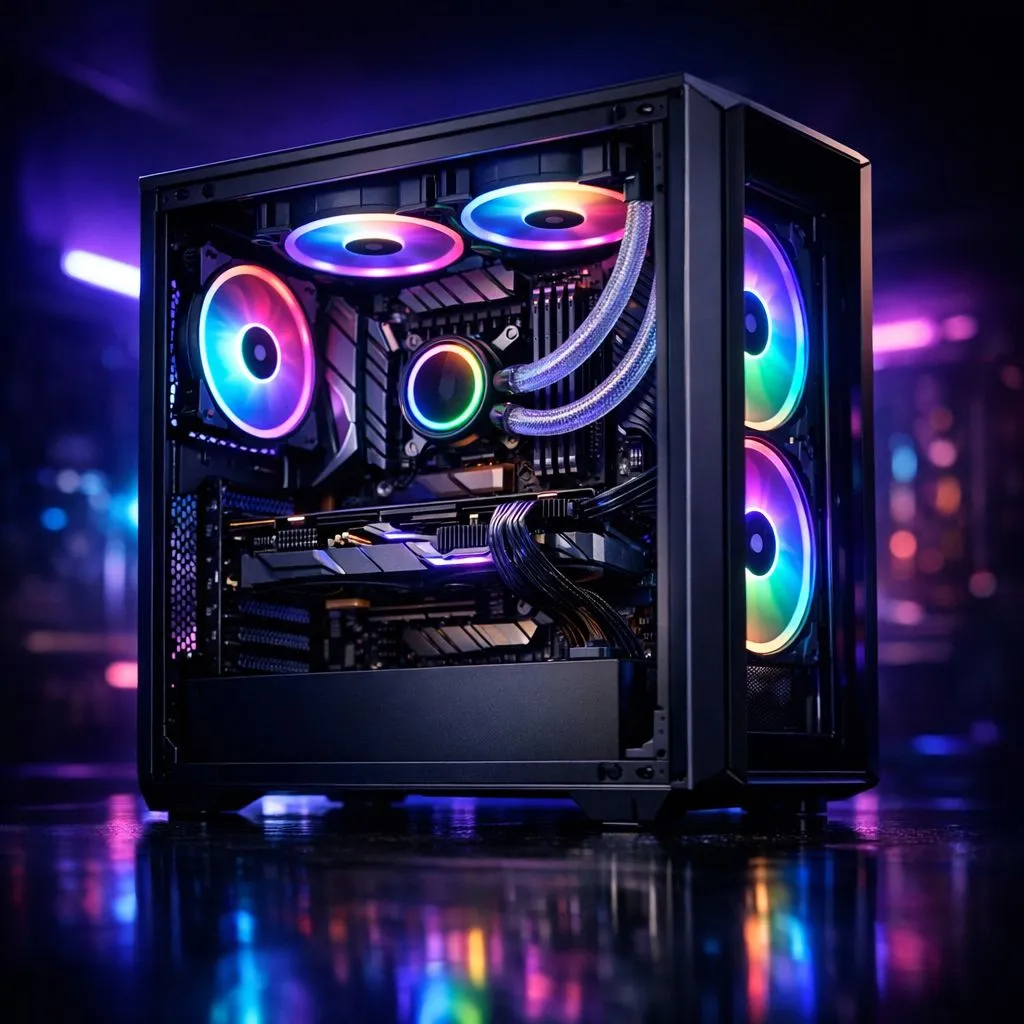
Loadshedding is more than just a nuisance for South African gamers... it is a thermal hazard. When Eskom cuts the lights mid-session, your fans stop instantly. Heat remains trapped inside your chassis without any airflow to move it. Managing your Loadshedding PC Thermals: Cooling Tips After Power Returns is essential to ensure your expensive hardware survives the summer heat and constant power cycling. ⚡
Understanding Heat Soak After Power Cuts
When your PC loses power abruptly, the active cooling system fails. The liquid in your AIO stops moving and your case fans cease spinning. However, the copper heat pipes and heatsinks are still roasting. This creates a "heat soak" effect where temperatures can actually rise slightly after the power goes out because there is no air to carry the heat away.
To combat this, you need a robust range of case fans that can quickly move large volumes of air the moment the grid returns. High-quality fans ensure that stagnant, hot air is flushed out within seconds of your system rebooting.
Optimising Airflow for Post-Loadshedding Recovery
Not all fans are created equal when it comes to recovery. If you are running a high-end workstation or a gaming beast, premium Corsair case fans offer excellent static pressure to push air through restrictive dust filters. For those looking to maximise value without sacrificing reliability, affordable Deepcool cooling solutions provide a fantastic balance of CFM (cubic feet per minute) and price in ZAR. 🔧
Post-Power Recovery Tip ⚡
When your PC reboots after a power cut, do not jump straight into a heavy game. Let the system idle for three to five minutes. This allows the fans to clear the 'heat soak' that built up while the power was off, protecting your GPU and CPU from thermal spikes.
Choosing the Right Cooling Hardware
Aesthetic choices also play a role in how you monitor your system. Many local gamers prefer vibrant RGB fans because they provide an immediate visual cue that the cooling system is active. If you prefer a more professional look for your home office, stealthy non-RGB fans offer the same performance without the light show. 🚀
Size is the final piece of the puzzle. Most modern South African chassis support standard 120mm fans, but if your case allows it, you should opt for larger 140mm fan options. Larger fans move more air at lower RPMs, meaning your PC can recover from a heat soak much more quietly. ✨
Ready to Beat the Heat? Don't let stagnant air shorten the lifespan of your gaming rig. For the best airflow and thermal management in South Africa, upgrading your cooling is a must. Explore our wide selection of case fans and keep your PC running cool no matter the schedule.











