

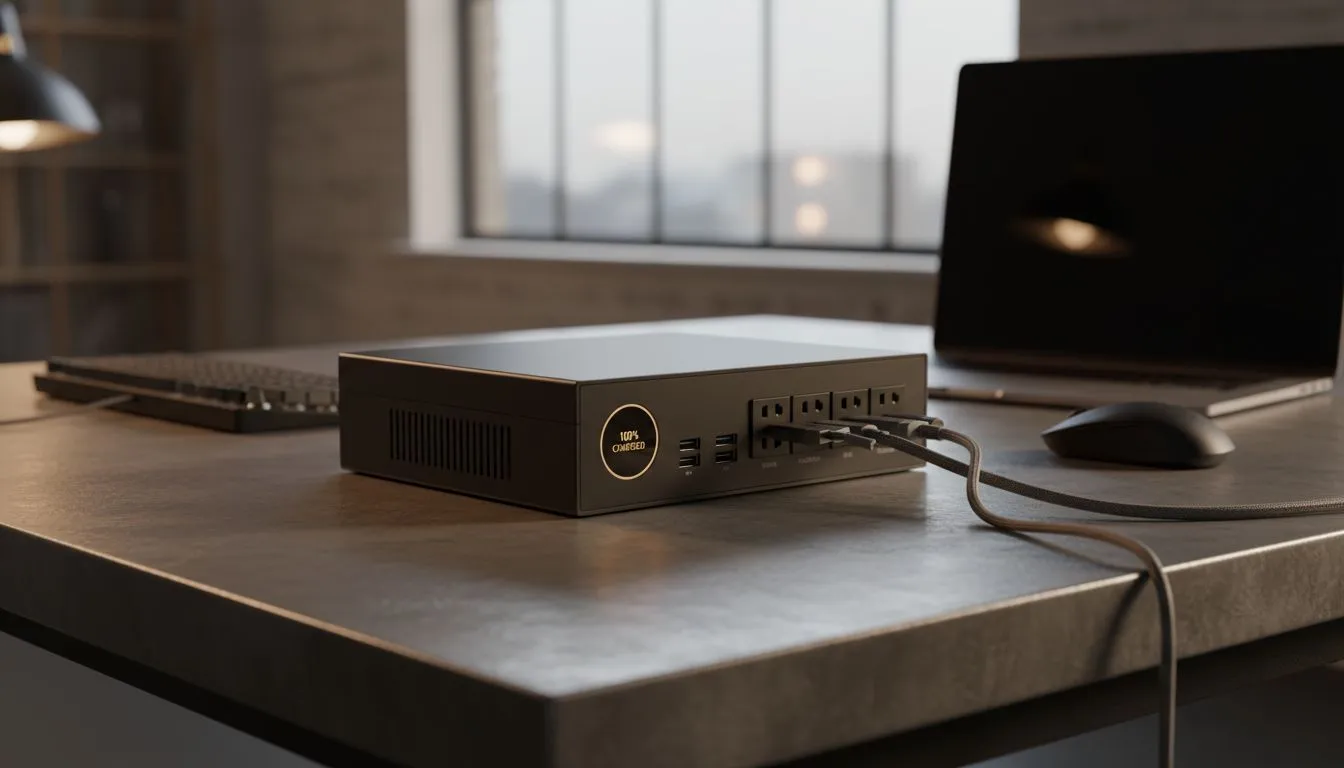
Master Your Loadshedding Proof Workspace
We have all been there. The lights flicker... the inverter kicks in... but your mouse battery is sitting at 2%. In South Africa... loadshedding is not just an inconvenience... it is a tactical hurdle. Keeping your input devices charged and ready is the difference between a legendary session and a frustrating blackout. Let us build a loadshedding proof workspace that never leaves you clicking in the dark ⚡.
Choosing the Right Connectivity for Power Cuts
When the grid goes down... your gear needs to stay up. Finding the best gaming keyboard deals is the first step toward a resilient setup. You need hardware that prioritises battery longevity. High-end Wireless peripherals now offer hundreds of hours of use. This is essential for surviving those long Stage 6 evenings without a recharge.
If you run a high-end UPS... staying Wired might be your preference for zero-latency. It removes the charging anxiety entirely. However... for most South African gamers... a hybrid approach works best. Use wireless for freedom... but keep the cable handy for when the power returns.
Power Management Pro Tip ⚡
To stretch your battery life during a blackout, turn off your RGB lighting or set it to a low-brightness static colour. RGB LEDs can drain a peripheral's battery up to five times faster than when they are switched off. This simple tweak can add days of extra uptime to your wireless devices.
Budget-Friendly Strategies to Stay Charged
You do not need to break the bank to stay in the game. You can buy cheapest gaming keyboard in South Africa and still get the reliability you need for daily tasks. Many entry-level mechanical boards now feature excellent power-saving modes that put the device to sleep after a few minutes of inactivity 🔧.
For those looking for a complete desk overhaul... it is often smarter to buy keyboard mouse combo packages. These often share a single receiver... which saves precious USB ports on your laptop or power-limited hub. It also means you only have one brand of software to check for battery levels.
Expert Insights for Local Gamers
- Check the Polling Rate: High polling rates (1000Hz+) drain batteries faster. Drop to 500Hz during loadshedding to save power.
- Use a Dedicated Charger: Avoid charging via a PC that is running on a small UPS. Use a separate power bank to keep your mouse topped up.
- Monitor Software: Set your peripheral software to notify you at 20% battery... well before the lights go out.
Ready to Find Your Perfect Match? Staying powered up during loadshedding requires the right gear and a bit of local savvy. Whether you need a long-lasting wireless mouse or a reliable wired mechanical deck, we have the stock to keep you clicking. Explore our massive range of keyboard and mouse specials and find the perfect tools to conquer the dark.











