

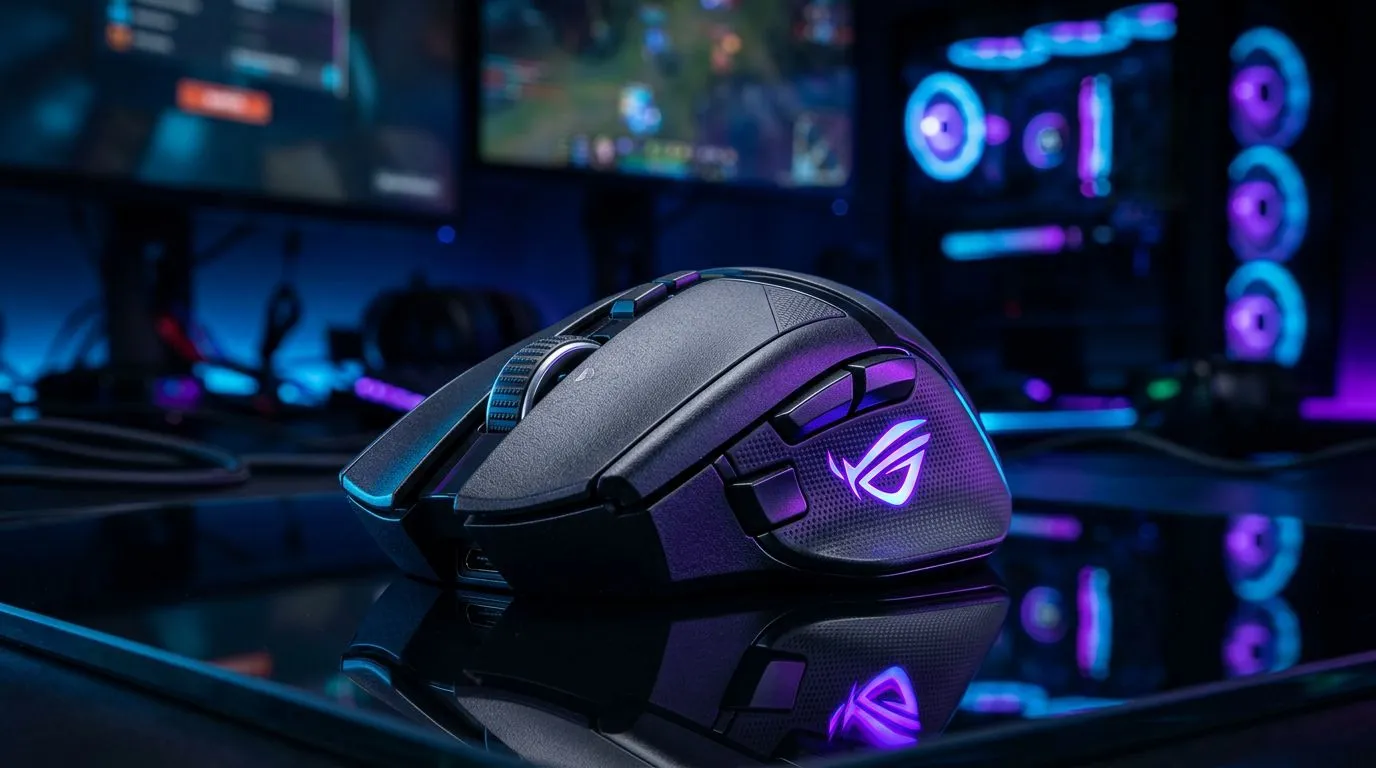
Low latency gaming: Why 40ms matters — a quick SA hook ⚡
South African gamers, imagine a flick that connects a hair faster than usual and wins the round. Low latency gaming is the reason that split-second advantage exists. If your end-to-end delay sits around 40ms, you’re often in the sweet spot for most competitive matches — responsive aim, synced audio, and fewer surprise deaths. Stick around for practical steps and the kit many local players choose. 🎧
Low latency gaming: What 40ms really means for play
Competitive players talk about milliseconds because small delays change outcomes. In practice, 40ms is a useful threshold for responsiveness in FPS and fighting games; lower is better, higher requires compensation. Measure your ping in-game or with simple tools, then compare: if you see consistent spikes above 100ms, aim to cut that in half.
How to test your latency
- Use your game’s built-in ping readout or a network tool while playing.
- Run tests at match times to capture peak-traffic results.
- If audio feels out of sync with visuals, your end-to-end latency is likely affecting gameplay.
Low latency gaming: Reduce lag with network and settings tweaks
Small configuration wins add up. Prioritise wired connections over Wi‑Fi when possible; use QoS settings on your router to favour gaming packets; close background apps that use upload bandwidth. Local ISPs and home setup matter — a stable connection is more valuable than headline speed for consistent sub‑40ms play.
Latency Lab Tip ⚡
If you play on Wi‑Fi, set your router to the 5GHz band, place it in line‑of‑sight of your rig, and enable any “gaming” QoS mode. For best results, plug your PC or console into the router with Ethernet during competitive matches.
Low latency gaming: Gear that helps you stay under 40ms 🚀
The right peripherals shave perceptual lag. Low-latency wireless dongles, wired headsets, and high-polling-rate mice all reduce device-side delay. For headphones and headsets, look at product pages and spec sheets before you buy — Evetech lists full specs and deals. Consider the Razer Barracuda X Chroma for a low-latency wireless option available locally: check its best deal on Evetech here for full specs and availability. https://www.evetech.co.za/razer-barracuda-x-chroma-wireless-headset-phantom-white/best-deal/24367
More headset options and categories
If you want to compare models, browse Evetech’s Razer headsets collection for alternatives and compatibility notes. https://www.evetech.co.za/PC-Components/razer-headphones-headsets-105
For a broader selection across brands and price points, the Evetech headphone & headsets category makes it easy to filter by connection type and latency-focused features. https://www.evetech.co.za/components/headphone-headsets-100
Low latency gaming: Quick checklist before your next match
- Test ping at match time.
- Use Ethernet when possible.
- Disable cloud backups and heavy updates during play.
- Use a wired controller or low-latency wireless dongle.
- Choose headsets and mice with documented low-latency performance.
Low latency gaming: Final thoughts for South African players
Every millisecond counts in ranked play. Treat 40ms as a practical target: under it and you’ll feel snappier; above it and you’ll want to optimise. Start with the network, then fine-tune your peripherals. If you’re shopping, use the Evetech pages above to compare specs, local stock, and ZAR pricing before you commit. ✨
Ready to Find Your Perfect Match? The Mac vs Windows debate is complex, but for maximum power, choice, and value in South Africa, Windows is hard to beat. Explore our massive range of laptop specials and find the perfect machine to conquer your world.











