

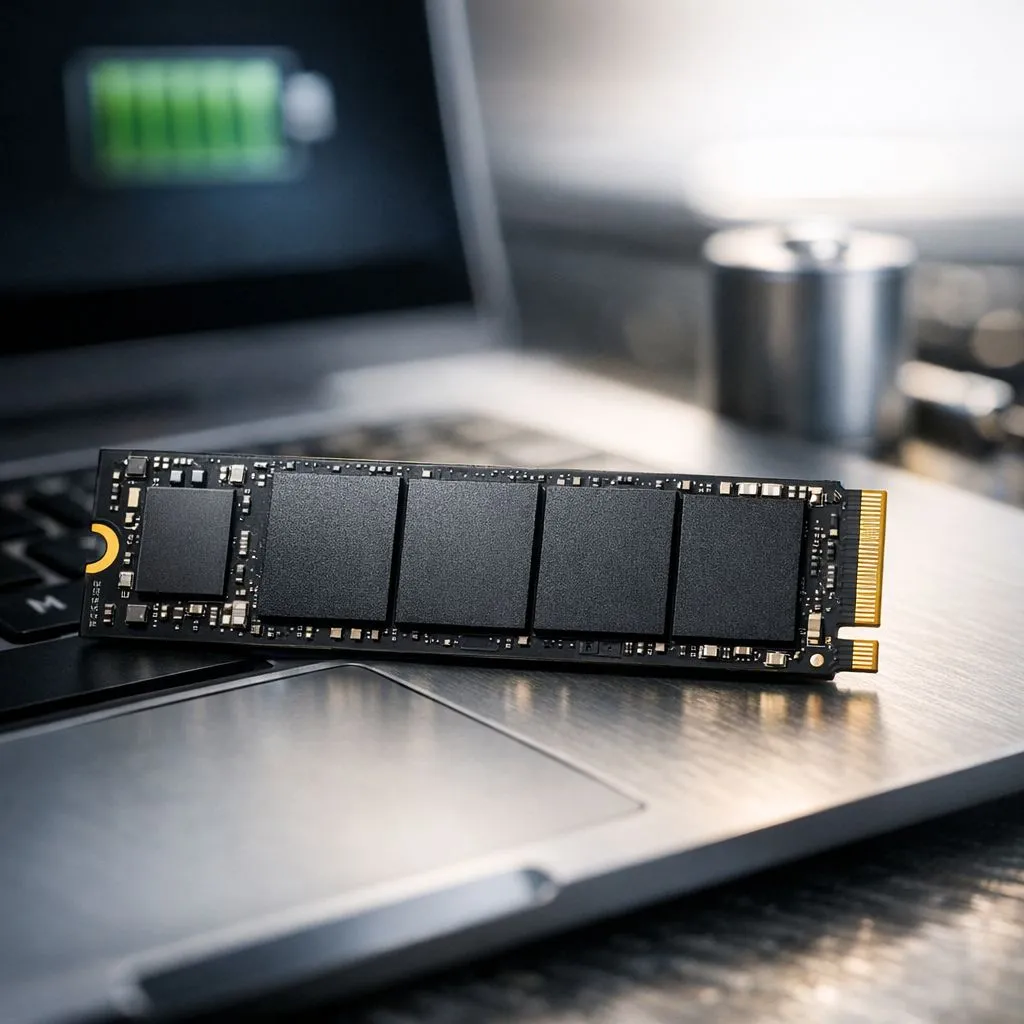
Why Low Power SSDs Matter for South African Users
Ever been mid-game or finishing a vital project during loadshedding when your laptop suddenly dies? It is a frustrating reality for many of us. While we often obsess over CPU and GPU efficiency, your storage choice plays a massive role in energy consumption. Upgrading to low power SSDs to extend your laptop battery life is one of the smartest moves you can make... especially when every watt counts.
Modern laptops rely on efficiency to survive long commutes or power outages. By swapping out an old, power-hungry mechanical drive for energy-efficient solid state drives, you can significantly reduce the strain on your battery. These drives lack moving parts, which means they use less juice and generate less heat. ⚡
Efficiency Meets High Performance
Not all SSDs are created equal when it comes to power draw. While some users chase the absolute maximum speeds of Gen 5 NVMe drives, others prefer a balance. If you are a mobile professional, you want a drive that enters "sleep" mode quickly when not in use.
Brands like ADATA have mastered the art of power management. Their controllers are designed to optimise data flow while keeping voltage low. Similarly, the latest Western Digital Blue and Black series offer sophisticated thermal throttling. This ensures your laptop stays cool and runs longer on a single charge. 🚀
Battery Saver Pro Tip ⚡
In your Windows Power Options, ensure your 'Hard disk' turn off timer is set to a low value when on battery. For NVMe drives, this allows the controller to enter low-power states (L1.2) more frequently, potentially adding up to 30 minutes of extra runtime during your workday.
Portable Power for the Road
Sometimes you need extra storage without opening up your chassis. Using high-speed external SSDs is a great way to carry your library without dragging down your system. These drives are powered directly via USB, so efficiency is paramount.
If you are looking for something rugged yet light, choosing the right external form factor drives can make a world of difference. A drive that draws too much current can cause your laptop to throttle its ports... or worse, drain your battery in record time. By selecting a low-power external unit, you ensure that your files are always ready without needing a wall socket nearby. ✨
Maximising Your Mobile Runtime
Ultimately, the goal is to keep working or gaming for as long as possible. In South Africa, where power stability can be unpredictable, a laptop that lasts six hours instead of four is a massive advantage. Investing a few hundred Rand into a more efficient storage solution is often cheaper than replacing an entire battery.
Choosing low power SSDs to extend your laptop battery life is about more than just speed... it is about reliability. When you choose components that respect your battery, you are investing in a better, more portable computing experience. 🔧
Ready to Find Your Perfect Match? Staying powered up during loadshedding is easier with the right hardware. Whether you need internal speed or portable storage, we have the most efficient tech in South Africa. Explore our massive range of SSD specials and find the perfect drive to keep your laptop running longer.











