

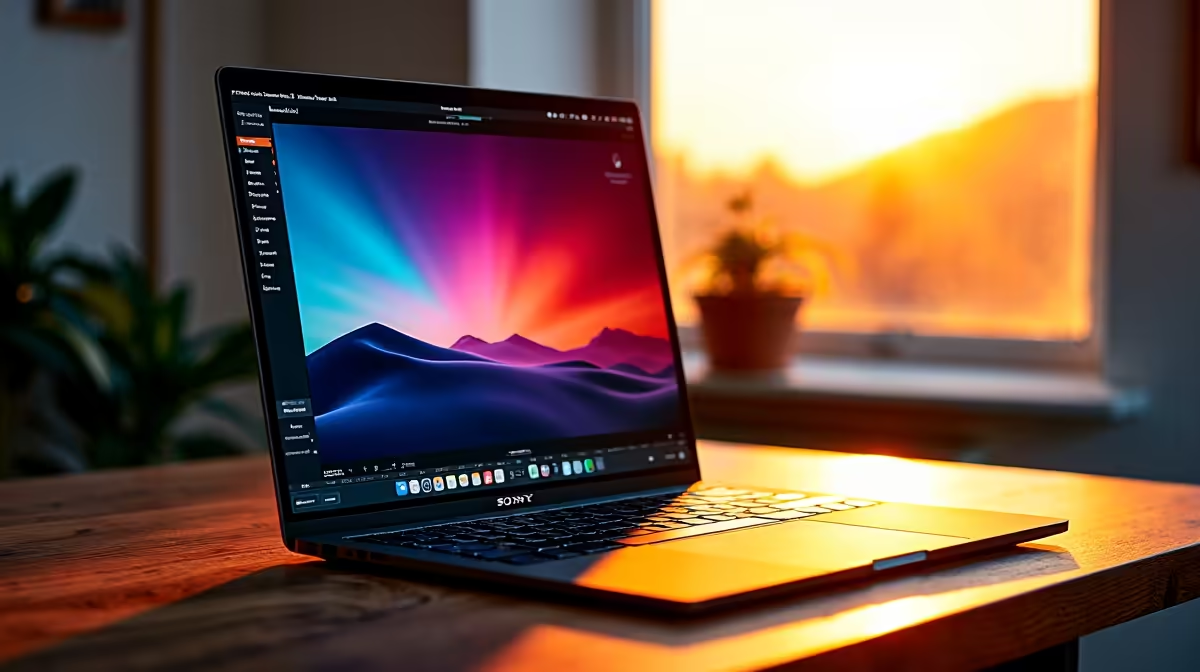
Are you tired of Lightroom crashing when you export a massive batch of wedding photos? The debate over Mac vs Windows for photo editing has raged for years in South African studios. When you are dealing with heavy RAW files, every second counts. Let us settle the score on which platform processes high-resolution images better... and which gives you more bang for your ZAR.
Hardware Power and Processing RAW Files
Editing 50-megapixel RAW files requires serious processing muscle. Apple Silicon chips offer incredible power efficiency. However, Windows machines give you unmatched raw power and upgradeability. If you want to build a custom editing beast, you can explore the best gaming PC deals. High-end Windows rigs often chew through massive Photoshop composites faster. This is because you can easily pack them with high-frequency RAM and advanced cooling solutions.
When you import hundreds of RAW files, your processor works overtime to generate previews. A desktop processor with a high core count will drastically reduce your waiting time.
GPU Acceleration in Modern Photo Editing ⚡
Software like Adobe Lightroom Classic heavily relies on graphics processing. These programs use your GPU to render adjustments in real-time. Macs have unified memory... which works incredibly well for most tasks. But a dedicated NVIDIA or AMD GPU in a Windows machine takes hardware acceleration further.
If you regularly use AI-denoise or complex masking, you will notice the difference. Photographers who buy graphics cards with massive VRAM capacities experience significantly shorter export times.
Storage Pro Tip 🚀
Always keep your active RAW files on an NVMe SSD rather than a mechanical hard drive. Even the fastest processor will bottleneck if it has to wait for a slow drive to load your 100MB image files.
Portability vs Desktop Dominance
Mobile creators need reliable power on location. MacBooks are famous for their battery life and display quality. Still, the Windows ecosystem offers incredible variety for professionals. You can find high-performance notebooks for sale in South Africa that feature stunning OLED displays.
These modern screens offer exceptional colour accuracy. You can perfectly grade your photos on location before sending them to clients. You also get the benefit of multiple ports... which means no more carrying annoying dongles for your SD cards.
File Management and Software Compatibility 🔧
Managing thousands of RAW files requires a robust file system. Windows Explorer makes it incredibly easy to organise your external drives and backup arrays. Photographers often prefer the straightforward folder structures on Windows.
Furthermore, almost all major photography plugins and presets are fully optimised for Windows. You never have to worry about compatibility issues when trying out new editing tools. Whether you are using Capture One or Affinity Photo, the Windows platform provides a stable and reliable foundation.
Value for Your Rands in South Africa 🇿🇦
Budgets matter when you are running a photography business. The Mac vs Windows for photo editing comparison often comes down to price. Upgrading Apple storage or memory at purchase costs a massive premium. Windows systems offer far more financial flexibility.
You can grab incredible pre-built PC deals that deliver double the storage and RAM for the exact same price. More RAM means smoother multitasking when you have Photoshop and Lightroom open simultaneously.
Plus, you can always hunt for component specials to upgrade your storage later. This means your workflow can grow as your photography business expands... without needing to buy a completely new machine.
Ready to Find Your Perfect Match? The Mac vs Windows debate is complex, but for maximum power, choice, and value in South Africa, Windows is hard to beat. Explore our massive range of laptop specials and find the perfect machine to conquer your world.











