

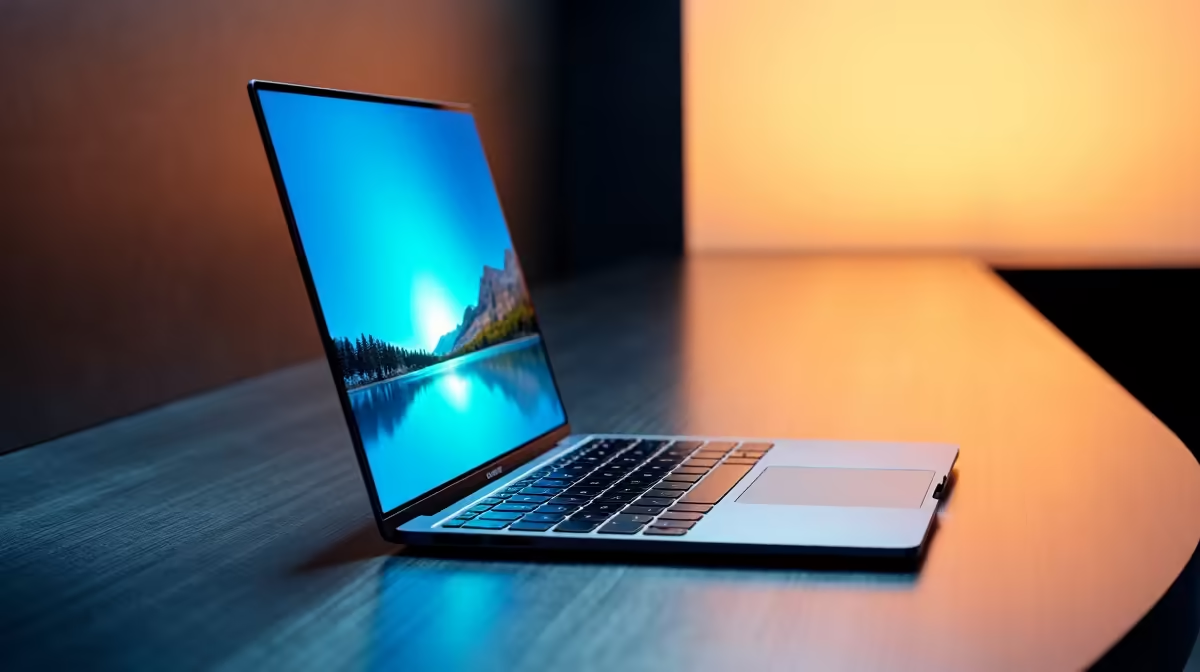
The MacBook Air 13" M5 (approximately R24,999–R27,999) is enough for students, remote workers, and creators on the move. The 15" (approximately R29,999–R32,999) suits designers, video editors, and anyone spending 40+ hours per week staring at one screen. If you carry your laptop everywhere and dock it on a desk at night, go 13". If you work across co-working spaces or coffee shops and want built-in screen real estate, the 15" saves you from buying an external monitor.
Screen Real Estate: Where the Gap Matters
The 13" screen fits 80 characters per line comfortably; the 15" fits 110–120. In Figma or Final Cut Pro, that extra width eliminates constant scrolling. Coding in VS Code with a sidebar, terminal, and editor visible is genuinely easier on 15". But if you use external monitors at work or home, the built-in size is less critical—you're already optimised for desk work.
Brightness and Colour Accuracy
Both screens peak at 500 nits and handle sRGB colour competently. For photo editing where accuracy matters, neither replaces a reference monitor, but both are professional-grade. The 13" feels bright enough in cafe work; the 15" handles outdoor reading slightly better. In South African daylight (especially during midday sun), both glint equally.
Portability: The Hidden Consideration
The 13" Air weighs 1.2 kg and fits airport security trays without drama. The 15" is 1.5 kg—barely heavier—but the footprint (width and depth) matters. Train commuters, campus students, and travellers notice the difference. A 13" Air slides into a backpack alongside books; a 15" needs dedicated laptop bag space. If you're commuting in Johannesburg or Cape Town daily, test both in a typical commute.
Battery Reality
Both deliver 16–18 hours of mixed use in ideal conditions. Real-world? Expect 12–14 hours of actual work (coding, browsing, video editing). The 15" screens drains slightly faster due to pixel count, but the difference is 30 minutes over a 12-hour day—negligible. Neither will let you work through a full load-shedding schedule without anxiety, but both beat Windows laptops' 8–10 hour reality.
Video Editing and Design Workflows
The 15" is noticeably better for timeline-based editing. Final Cut Pro's timeline, inspector, and browser all visible without tabbing feels like working. On the 13", you're constantly cycling between views. Adobe Premiere and DaVinci Resolve have similar UX benefits from extra width. If editing video is even 20% of your work, go 15".
Designers using Figma report the 15" cuts design iteration time by ~10% simply through reduced zooming and panning. The bigger canvas fits more UI components at a readable scale. But again, most designers pair a MacBook with quality external monitors from Evetech anyway, so the difference shrinks.
University and Student Context
SA university students (NSFAS at ~R5,200 per term, private savings, or parent funding) often compare these two. The 13" is easier to lug between lecture halls, library study sessions, and res Wi-Fi zones. The 15" is more comfortable for long assignment nights in the digs. NSFAS covers neither entirely, but students funding the gap should ask: "Will I use an external monitor at my study desk?" If yes, 13" anywhere, 15" nowhere. If no, the 15" gives you a desk-free study option.
Upgrade and Trade-In Value
In the South African second-hand market, 13" units move faster—they appeal to a wider audience. A three-year-old 13" Air M1 resells at ~70% of original; the 15" is closer to 65%. The 13" liquid market means shorter holding periods and less price uncertainty if you sell in 2–3 years.
Screen Size Test ⚡
an Apple reseller and open Final Cut Pro, Figma, or your daily work app on both models. Spend 10 minutes editing or designing. The mental fatigue difference—if any—is your signal. Most people overestimate screen size needs. [Pair your choice with external SSDs from Evetech](https: www.evetech.co.za PC-Components buy-solid-state-drives.aspx) to extend your working capacity without carrying a heavier laptop.
The Desk-Centric Workflow Exception
If you work 90% of the time docked at the same desk with external monitors, get the 13". You're paying for size you never use. But if you rotate between two offices, work from client sites, or study in variable locations, the 15" pays for itself in screen real estate and reduced monitor-hunting.
Verdict: 13" for Flexibility, 15" for Comfort
Choose the 13" if you value portability, live in variable work environments, or plan to pair it with external displays. Choose the 15" if screen real estate is your daily reality and you're willing to keep it in a bag designed for larger laptops. Both are excellent machines; the choice hinges on lifestyle, not performance.
Think about your typical work week: How many hours at a fixed desk with external monitors? How many hours with just the built-in screen? If it's 60%+ fixed desk time, the 13" wins. If it's 40%+ moving, the 15" wins.
Ready to decide on your air-sised MacBook? Visit a local reseller to test both screen sizes in your typical work environment, then configure your choice with the right storage and upgrades. Check Evetech's accessory range to kit out your workstation with the right peripherals.











