

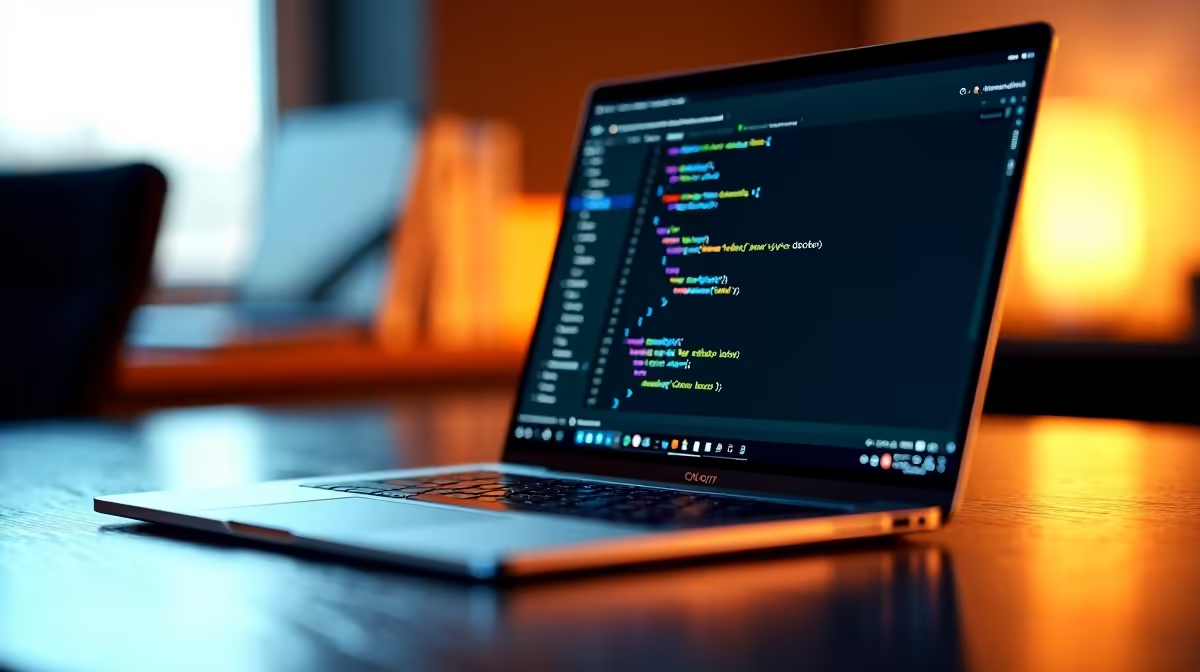
Is the MacBook Neo 8GB RAM Enough for Coding in VS Code and Docker?
South African developers often ask: can a MacBook Neo with 8GB RAM handle coding work on VS Code and Docker without hiccups? The short answer: it depends on your coding intensity. Lightweight projects? Likely smooth sailing. But for multiple Docker containers or large codebases, 8GB can get tight. Let’s explore how to optimise and when it’s worth upgrading. ⚡
Understanding the MacBook Neo’s Performance with VS Code
Visual Studio Code is famous for its lightweight footprint, but extensions and multiple projects ramp up memory use fast. The MacBook Neo’s 8GB RAM can generally handle coding comfortably if you keep browser tabs and background apps minimal. South African coders juggling freelance gigs know the value of a laptop that balances portability and performance. For more powerful multitasking, consider upgrading RAM components from Evetech’s memory shop.
Managing VS Code and Extensions Efficiently
Extensions enhance productivity but add to RAM load. Disable unused ones and close projects after use. Running a simple React or Node.js app on the MacBook Neo typically works well. However, running simultaneous heavy tasks could strain the system.
Docker’s Demands on 8GB RAM MacBook Neo
Docker containers can chew up memory rapidly. On an 8GB MacBook Neo, running multiple containers or heavier images may cause sluggishness. South African developers aiming to build and test containerised apps should monitor Docker’s resource allocation closely and adjust limits to keep the system responsive. For easily scalable setups, a custom pre-built PC deal from Evetech’s collection might be worth considering for around-the-clock heavy usage.
Simple optimization tip for coding rigs
cleaning leftover Docker containers and images regularly to free memory. Running [docker system prune](https: docs.docker.com engine reference commandline system_prune ) clears unused data and boosts free RAM for coding.
When to Consider a Laptop Upgrade for South African Coders
If your projects involve large databases, machine learning, or running VMs alongside Docker, the MacBook Neo’s 8GB RAM could bottleneck your workflow. Other options to explore in South Africa include budget-friendly, high-performance laptops that offer 16GB or more from Evetech’s notebooks collection.
Gamers making the switch to coding might also check out best gaming PC deals in SA — many have ample RAM and powerful CPUs to handle intense multitasking environments.
Optimise Coding Performance Beyond Hardware
Maximising performance isn't just about hardware. Reduce unnecessary background apps, limit browser tabs, and use lightweight code editors when needed. Keeping the MacBook Neo’s macOS updated ensures you benefit from Apple’s performance patches. Also, consider external SSDs if storage speed matters to your development workflow.
Learn more about optimising tech purchases with our regularly updated Evetech specials.
Ready to boost your coding setup? Unlock better performance and upgrade your gear with confidence. Shop now at Evetech for laptops designed to power South African developers through any project.











