

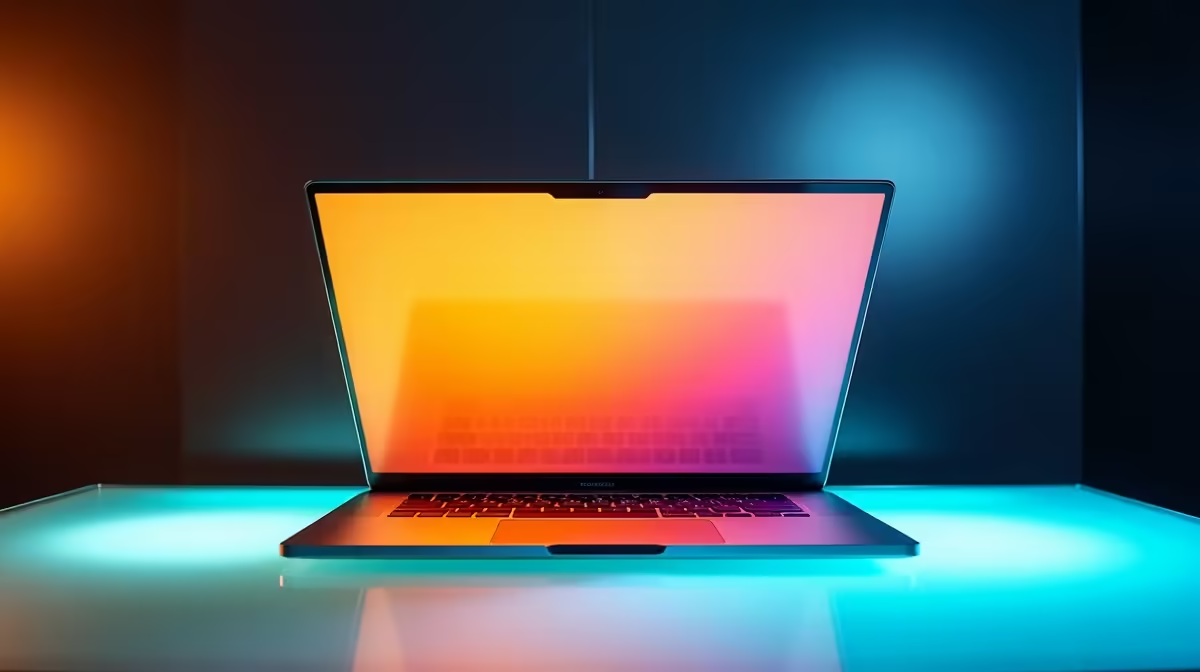
The MacBook Pro 14" M5 Pro (approximately R42,999–R49,999) and 16" M5 Pro (~R52,999+) are performance-matched if you spec them identically—same GPU cores, same memory. The size difference isn't about speed; it's about screen real estate, weight, and whether you're carrying it daily. Choose 14" if you move between offices and desks; choose 16" if you live on it in one location or work in fields where every inch of screen matters (post-production, design).
Screen Size: Professional Context
The 14" fits a standard desk without sprawl. The 16" occupies more real estate but gives you 25% more screen area. In practice, a 14" with external monitors outperforms a 16" alone—but the 16" built-in screen eliminates the need for a second monitor in emergency or mobile scenarios.
For colour grading and compositing—where you want scopes, timeline, and reference frame all visible—the 16" reduces window juggling. For coding with a three-pane layout, the 16" wins. For email and Slack, both are overkill.
Brightness and P3 Colour
Both screens peak at 1,500 nits HDR and render P3 colour accurately. No professional advantage to one over the other. The 16" is easier to read from a distance (team presentations), but at arm's length, brightness isn't the limiting factor.
Weight and Portability
The 14" weighs 1.6 kg; the 16" is 2.1 kg. That 0.5 kg difference compounds on long commutes—a 14" in a padded sleeve barely registers; a 16" makes you notice the bag weight. If you're moving between Johannesburg offices, hopping between Cape Town co-working spaces, or commuting on the Gautrain daily, the 14" is noticeably better.
For someone who travels internationally quarterly or carries the machine across multiple cities, the 14" is the practical choice. For a studio-based post-production professional who touches the laptop once per week for log updates, the 16" screen advantage outweighs portability.
Performance Parity (Same Spec)
A 14" M5 Pro with 36GB memory and a 16" M5 Pro with 36GB memory deliver identical export times, render speeds, and responsiveness. The machine that's faster is the one with more GPU cores, not the one with a bigger screen. A 14" M5 Max outperforms a 16" M5 Pro. Don't confuse screen size with power.
Thermal Headroom
Both have excellent cooling. The 16" chassis provides marginally more dissipation surface, so the 16" sustains peak performance ~2–3% longer under heavy rendering loads. After 30 minutes of continuous video export, the 16" throttles slightly less than the 14". For editing sessions under 2 hours, you won't feel it.
Pro Workflow Context in South Africa
Post-production houses (especially in Cape Town and Johannesburg) favour the 16" for at-desk colour grading and editing. Freelancers and consultants who work across client sites tend toward the 14". If your budget allows, pair the 14" with a high-quality external monitor—browse Evetech's gaming and professional monitors—and you've optimised for both mobility and screen real estate.
Battery and Loadshedding Reality
The 14" delivers 16–18 hours of mixed work. The 16" achieves 14–16 hours due to the larger screen and higher sustained power. During South Africa's Stage 6 loadshedding, battery endurance matters. If you're working in unplugged environments (campuses, load-shedding zones), the 14" is the safer bet. If you're always near power, the difference is cosmetic.
Resale and Longevity
Both hold value well in the SA second-hand market. The 14" moves faster (wider audience), so if you resell after two years, you'll find a buyer quickly. The 16" has higher absolute resale value but a smaller buyer pool, meaning slower conversion and potentially steeper discounts to close a deal. If you're budgeting for eventual upgrades, assume 40% of original price recovered either way—not a major differentiator.
Cost-Benefit
The 16" costs R8,000–R10,000 more. For desktop professionals (designers, post-production, 3D work) where the extra screen saves time and strain, that's justified. For consultants, developers, and educators juggling multiple locations, the 14" spends that R10,000 better toward ergonomic accessories like quality monitors and stands at your permanent workspaces.
MacBook Pro Workspace Planning ⚡
buying, picture your typical week: How many hours at a fixed desk? How many moving between locations? If 80%+ desk-bound, the 16" makes sense. If 40%+ mobile, the 14" plus external monitors at your regular spots is smarter. Both machines last 5+ years; choose based on where you'll sit, not just what you'll run.
The Real Question: Fixed or Flexible?
If you operate from one studio, design studio, or office with docking stations and external monitors, choose the 16"—the built-in screen is secondary. If you're a consultant, educator, or freelancer splitting time across client sites, campuses, and home, the 14" is the obvious choice. The 16" becomes a desk-bound machine that happens to be portable.
Verdict: 14" for Mobility, 16" for Studio Work
Neither is objectively "better." The 14" M5 Pro is the right choice if you value lightweight convenience and will augment it with external displays. The 16" M5 Pro is right if your screen real estate is working capital—you're selling a product that lives on that display. Choose based on where you sit 80% of the time, not the 20% edge case.
Ready to set up your pro MacBook workspace? Decide on 14" or 16" by considering your daily environment, then build a peripheral strategy that maximises productivity. Explore professional displays and accessories at Evetech to complete your setup.











