

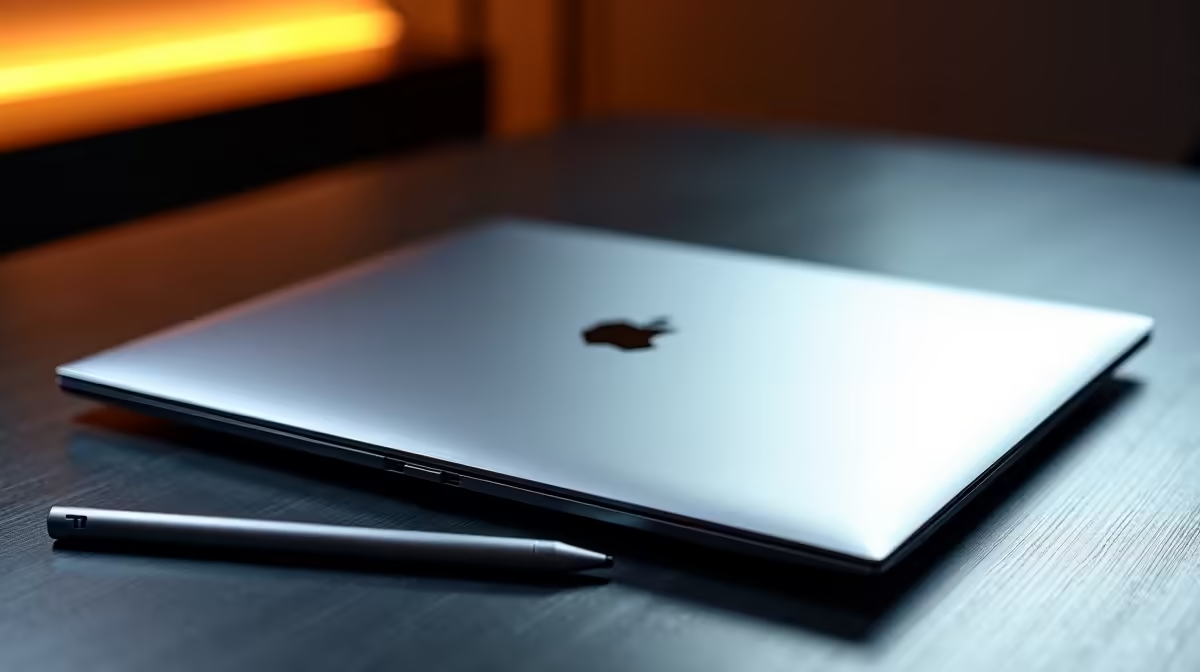
Are you a South African creative staring at a hefty ZAR price tag, wondering which device deserves your hard-earned cash? The MacBook vs iPad for drawing and digital art debate is a hot topic. Do you crave the tactile feel of an Apple Pencil on glass... or do you need the raw computing power of a traditional laptop? Let us explore your best options.
The iPad... Your Portable Sketchbook ✨
For pure illustration, the tablet experience is phenomenal. Paired with a smart stylus, an iPad mimics the traditional pen-on-paper feel almost perfectly. Software like Procreate is highly optimised for touch inputs. You can comfortably sit in a Cape Town cafe and sketch for hours. It is lightweight, highly intuitive, and boasts brilliant screen colour accuracy.
However... it definitely has limitations. Multitasking can feel quite clunky. If your workflow involves managing hundreds of reference files, heavy 3D rendering, or complex video editing, the mobile operating system might hold you back.
The MacBook... Heavy-Duty Creative Power 🚀
This is exactly where traditional computers shine. A laptop gives you full desktop versions of industry-standard software, massive storage options, and superior file management. You cannot draw directly on the screen... but plugging in a dedicated drawing tablet solves that problem instantly.
If you want similar creative power but prefer the flexibility of Windows, there are incredible alternatives. You can easily find high-performance notebooks for sale in South Africa that rival any premium brand in both screen quality and processing speed.
The Cost of Creativity in ZAR
Budget plays a massive role in this decision. A fully specced flagship tablet can easily cost as much as a high-end laptop. When comparing a MacBook vs iPad for digital art, you must factor in the software costs too. Mobile apps are generally cheaper one-off purchases, while desktop software often requires monthly subscriptions. You need to weigh up what makes financial sense for your specific art style.
Beyond Apple... Why Desktop PCs Dominate 3D Art 🔧
Many modern artists do not just draw... they sculpt in 3D, animate, and design immersive environments. For these intensive tasks, a slim device might overheat or throttle down. A desktop workstation is often the smarter investment. If you want a machine that handles both high-end design software and the latest releases, browsing the best gaming PC deals is highly recommended.
Building a custom rig from scratch can feel daunting. Thankfully, you can grab fantastic pre-built PC deals that are ready to plug in and start creating immediately. These machines offer incredible hardware value for your Rands.
To render complex scenes in Blender or Unreal Engine, a powerful GPU is absolutely non-negotiable. You will want to buy graphics cards that feature dedicated ray-tracing cores to speed up your workflow. Do not forget to regularly check our daily specials to find premium components at heavily discounted prices.
Creative Workflow Pro Tip 🎨
If you already own a tablet, you can use software like Duet Display or SuperDisplay to turn it into a secondary monitor for your main PC. It is a fantastic way to keep your reference images separate from your main drawing canvas while saving valuable desk space.
Ready to Find Your Perfect Match? The Mac vs Windows debate is complex, but for maximum power, choice, and value in South Africa, Windows is hard to beat. Explore our massive range of laptop specials and find the perfect machine to conquer your creative world.











