

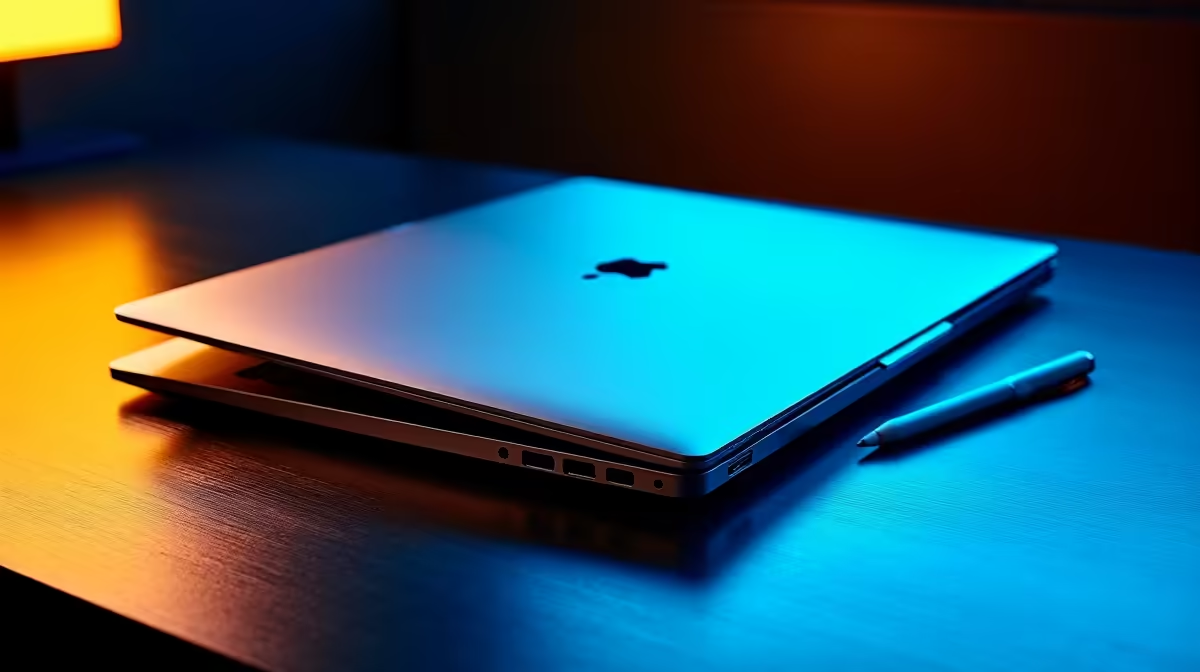
University lectures in South Africa are intense. Between dodging load-shedding and keeping up with fast-talking professors, you need reliable tech. The ultimate campus debate is choosing a MacBook vs iPad for taking notes in lectures. Both devices have massive appeal... but which one justifies spending your hard-earned ZAR? Let us break down the pros and cons to help you optimise your study workflow.
Typing Speed vs Creative Freedom 🚀
When evaluating a MacBook vs iPad for taking notes in lectures, your personal learning style is the most crucial factor. If you study law, journalism, or computer science, a MacBook is brilliant. The physical keyboard lets you type at lightning speed. You can easily switch between multiple browser tabs, research papers, and typing software. For students exploring premium notebooks for university, a traditional laptop offers unmatched multitasking power.
On the flip side, an iPad paired with a stylus is perfect for visual learners. Engineering, architecture, and medical students often prefer the iPad. You can draw complex diagrams, annotate PDF slides directly, and highlight text by hand. Studies show that writing by hand can actually improve your memory retention for exams.
Battery Life and Portability on Campus
Carrying a heavy backpack across a massive campus is exhausting. Both of these Apple devices are incredibly light and easy to carry. However, the iPad takes the win for absolute portability. You can slip it into almost any small bag or sleeve.
The MacBook, conversely, offers exceptionally reliable battery life for those marathon library sessions. You will not need to hunt desperately for a wall plug during stage four power cuts. You can comfortably leave your charger at your digs and survive a full day of classes.
What Happens After Class? 🎮
Your technology needs do not stop when the lecture ends. While discussing a MacBook vs iPad for taking notes in lectures is important, what about your downtime? Neither of these ultra-portable devices is ideal for hardcore gaming or heavy 3D rendering.
If you want to unwind with competitive esports after a long day of studying, you need a different machine. Many South African students prefer taking a lightweight tablet to class while keeping powerful gaming PC setups at home. A dedicated rig handles heavy workloads and modern games with total ease.
For those who want plug-and-play convenience without building a system from scratch, a solid pre-built desktop is a brilliant investment. You get reliable, guaranteed performance without the stress of matching individual components.
Balancing the Student Budget 🔧
University life is expensive... and you have to be smart about your ZAR. If you are studying graphic design, animation, or video editing, you might need serious graphical power at home. Upgrading your home workstation with dedicated graphics cards will serve you much better than buying the most expensive ultra-book for campus.
Always keep a close eye out for tech specials to stretch your student budget further. You can often find incredible deals on monitors, peripherals, and hardware that perfectly complement your daily carry device.
Study Sync Tip ✨
Use cross-platform cloud apps like Notion or Microsoft OneNote. They sync seamlessly across all your devices. You can sketch a complex mind map on your tablet during class, and then type out the final summary on your desktop at home.
Ready to Find Your Perfect Match? The Mac vs Windows debate is complex, but for maximum power, choice, and value in South Africa, Windows is hard to beat. Explore our massive range of laptop specials and find the perfect machine to conquer your world.











