

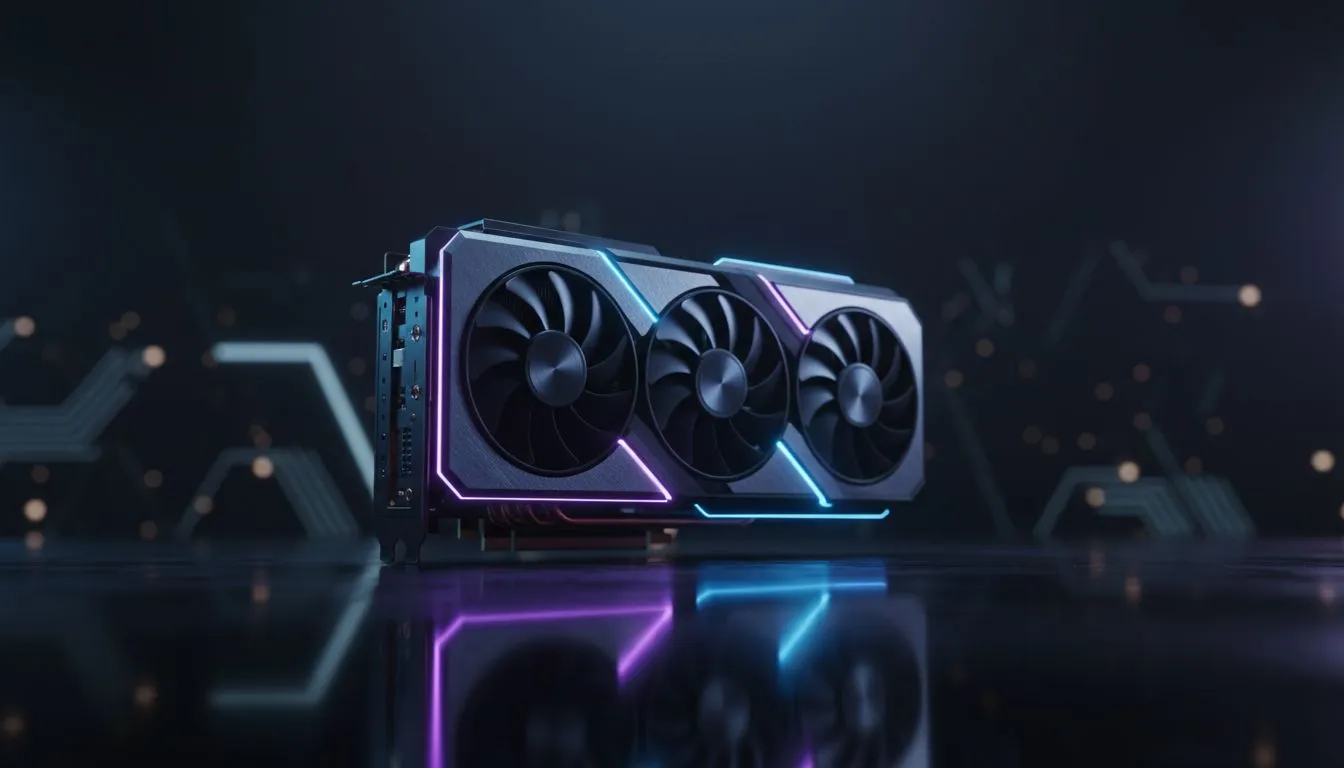
Manage GPU thermals for South African summer gaming — quick wins 🔥
South African summers push case temps up fast. Want stable FPS and fewer crashes? Learn pragmatic steps to manage GPU thermals without replacing your whole rig. These tips fit cramped bachelor pads in Cape Town and proper LAN-room setups in Jozi... and they work whether you game on a budget or after the latest GPU drop.
Manage GPU thermals with airflow first
Good airflow is the cheapest, most effective tactic. Spend an hour rearranging cables, moving intake fans forward and exhaust fans to the rear/top, and you’ll notice lower idle temps. If you’re shopping GPUs, compare families and form factors; Evetech lists GeForce options with small‑form and full‑size coolers to suit your case. Check the GeForce range here: GeForce Graphics Cards at Evetech.
Case placement and ambient heat
Avoid placing your rig next to sunlit walls or heaters. In Cape Town’s summer, ambient room temperature can add 5–10°C to component temps. That compounds with high GPU load during long sessions.
Manage GPU thermals by tuning fans and power
Fan curves and power limits let you trade a bit more noise for much lower peak temps. Modern GPUs from both major lines respond well to conservative power limit reductions to drop thermals with minimal FPS loss. If you prefer an MSI card with aggressive cooling, Evetech’s MSI listings give quick comparisons for models with stronger stock coolers: MSI GPUs at Evetech.
Clean and refresh thermal interface
Old TIM can thicken and reduce heat transfer. Replacing it every 2–3 years keeps thermals healthy. If you’re buying a new card because cooling is sluggish, compare Radeon options too; some models have beefier coolers out of the box: Radeon Graphics Cards at Evetech.
Cooling Pro Tip ⚡
Before adjusting power limits, monitor temps with tools like MSI Afterburner under a 15‑minute stress run. Note fan RPM and hotspot temps, then tweak small 5% power steps for the best balance of noise, heat, and performance.
Manage GPU thermals with strategic upgrades
If airflow and tuning aren’t enough, consider a better cooler or chassis fans. Evetech’s full graphics card category helps you shop in ZAR and compare cards by cooler design before you buy: All Graphics Cards at Evetech.
Wrap up: prioritise airflow, monitor temps during peak South African afternoons, and use modest tuning before spending on hardware. Small changes often yield the biggest gains.
Ready to Find Your Perfect Match? The Mac vs Windows debate is complex, but for maximum power, choice, and value in South Africa, Windows is hard to beat. Explore our massive range of laptop specials and find the perfect machine to conquer your world.











