

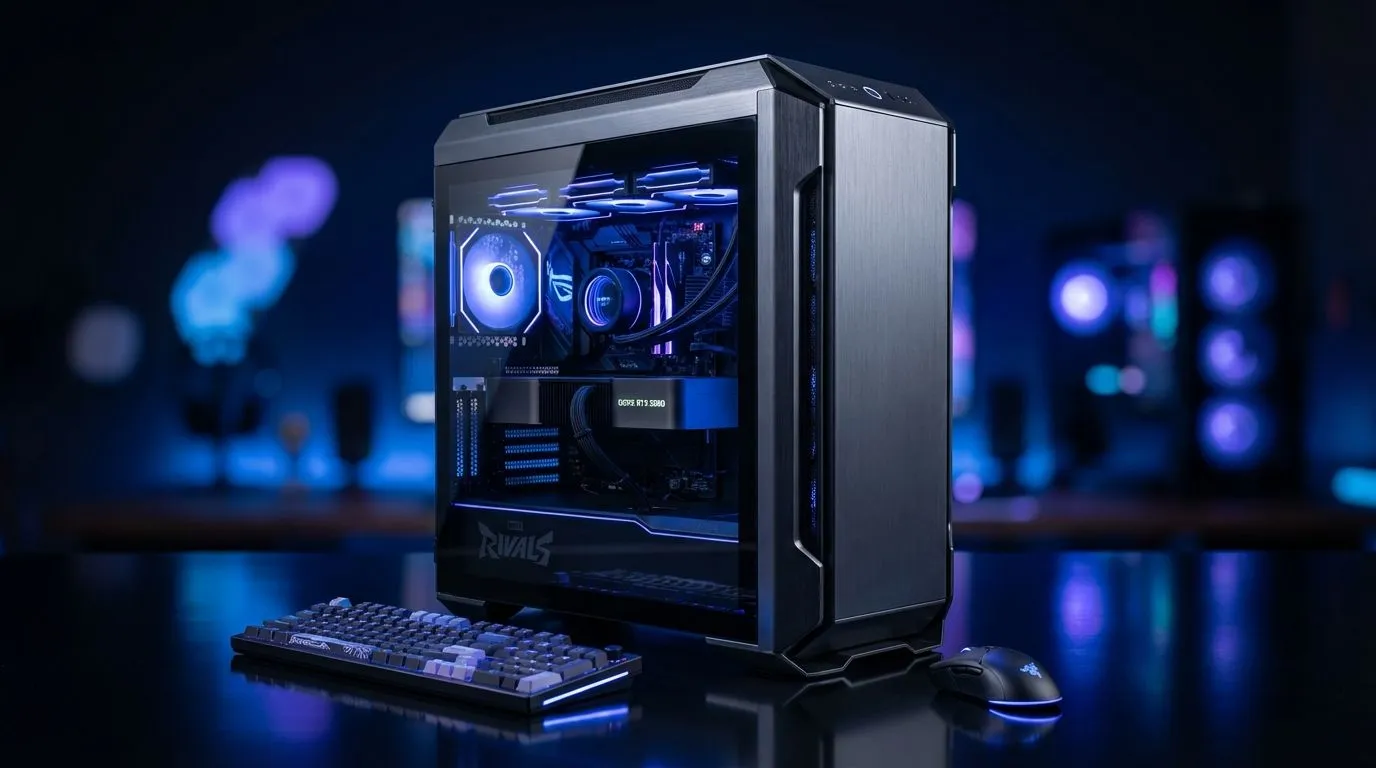
Marvel Rivals is a visual feast... but in 2026, frames win games. If you are playing from Cape Town or Joburg, every millisecond counts. High latency is hard enough... don't let stuttering graphics make it worse. Using the right Marvel Rivals Pro Settings (2026) helps you disable shadows and boost FPS instantly. This ensures your hardware focuses on what matters... hitting your shots. ✨
Why You Should Disable Shadows and Boost FPS
Shadows look great but eat resources. In a competitive hero shooter, clarity is king. By lowering shadow quality, you reduce the load on your GPU. This allows for higher frame rates and more consistent performance. If your current rig is struggling to maintain a steady 144Hz, checking out the latest pre-built PC deals might be your best move to stay competitive.
Essential Graphics Tweaks for Marvel Rivals
Most professional players prioritise performance over visual flair. Start by setting your resolution to your monitor's native refresh rate. Turn off V-Sync to eliminate input lag. For those starting their journey, our budget gaming PCs can still push high frames if you optimise correctly. ⚡
- Shadow Quality: Low or Off.
- Texture Detail: Medium (for visual balance).
- Anti-Aliasing: Low or FXAA.
If you want to play at 1440p or 4K without drops during intense team fights, you should consider PCs above R20k. These machines handle the chaos of hero abilities effortlessly.
Reflex for the Win ⚡
Always enable NVIDIA Reflex Low Latency in the Marvel Rivals settings menu. If you have an AMD card, use Anti-Lag. This reduces the time it takes for your mouse click to register as an action on screen... which is vital when playing high-mobility heroes in South African lobbies.
Hardware Matters for Competitive Play
Software tweaks only go so far. If your hardware is a few years old, it might be time for an upgrade. We offer a wide range of PCs under R20k that are perfect for Marvel Rivals. These systems are built to handle the intense particle effects of modern hero shooters.
Finding the right balance is key. You don't need to spend a fortune to get a competitive edge. Our best gaming PC deals feature hardware specifically chosen for modern titles. Keeping your drivers updated and your PC cool will also help maintain those high frame rates during long sessions 🚀.
Conclusion
Optimising your game is about removing distractions. By using these Marvel Rivals Pro Settings (2026), you ensure that your focus remains on the enemy team... not your frame counter.
Ready to Dominate the Arena? Achieving pro-level performance starts with the right hardware. For the best frames and value in South Africa, Evetech has you covered. Explore our massive range of gaming PC deals and find the perfect machine to climb the ranks in Marvel Rivals.











