

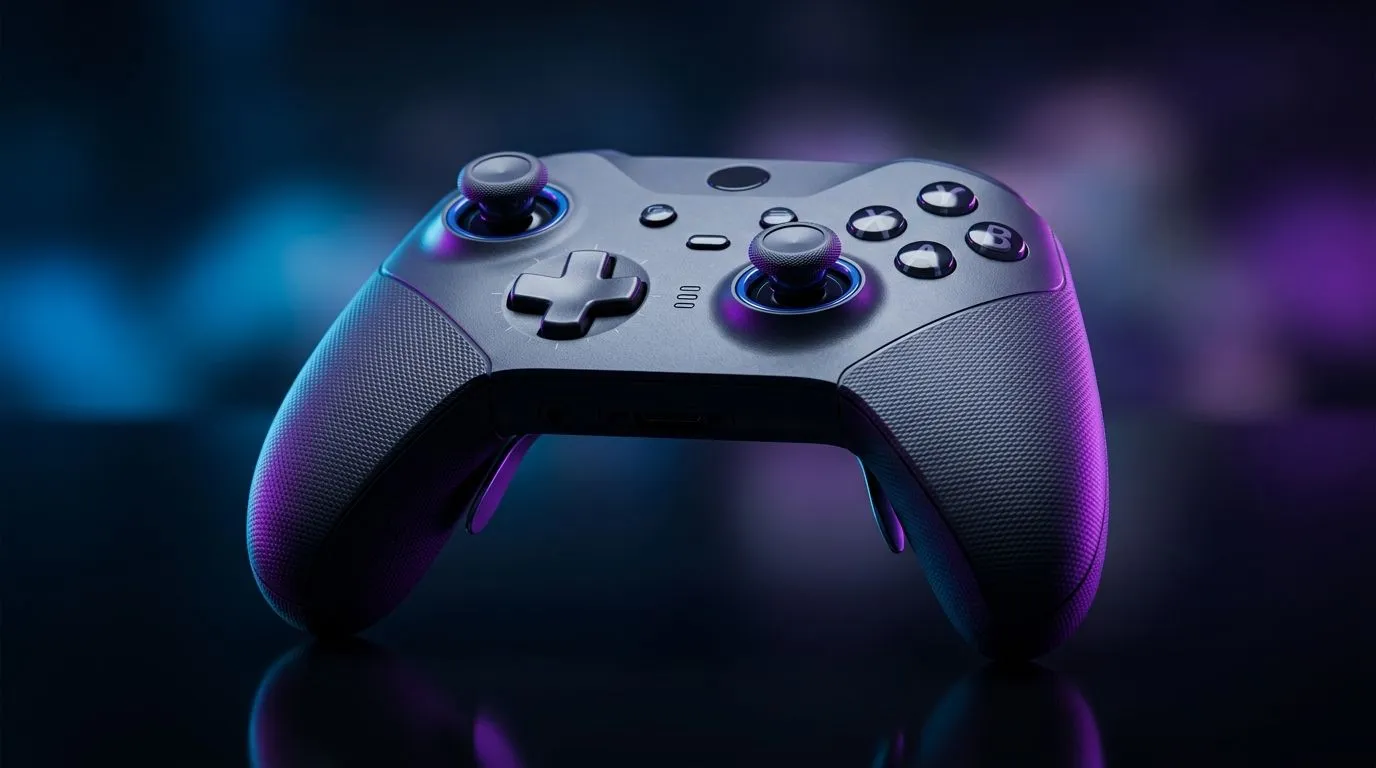
Maximise Wireless Gaming Controller Battery Life (and stop “low battery” mid-match) ⚡
South African gamers know the pain… you’re one clutch away, your wireless controller hits low-battery, and suddenly you’re switching to backup sticks. Not today. If you want longer sessions on your pad, the trick is understanding what drains power fastest: signal strength, controller vibration, and battery habits. Let’s walk through practical settings and daily routines to maximise wireless gaming controller battery life, so your controller stays reliable through ranked nights and couch co-op.
Maximise Wireless Gaming Controller Battery Life: What drains it most? 🔋
Before tweaking anything, it helps to know the usual culprits:
- High vibration / rumble: constant actuator movement costs more power.
- Brighter LEDs / player indicators: small draw, but it adds up over hours.
- Weak wireless signal: distance and obstacles force more retransmissions.
- Using the wrong charging practice: partial charges and heat can reduce long-term capacity.
- Extreme temperature: hot rooms and direct sun are rough on lithium batteries.
Wireless controllers also tend to use more energy in sessions with heavy rumble, motion, or constantly changing inputs. That’s normal physics, not “your controller being faulty”.
Maximise Wireless Gaming Controller Battery Life: Settings that actually work 🚀
Start with the easiest wins:
- Turn down vibration/rumble If your games let you reduce intensity, do it. You’ll notice the difference only when you look for it.
- Lower LED brightness (if available) Some controllers have adjustable light settings in software.
- Keep the controller closer to the console/PC Try staying within a couple metres. If your setup is across the room, reposition your base station or receiver.
- Use wired charging when you can During long sessions, charging while playing prevents battery cycles from doing extra work.
Battery Saver Tip 🔧
On Windows, disable background apps that keep polling peripherals. In Settings > Privacy & security > Background apps, turn off anything you don’t need while gaming. Less background activity can reduce overall system load, which helps keep USB polling stable for wireless receivers and helps you avoid random disconnects that waste power.
Controller battery habits (the “small changes” that matter) ✨
- Don’t let it sit fully empty for long periods. If you can, recharge when it’s convenient.
- Avoid heat during charging. Charging on a hot desk is not ideal.
- Charge regularly, don’t only “top up at 1%”. Consistent charging helps keep capacity healthier over time.
Maximise Wireless Gaming Controller Battery Life: A smart buying checklist in South Africa 🕹️
If you’re shopping for a new wireless controller, battery life is only half the story. Look for features that reduce power draw in real use.
- Battery capacity and charging method: rechargeable packs that are easy to maintain usually win.
- Low-latency wireless mode: fewer retransmits often means better efficiency.
- Reliable wireless range: avoids the “it dies when I move” problem.
Want to compare controllers before you spend your next ZAR? Check out these Evetech pages:
- Explore the Razer Wolverine V3 Tournament Edition (8K) deals here: Razer Wolverine V3 Tournament Edition 8K best deal
- Browse options across different budgets: Buy gaming controllers
- Prefer Razer? Shop directly by brand: Buy gaming controllers by Razer
Maximise Wireless Gaming Controller Battery Life: Quick routine for longer nights ⚡
Try this before your next gaming session:
- Charge to a comfortable level the evening before.
- Enable lower rumble if you’re playing competitive.
- Test your distance from your console/PC with a quick menu check.
- Keep a backup cable nearby for “just in case” moments.
It’s not about babying hardware. It’s about reducing the number of battery-draining events per hour.
Ready to Find Your Perfect Match? The Mac vs Windows debate is complex, but for maximum power, choice, and value in South Africa, Windows is hard to beat. Explore our massive range of laptop specials and find the perfect machine to conquer your world.











