

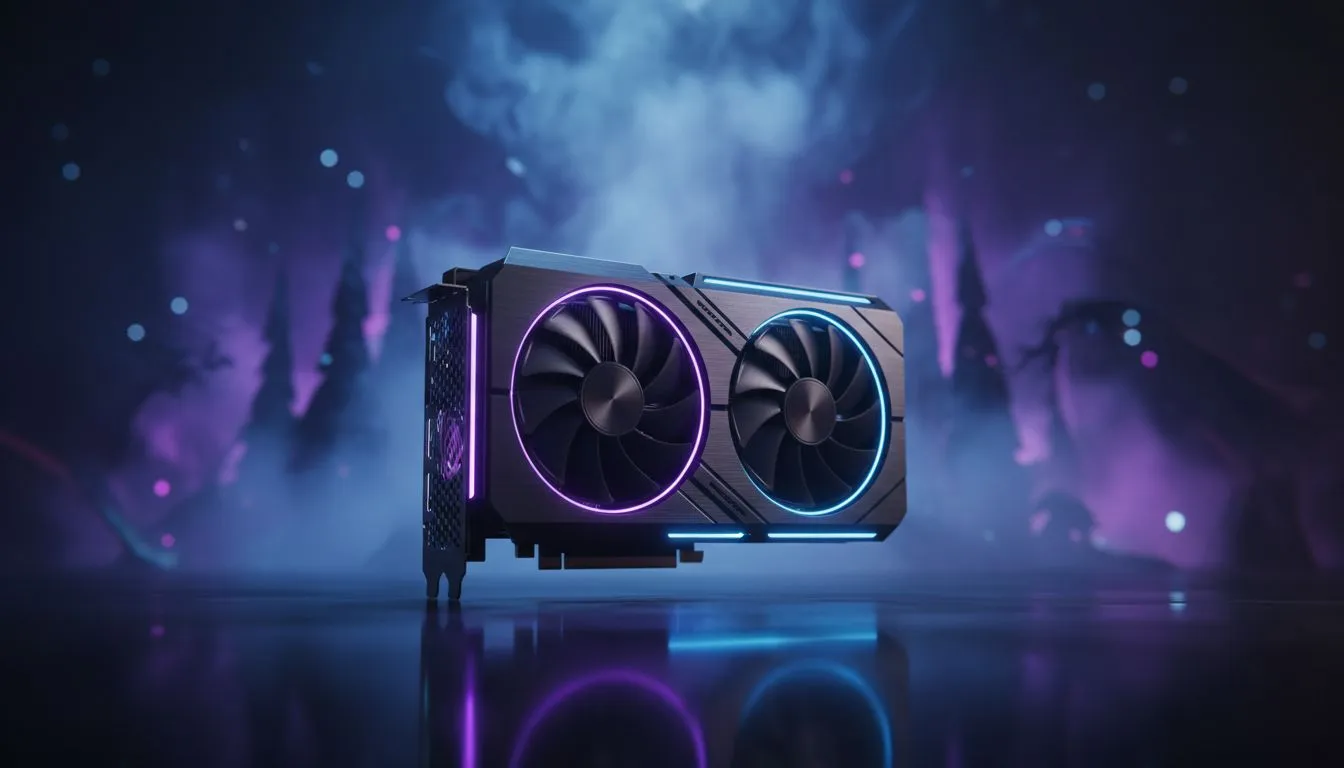
Boosting Performance with the MH Wilds FSR 4 fix: Playable FPS on Low-End PCs
Monster Hunter Wilds is finally here, but for many South African hunters, the frame rates are more terrifying than a Rathalos. If your older rig is stuttering through the Forbidden Lands, you aren't alone. The MH Wilds FSR 4 fix: Playable FPS on Low-End PCs is currently the best way to get smooth performance without spending a fortune on a total system overhaul... especially when every frame counts during a hunt. 🔧
How AI Upscaling Saves Your Hunt
The core of this performance boost lies in the latest FidelityFX Super Resolution technology. While the game is demanding, leveraging AMD Radeon graphics cards allows you to use AI-driven upscaling to render the game at a lower resolution while maintaining visual clarity. This specific fix involves forcing the latest FSR 4 protocols through configuration files, which can effectively double your frame rate on hardware that previously struggled to hit 30 FPS.
For those on the green team, the compatibility of NVIDIA and ATI graphics cards with these open-source upscaling methods is a lifesaver. Even if you aren't running the latest RTX 40-series, you can still utilise these optimisations to ensure your hunt remains fluid.
Performance Pro Tip ⚡
Always ensure your Windows Power Plan is set to 'High Performance' when hunting. It prevents the CPU from downclocking during intense monster encounters, which helps maintain the stability provided by the FSR fix and reduces micro-stuttering in dense environments.
Choosing the Right Hardware for the Forbidden Lands
If the software fix isn't quite enough to reach your target FPS, it might be time to look at a minor hardware refresh. Many local gamers find that MSI graphics cards provide the thermal headroom needed to keep clock speeds high during long sessions. Better cooling means less thermal throttling... and fewer faints because your screen froze during a critical dodge.
Interestingly, we have seen excellent results from budget-conscious builders using Intel Arc graphics cards. Their driver updates have specifically targeted modern titles like Monster Hunter, making them a viable alternative for achieving a stable 60 FPS. While some might try to repurpose workstation graphics cards for gaming, we generally recommend sticking to consumer-grade GPUs for the best driver support in MH Wilds.
Optimising Your In-Game Settings
Beyond the MH Wilds FSR 4 fix: Playable FPS on Low-End PCs, you should also look at your "Volumetric Fog" and "Shadow Quality" settings. Lowering these to Medium or Low can save roughly 15% of your GPU resources with minimal impact on the overall aesthetic. In South Africa, where high-ambient temperatures can affect PC performance, keeping your GPU load slightly lower is always a smart move to ensure longevity.
Ready to Hunt Without the Lag? Don't let low frame rates ruin your expedition in the Forbidden Lands. Whether you need an entry-level boost or a flagship monster, we have the hardware to get you there. Explore our massive range of graphics card deals and upgrade your hunt today.











