

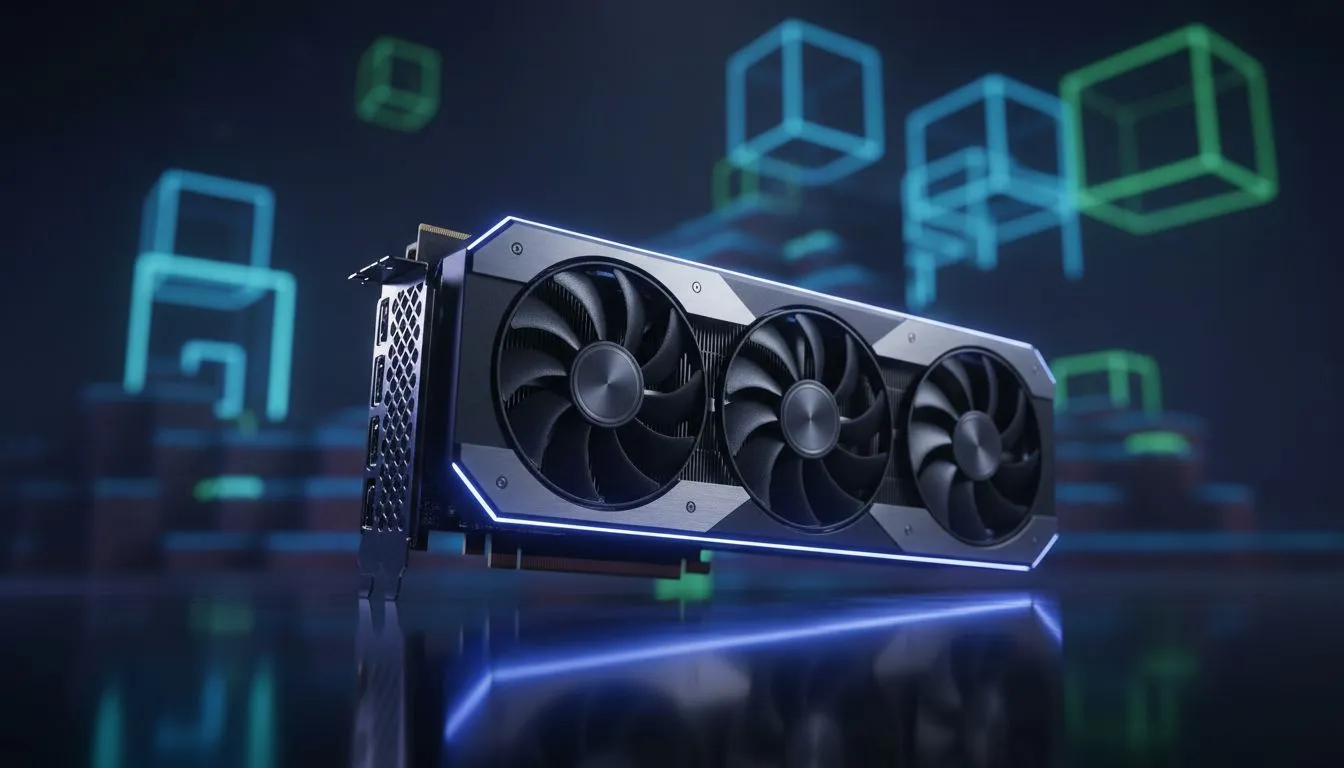
Understanding OpenGL in the Minecraft World
Struggling to get smooth frames in your latest Minecraft build? Whether you are exploring massive caves or building a scale model of Table Mountain, your GPU's handling of OpenGL is the secret sauce. For years, South African gamers have debated whether Team Green or Team Red takes the crown. Let’s dive into the Minecraft OpenGL performance: NVIDIA vs AMD showdown to see which card deserves your hard-earned Rands. ⚡
Minecraft Java Edition is unique because it relies on OpenGL, an older graphics API that functions differently from the DirectX used in most modern titles. Historically, this meant that choosing the right hardware was about more than just raw teraflops... it was about how well the manufacturer wrote their drivers.
The NVIDIA Advantage: Reliability and Raw Power
For nearly a decade, NVIDIA held a massive lead in this specific arena. Their drivers were built with robust OpenGL support from the ground up. If you pick up one of the latest NVIDIA graphics cards, you can generally expect "plug and play" performance. You won't have to worry about flickering textures or sudden frame drops when you load into a dense jungle biome.
Many local builders prefer MSI graphics cards because they combine this driver stability with excellent cooling solutions. This is vital when you start adding heavy shaders that push your GPU temperatures up during those long summer gaming sessions in Gauteng or the Western Cape.
The AMD Comeback: Better Drivers for Better Frames
There was a time when Team Red struggled with Minecraft Java. However, recent software overhauls have changed the narrative entirely. Modern AMD Radeon graphics cards now feature a rewritten OpenGL pipeline that has seen performance double, or even triple, in some scenarios. 🚀
If you are looking for the best price-to-performance ratio in South Africa, AMD is no longer the "risky" choice for block-builders. Their cards often provide more VRAM for the price, which is a massive help if you plan on using high-resolution resource packs that make your world look like a high-budget film.
Minecraft Optimisation Tip ⚡
If you want to see a massive boost regardless of your GPU brand, install the Sodium mod. It replaces the standard Minecraft rendering engine with a much more efficient version that plays nicely with modern hardware. It can often double your FPS without changing a single setting in your world.
Beyond the Big Two: Intel and Workstation Options
The market is expanding. We are seeing more interest in Intel Arc graphics cards which offer a fresh perspective on budget-friendly performance. While their OpenGL drivers started a bit rough, consistent updates are making them a viable contender for casual players.
For the professional creators or those running massive technical projects, workstation graphics cards remain the gold standard. These cards are designed for precision and long-term stability... ensuring that your massive redstone contraptions or architectural renders never skip a beat. ✨
Ultimately, the gap between NVIDIA and AMD in Minecraft has narrowed significantly. Your choice should depend on your total budget in ZAR and whether you plan to play other titles that might favour one brand's feature set, like DLSS or FSR.
Ready to Find Your Perfect Match? Whether you’re Team Green or Team Red, getting the best frames requires the right hardware. Explore our massive range of graphics card specials and find the perfect machine to conquer your Minecraft world.











