

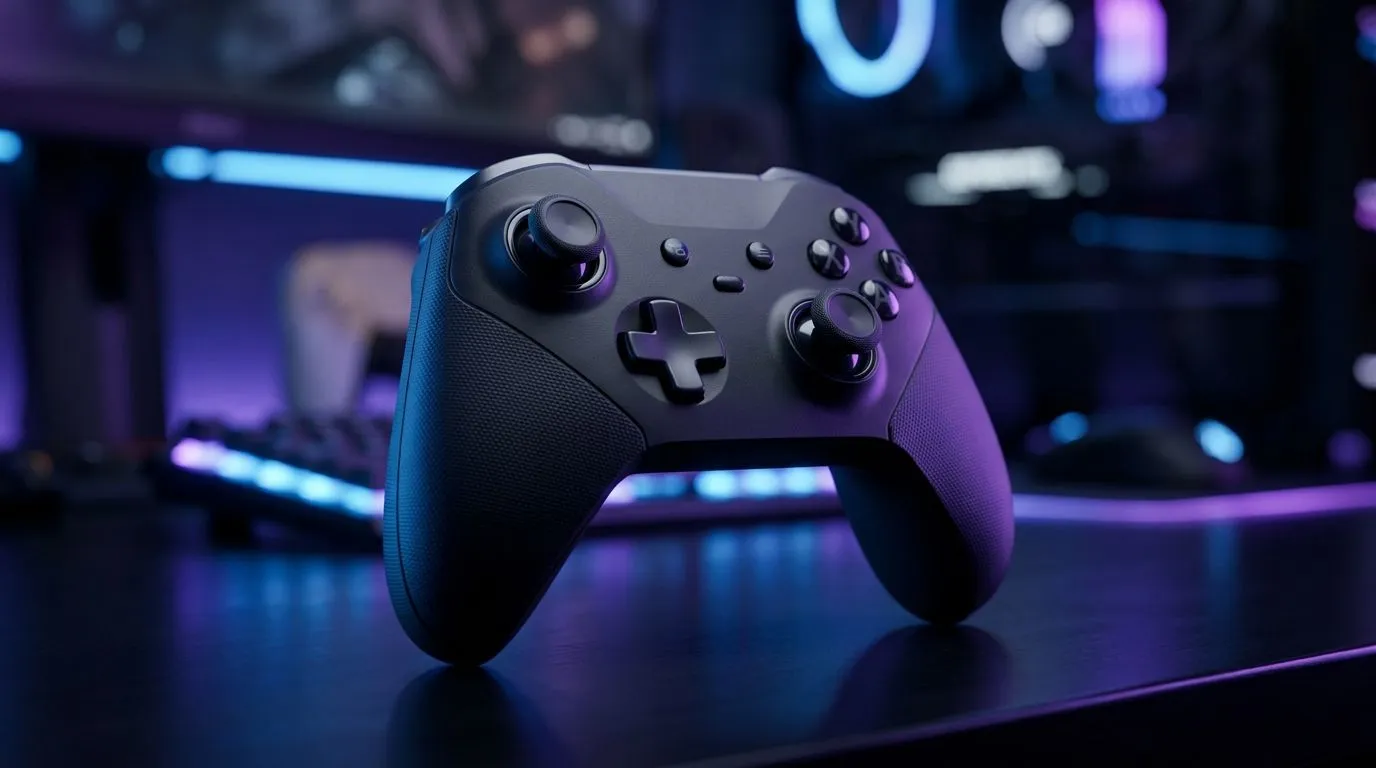
Minimizing Wireless Input Delay on Android for Controllers: the 70-word “why this matters” hook
So you’ve got a controller, you’ve got Android… but every turn feels like it’s arriving late? For South African gamers, wireless input delay can be the difference between a clean headshot and a “laggy” excuse. If you’re playing competitive shooters, racing, or even cloud games, reducing wireless input delay on Android can tighten your aim, smooth steering, and make your setup feel… finally responsive. Let’s make it practical. 🔧
Minimizing Wireless Input Delay on Android for Controllers: start with the Bluetooth basics
Wireless delay often comes from connection choices, signal quality, and background interference. On Android, Bluetooth “works”… until it doesn’t.
- Stay close to your phone/tablet. 1–2 metres usually beats the couch test.
- Avoid crowded 2.4GHz Wi‑Fi moments. Routers, microwaves, and busy networks all fight for airtime.
- Use Bluetooth stability modes if your controller supports them (some offer lower-latency pairing modes).
If you want hardware that’s built for responsiveness, the right controller matters. For a solid baseline, check the Razer Wolverine V3 Tournament Edition in Evetech’s range: https://www.evetech.co.za/razer-wolverine-v3-tournament-edition-8k/best-deal/24274 ✨
Minimizing Wireless Input Delay on Android for Controllers: reduce “software” lag too
Input delay is not only radio delay. Android gaming performance pipelines can add delay as well.
Frame rate and display settings
- Lower graphics settings so the game can hold a stable frame rate.
- Disable unnecessary overlays (FPS counters, recording tools) while testing latency.
- Turn off battery saver for your gaming session. Power modes can throttle responsiveness.
Test like a pro (without fancy tools)
Try a repeatable test:
- Open one game.
- Move left-right rapidly for 10 seconds.
- Pause and repeat after changing one setting (only one change). You’re looking for “snappier” control, not perfect numbers.
Productivity Pro Tip ⚡
On Android, test controller responsiveness by disabling Wi‑Fi scanning and location background permissions for the gaming session. Then reconnect the controller and repeat the same movement test in one game. If it improves, you’ve reduced background radio activity competing with Bluetooth.
Minimizing Wireless Input Delay on Android for Controllers: choose the right controller (for your use-case)
Different controllers and wireless modes behave differently. If your goal is consistent low-latency play, focus on:
- Modern connection support (Bluetooth profiles that feel stable in games)
- Comfort for longer sessions (fatigue makes delay feel worse)
- Button layout consistency (muscle memory reduces “perceived” lag)
If you’re still shopping, browse Evetech’s controller options and narrow down based on your games and budget. https://www.evetech.co.za/PC-Components/buy-gaming-controllers-365 🚀
Prefer certain brands? Start here for a quicker shortlist: https://www.evetech.co.za/PC-Components/buy-gaming-controllers-365?brands=Raze
Minimizing Wireless Input Delay on Android for Controllers: quick checklist before you play
Before you jump into ranked, run this fast sequence:
- ✅ Charge controller fully (low battery can cause weird behaviour)
- ✅ Re-pair controller after changing settings
- ✅ Close background apps and overlays
- ✅ Set game graphics to “responsive” (not maximum)
- ✅ Move closer and keep line-of-sight
Do it once, then enjoy the benefits every match.
Minimizing Wireless Input Delay on Android for Controllers: the next step is getting the right gear
Even the best settings can’t fix a poor wireless link. When you combine smart Android tweaks with a controller designed for fast response, the difference is obvious. So if you want smoother play on your phone or tablet, let’s help you pick the right controller for your setup.
Ready to Find Your Perfect Match? The Mac vs Windows debate is complex, but for maximum power, choice, and value in South Africa, Windows is hard to beat. Explore our massive range of laptop specials and find the perfect machine to conquer your world.











