

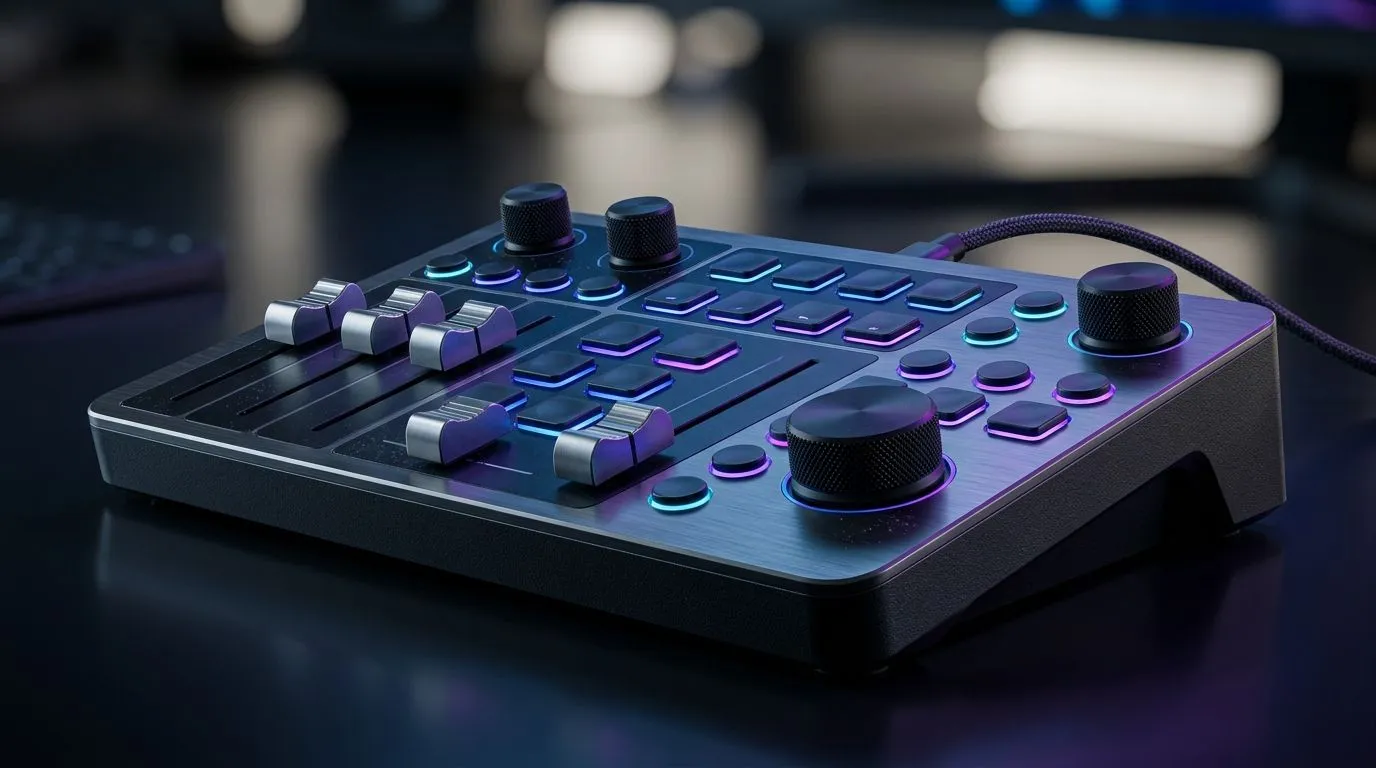
Mixer-Style Media Controls: Boost Focus for Gaming and Work
South Africa’s gaming rigs and office laptops share the same problem: too many tabs, too many distractions. One moment you’re queueing in a ranked match… the next you’re hunting for the right media button. Mixer-style controls on your keyboard or streaming deck can help you stay in the flow, whether you’re editing clips, sending emails, or swapping audio tracks for discord calls.
This guide shows how to set up “media-first” control without turning your desk into a cockpit. 🔧
Why “Mixer-style” controls actually improve focus
Mixer-style media controls usually mean dedicated, physical shortcuts for things like volume, mute, play/pause, track skip, and sometimes device switching. Instead of hunting through OS menus, you press a button you can feel.
That matters because attention is fragile. When you pause to think “where is that setting?”, you lose momentum. For work, that looks like fewer interruptions while you scrub timelines. For gaming, it means quicker adjustments mid-session, especially when voice chat volume suddenly drops.
Here’s what to look for when choosing gear:
- Dedicated media keys (not just general shortcuts)
- Responsive feel for quick presses
- Simple software for remapping keys if needed
- Connection type that matches your setup (wired vs wireless)
Quick setup: make your buttons do the boring work
Before you buy anything, decide what “audio control” means for you. For most SA gamers and creators:
- Your volume should be one press away.
- Mute should be instant and obvious.
- Track skip should be usable with one hand.
- If you stream, you may want separate controls for game audio vs voice.
Try this workflow:
- Remap one cluster of keys to mute, volume up/down, and play/pause.
- Put skip forward/back on keys you can reach without looking.
- If you use Discord and a media app, test switching between them and keep the shortcuts consistent.
Productivity Pro Tip ⚡
On Windows, use the PowerToys FancyZones utility to create custom snap layouts for your windows. It's a lifesaver for managing multiple apps on an ultrawide monitor, letting you organise your timeline, preview window, and asset folders perfectly for video editing.
Wired vs wireless: what changes for controls?
With wired setups, your inputs are stable and consistent, which is handy during long sessions. Wireless can be great too, but you’ll want reliable connectivity so your media keys keep working when you move around the room.
If you’re comparing options, you can start with keyboard deals here:
- Wired media-control friendly options: check this keyboard selection (Wired)
- Wireless-ready picks: check this keyboard selection (Wireless)
Build a desk setup that keeps you in “flow mode” 🚀
A common mistake is relying on software hotkeys only. It’s slower, and it breaks when apps misbehave.
Instead, treat your keyboard controls like a mini mixer:
- One zone for “audio and playback”
- One zone for “communication”
- One zone for “gaming essentials”
Then pair it with the right peripherals. If you’re buying a bundle, go for consistency: same style, same reach, fewer awkward mouse movements.
If you want to shop smart, consider:
- best gaming keyboard deals
- a keyboard-focused option: buy the cheapest gaming keyboard in South Africa (Keyboard)
- a full combo to reduce “half-matched” ergonomics: buy a keyboard and mouse combo
Quick self-check after you set it up:
- Can you mute in under a second without looking?
- Can you change volume without pausing the game?
- Do your controls still make sense after 2 hours?
If the answer is yes… you’ve basically bought yourself time back. ✨
Mixer-style Media Controls: Boost Focus for Gaming and Work
The point isn’t flashy lighting or complicated macros. It’s simple: fewer clicks, faster decisions, and cleaner transitions between gaming and work.
When your “media control” is always in reach, you stop breaking your own rhythm. That’s the real upgrade.
Ready to Find Your Perfect Match? The Mac vs Windows debate is complex, but for maximum power, choice, and value in South Africa, Windows is hard to beat. Explore our massive range of laptop specials and find the perfect machine to conquer your world.











