

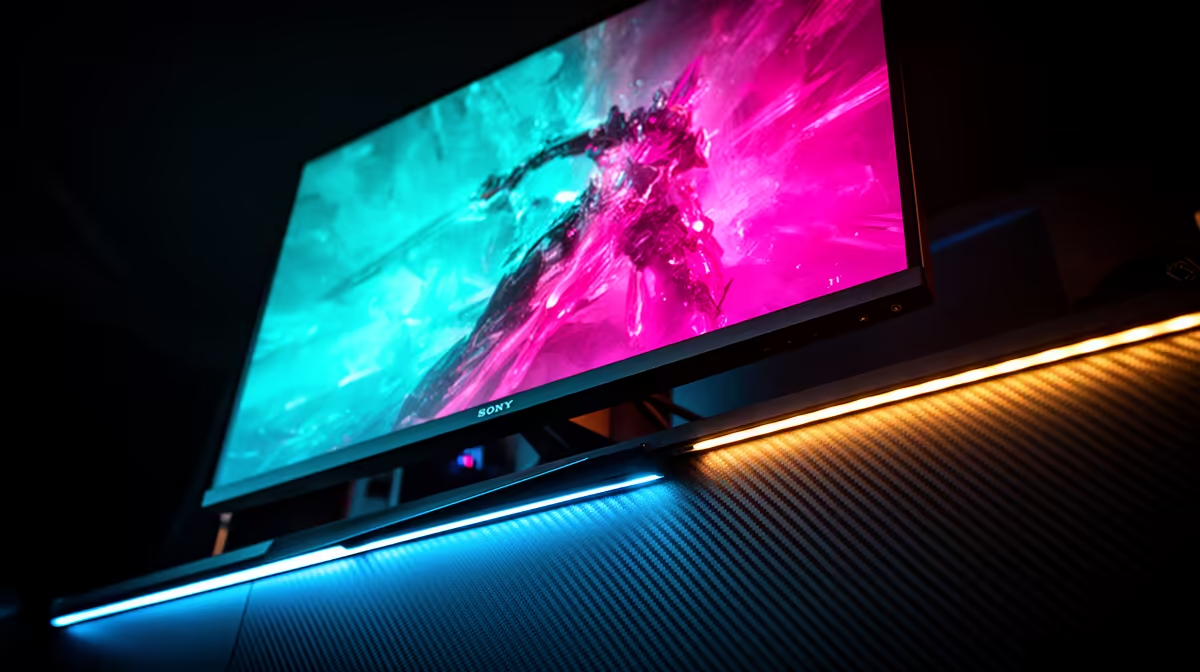
Staring down an opponent in a tense Valorant match, only for your screen to stutter? We’ve all been there. That split-second lag isn't just your internet… it might be your monitor's refresh rate. For South African gamers, understanding this one spec is the key to unlocking smoother gameplay and a real competitive edge. It's time to stop blaming lag and start winning.
Decoding Refresh Rate: More Than Just a Number
So, what exactly is a refresh rate? Measured in Hertz (Hz), it’s simply how many times your monitor updates the image on the screen every second. A standard 60Hz monitor redraws the picture 60 times per second. A 144Hz monitor does it 144 times.
Think of it like a flipbook. More pages flipped per second create a much smoother, more fluid animation. For gaming, this translates directly to less motion blur, clearer visuals during fast action, and the ability to react quicker. When you’re trying to track a fast-moving target, that clarity makes all the difference. It's a fundamental part of modern PC monitors that directly impacts your experience.
Choosing Your Refresh Rate: The SA Gamer's Guide
Finding the right monitor refresh rate in South Africa is about matching the hardware to your playstyle and budget. Not everyone needs a top-of-the-line screen, but stepping up from the basic 60Hz can be a massive upgrade.
60Hz - The Baseline
This is the standard for most office and general-use displays. It’s perfectly fine for slower-paced games, strategy titles, or if you're on a tight budget. But for competitive shooters or racing games, you'll feel its limitations.
144Hz to 165Hz - The Sweet Spot ✨
This is the new standard for serious gaming. The jump from 60Hz to 144Hz is immediately noticeable, delivering that buttery-smooth motion every gamer craves. It offers the best performance-to-price ratio, making it the top choice for most local gamers. You'll find this is the most popular category among all gaming monitors for good reason.
240Hz and Beyond - The Pro Tier
Are you climbing the leaderboards in Apex Legends or CS:GO? This is your territory. 240Hz (and even 360Hz) monitors offer diminishing returns for most, but for esports athletes, that tiny extra slice of visual information can be the difference between winning and losing a round. These often come in immersive formats, and many of the best are curved monitors that pull you right into the action.
Don't Forget to Flip the Switch! 🔧
Just plugged in your new 144Hz monitor? Your PC might still be running it at 60Hz! In Windows 10 11, right-click your desktop > Display settings > Advanced display. Under 'Choose a refresh rate', make sure you've selected the highest option available. This simple check ensures you're getting the performance you paid for.
Beyond the Hertz: Essential Specs for the Perfect Picture 🚀
A high refresh rate is crucial, but it works best as part of a team. Keep these other specs in mind to avoid bottlenecks and get the most out of your display.
- Response Time: This is how quickly a pixel can change colour. Look for 1ms (GtG) to eliminate "ghosting" or smearing during fast motion. A high refresh rate with a slow response time is like having a sports car with cheap tyres.
- Resolution: Higher resolution means a sharper image. While stunning, running 5K and 4K monitors at a high refresh rate requires a powerful (and pricey) graphics card. For many, 1080p or 1440p at 144Hz+ is the perfect balance.
- Adaptive Sync (G-Sync/FreeSync): This technology synchronises your GPU's frame output with your monitor's refresh rate, eliminating ugly screen tearing. It’s a must-have feature for a smooth gaming experience.
- Your Use Case: Will you be working on the go? Some high-refresh-rate performance can even be found in modern portable monitors, perfect for a LAN party or a mobile workstation.
Ultimately, choosing the right monitor is about finding the best value for your specific needs. By understanding how these technologies work together, you can confidently check out the best PC monitor deals and find the perfect fit for your setup without overspending.
Ready to See the Difference? Choosing the right monitor refresh rate in South Africa is about balancing performance and price. Whether you're a casual adventurer or an esports pro, the perfect screen is waiting. Explore our complete range of gaming monitors and find the visual upgrade you deserve.











