

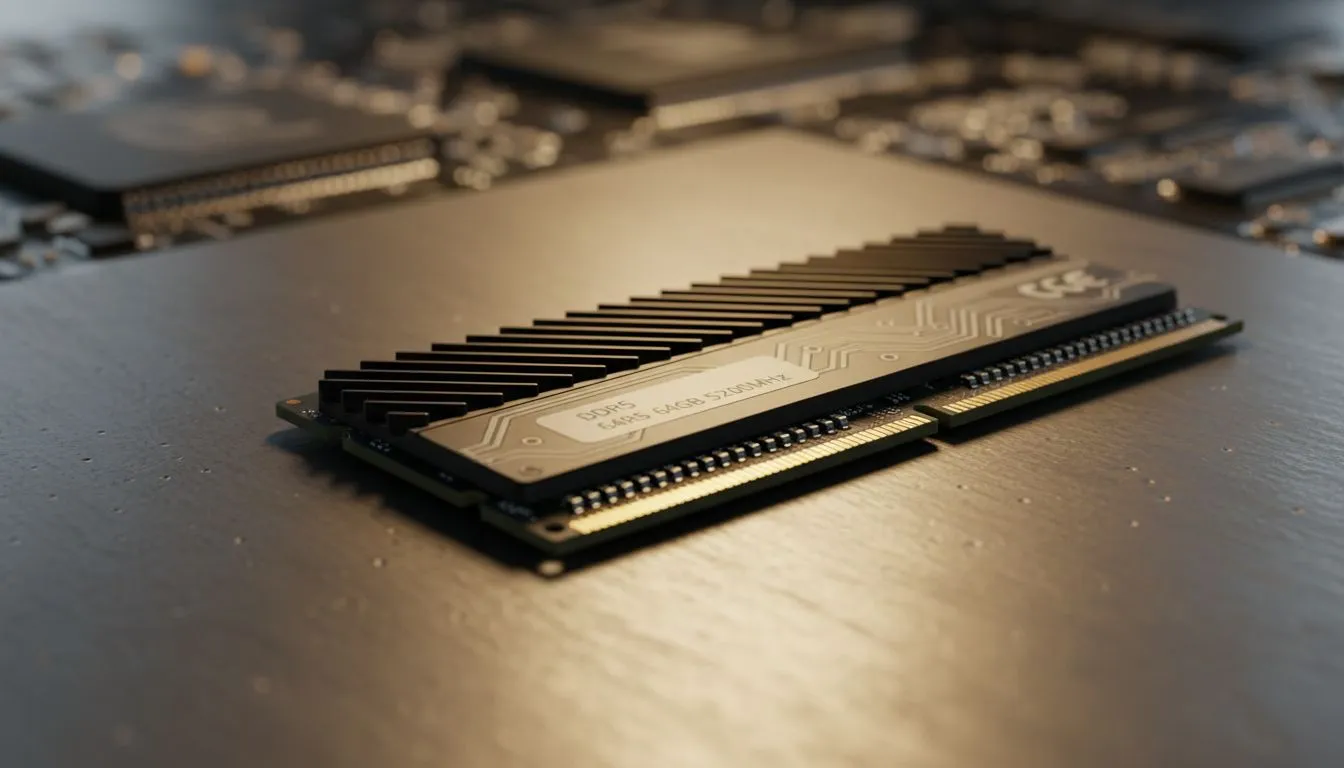
You're deep in a game, maybe lining up a perfect shot in Valorant, when you quickly Alt-Tab to check a guide. Suddenly, everything grinds to a halt. The culprit? Not your internet, but those dozens of browser tabs silently eating your PC's memory. In 2024, getting more memory for browser tabs isn't just a luxury… it's essential to stop browser lag and keep your gaming rig running smoothly. Let's dive into why. 🚀
Why Your Browser Is So Hungry for RAM
Ever wondered why your PC feels sluggish with just a few browser windows open? Modern websites are complex applications. They run heavy scripts, stream high-definition video, and maintain live connections, all of which consume Random Access Memory (RAM). Each tab is like a separate program, and your browser needs enough memory to juggle them all. When it runs out, your system starts using the much slower storage drive, causing that frustrating lag.
This problem is especially noticeable on older systems. If your PC is still running on an older platform, even a simple DDR3 RAM upgrade can provide a significant boost and help stop browser lag during everyday tasks.
Finding the Sweet Spot: How Much RAM for Browser Tabs?
The "right" amount of RAM depends entirely on your usage. What works for a casual user will bottleneck a serious multitasker. Let's break down the common configurations to help you find what you need for a lag-free experience.
8GB: The Bare Minimum
Today, 8GB is considered the starting point. It's enough for basic browsing, office work, and light gaming. However, if you're someone who keeps 15+ tabs open while gaming or streaming, you will feel the performance hit. Your browser will constantly be fighting for resources.
16GB: The Modern Standard ✨
For most South African gamers and power users, 16GB is the sweet spot. This provides enough headroom to run a demanding game, have Discord open, and manage a healthy number of browser tabs without your system breaking a sweat. It's the perfect balance of price and performance, with a wide variety of excellent DDR4 memory kits available to get the job done.
32GB and Beyond: For the Ultimate Multitasker
Are you a content creator, a developer, or simply a tab hoarder who never closes anything? 32GB (or more) is your domain. This ensures you have more than enough memory for browser tabs, complex applications, and high-resolution gaming simultaneously. If you're building a new high-end rig, starting with a fast DDR5 memory kit is the best way to future-proof your performance.
Check Your RAM Usage 🔧
Wondering if you need an upgrade? On Windows, press Ctrl + Shift + Esc to open the Task Manager. Click the "Performance" tab, then "Memory". If your memory usage is consistently sitting above 85-90% during your typical activities, it's a clear sign you need more RAM to stop that browser lag.
Upgrading Your RAM: An Easy Win for Performance
Adding more RAM is one of the simplest and most effective upgrades you can make. The key is to ensure compatibility with your motherboard. Once you know whether you need DDR3, DDR4, or DDR5, you can choose from top-tier brands known for reliability.
For instance, performance-focused Kingston DDR5 kits offer incredible speeds for the latest platforms, while brands like ADATA provide fantastic value without compromising on quality. Getting more memory for browser tabs is a straightforward fix that delivers an immediate improvement you can feel.
Ready to End Browser Lag for Good? Don't let a memory bottleneck slow you down. Upgrading your RAM is a quick, affordable way to boost your PC's multitasking and gaming performance. Explore our massive range of PC RAM and find the perfect kit to conquer your tabs today.











