

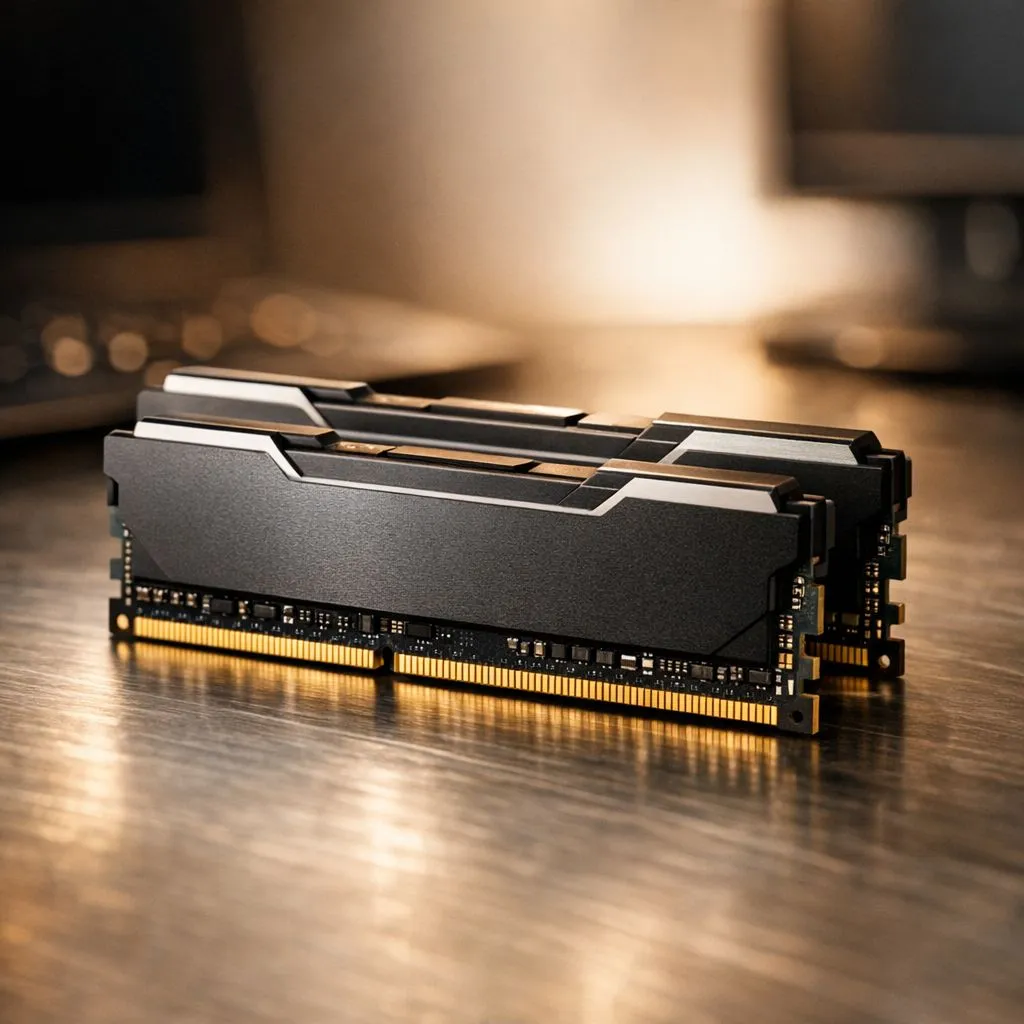
Is your home office PC starting to feel... sluggish? You’re juggling a dozen Chrome tabs, a hefty spreadsheet, and a Teams call, but your computer is groaning under the pressure. That spinning wheel is more than just an annoyance; it’s a productivity killer. The good news? The solution is often simpler and more affordable than you think. Adding more RAM for productivity is one of the most effective upgrades you can make to your home office setup. 🚀
Your PC's Workbench: Why More RAM Boosts Productivity
Think of your computer's RAM (Random Access Memory) as its physical workbench. The more space you have on your bench, the more tools and projects you can have out and ready to use at the same time. When you run out of space, you have to constantly put things away and take them out again, which slows everything down.
Adding more RAM for productivity gives your PC a bigger workbench. It allows you to:
- Multitask Seamlessly: Keep dozens of browser tabs, your email, Spotify, and multiple documents open without your system grinding to a halt.
- Handle Demanding Software: Run creative apps like Adobe Photoshop or video editing software smoothly alongside your other tasks.
- Improve Overall Responsiveness: Your entire system will feel snappier, from opening applications to switching between windows.
Even if your PC is a few years old, it might still be running on an older standard. For those looking to give a trusted machine a little boost, a DDR3 RAM upgrade can still make a noticeable difference for basic office tasks.
Finding the Sweet Spot: How Much RAM Do You Need?
So, how much RAM is enough? The answer depends on your workflow. For a modern home office in South Africa, here’s a quick guide:
- 8GB: The bare minimum for 2024. You can get by with light browsing and document editing, but you will feel the pinch when multitasking.
- 16GB: The new standard and the sweet spot for most users. This provides enough headroom for heavy multitasking, video calls, and even some light gaming or creative work. Most modern PCs benefit hugely from a solid 16GB or 32GB DDR4 kit.
- 32GB and Beyond: This is the territory for power users. If you're a video editor, 3D artist, programmer, or someone who never closes a browser tab, 32GB or more will ensure a flawlessly smooth experience.
Check Your Specs in Seconds ⚡
Not sure what RAM you have? On Windows 10 or 11, just press Ctrl + Shift + Esc to open Task Manager. Go to the "Performance" tab and click on "Memory". You'll see the total amount, speed, and type (e.g., DDR4) of RAM currently installed in your system. Easy!
Choosing the Right Generation of RAM
Upgrading isn't just about capacity; it's about compatibility. Your motherboard only supports one generation of RAM, so it's crucial to get the right one. While DDR4 is the most common, the latest systems are built for pure speed. The move to cutting-edge DDR5 memory offers a significant leap in bandwidth and efficiency, making it the top choice for new builds and high-end workstations.
When you're ready to buy, you want reliability. Trusted brands are essential for system stability. For example, Kingston DDR5 kits are renowned for their rock-solid performance and compatibility. Likewise, brands like ADATA offer fantastic DDR5 options that blend performance with great value, giving your home office the productivity boost it deserves without breaking the bank. ✨
Ready to Unleash Your PC's Potential? A simple RAM upgrade is one of the most cost-effective ways to boost your home office productivity. Stop waiting for your PC and make it wait for you. Explore our massive range of RAM modules and find the perfect kit to supercharge your workflow today.











