

Understanding the MSFS 2024 CPU Bottleneck
Flying over the Drakensberg in Microsoft Flight Simulator 2024 should be a smooth experience. However, many South African pilots find their frame rates plummeting when they step into a modern airliner. If you are wondering if MSFS 2024 CPU Bound? Glass Cockpit Refresh Rate settings are the culprit, you are not alone. This setting can make or break your immersion during a complex approach into OR Tambo ✈️.
Microsoft Flight Simulator has always been a demanding title. While your GPU handles the beautiful clouds and South African sunsets, your processor manages the physics and flight systems. If you are building a dedicated sim rig, many pilots prefer the high clock speeds found in Intel CPUs to handle these heavy single-threaded calculations efficiently.
Why Glass Cockpit Refresh Rate Matters
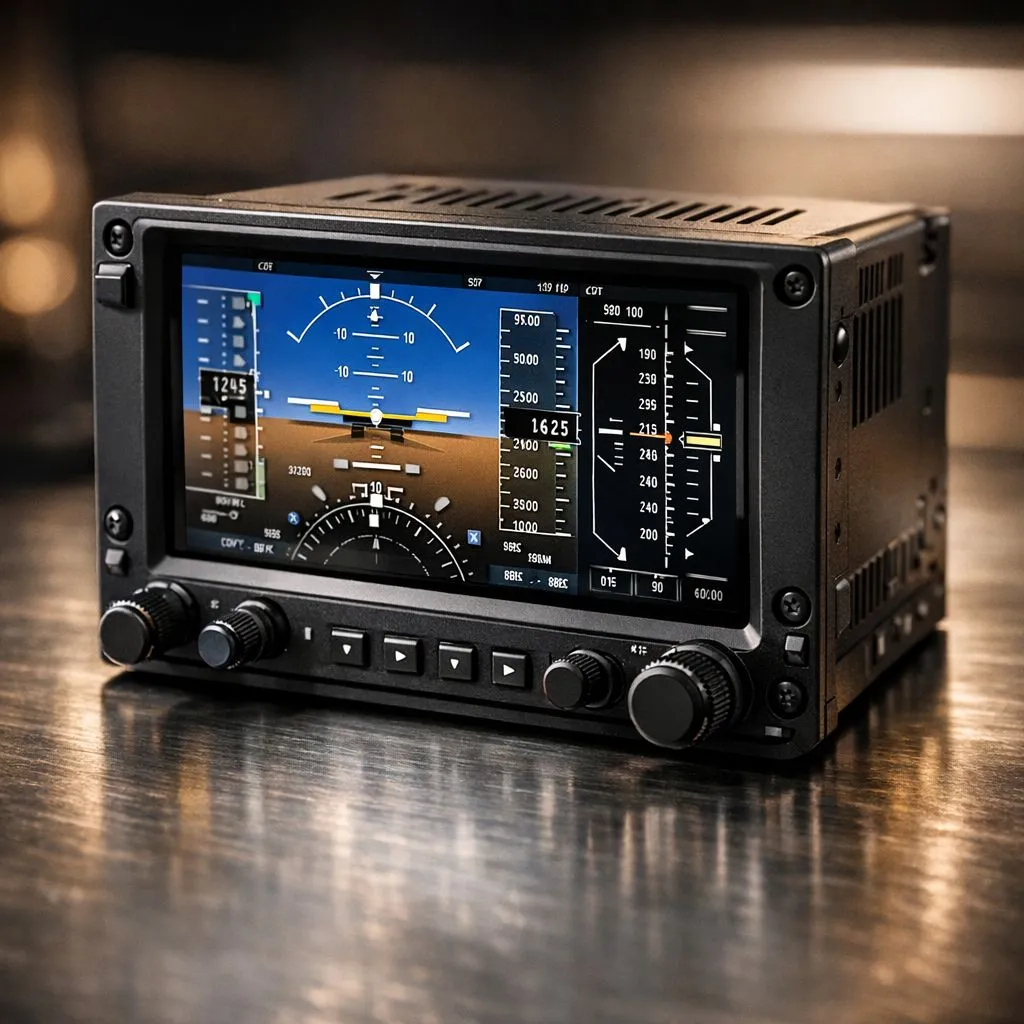
The "Glass Cockpit Refresh Rate" refers to how often the digital screens in your aircraft update. In a Boeing 787 or a Garmin-equipped Cessna, these screens display complex vector graphics. Your processor must calculate every line and number on those displays. If this setting is set to "High", your CPU might struggle to keep up with both the flight physics and the display rendering.
Choosing the right CPU processors involves balancing core counts with per-core performance. When the sim becomes CPU bound, you will notice "stutters" even if your average frame rate looks decent. This is often because the main thread is waiting for those cockpit displays to finish rendering before it can process the next frame of movement.
Simmer Pro Tip ⚡
Set your Glass Cockpit Refresh Rate to 'Medium' or 'Low'. In the heat of a landing, you rarely need the digital dials to update at 60Hz. Dropping this setting can often reclaim 10 to 15 percent of your CPU headroom without noticeably affecting the visual quality of your flight instruments.
Optimising Your Rig for Smooth Flight
To fix the MSFS 2024 CPU Bound? Glass Cockpit Refresh Rate issue, you need to look at your hardware overhead. South African gamers often deal with high ambient temperatures, which can lead to thermal throttling. A powerful processor with excellent thermal management is essential for long-haul flights.
Alternatively, the massive L3 cache on certain AMD CPUs has proven to be a literal lifesaver for simulation stability. This extra cache allows the processor to access simulation data much faster... reducing those annoying micro-stutters when you are hand-flying a difficult approach in stormy weather ⛈️.
By lowering the refresh rate of your digital instruments, you free up the main thread to focus on what matters... a smooth, responsive flight experience. It is the quickest way to turn a slideshow into a cinematic journey across the African continent.
Ready to Find Your Perfect Match? The MSFS 2024 experience is only as good as the hardware beneath it. For maximum power, choice, and value in South Africa, upgrading your core components is the best way to fly. Explore our massive range of CPU specials and find the perfect machine to conquer the skies.











