

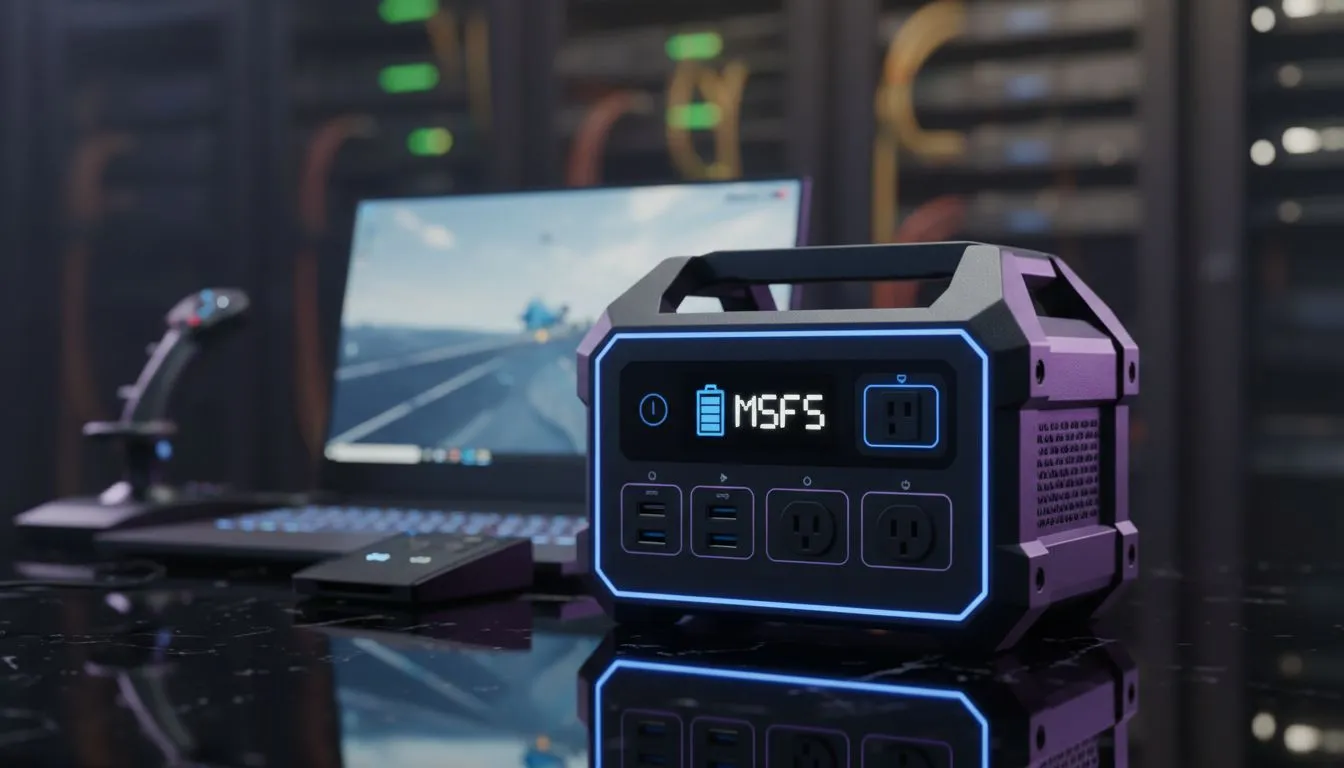
Surviving Stage 6 in the Virtual Skies
There is nothing quite like the heartbreak of being on your final approach into OR Tambo after an eight-hour flight, only for Eskom to pull the plug. Loadshedding is the ultimate boss fight for South African virtual pilots. But with the right setup, you can keep your engines turning even when the suburb goes dark. This MSFS Loadshedding Battery Guide will help you stay airborne.
Simulation is notoriously heavy on hardware resources. When the lights flicker and the fans stop, your desktop PC becomes a heavy paperweight... unless you have invested in a massive, expensive UPS. For most local simmers, a high-performance laptop is the most practical solution. Browsing the latest Intel laptops on special reveals machines with enough architectural efficiency to handle a full descent and landing even without a wall socket.
The Essential MSFS Loadshedding Battery Guide Strategies
Efficiency is the name of the game when you are running on internal cells. You need a processor that balances raw clock speed with thermal management. Many virtual pilots prefer the multi-threaded performance found in Ryzen laptop deals because these chips often offer better battery-to-performance ratios during the moderately heavy CPU tasks required for flight physics.
Optimising Hardware for Power Efficiency
Not every machine is built for the endurance required to finish a long-haul flight during a two-hour outage. If you are searching for the best gaming laptop deals, you should prioritise models with larger Watt-hour (Whr) ratings. A 90Whr battery is the gold standard for South African gamers. Even if you are looking at gaming laptops under R20k, you can find gems that provide enough juice for a 45-minute flight window if you manage your settings correctly. ✨
Software Tweaks for Longer Flight Times
Microsoft Flight Simulator is a GPU-intensive beast. To stretch your battery life, you must lower your power draw. Using GeForce RTX gaming laptops on special allows you to leverage DLSS... which renders the game at a lower internal resolution and uses AI to upscale the image. This saves massive amounts of energy compared to native rendering, keeping your GPU cooler and your battery fuller. ⚡
Battery Longevity Tip ⚡
When running MSFS on battery, cap your frame rate to 30 FPS in the NVIDIA Control Panel or the in-game settings. This significantly reduces GPU power draw... giving you those extra fifteen minutes needed to reach the runway before your laptop hibernates.
Don't forget the basics. Dim your screen to about 50% brightness. It sounds simple, but it can add ten crucial minutes to your flight time. Switch off unnecessary peripherals like RGB keyboards or external hard drives that draw power via USB. Every milliamp counts when the grid is down and you are 10,000 feet in the air. 🚀
Ready to Find Your Perfect Match? The struggle with power outages is real, but your flight doesn't have to end in a black screen. For maximum power and reliability in South Africa, a dedicated gaming laptop is your best co-pilot. Explore our massive range of laptop specials and find the perfect machine to stay airborne.











