

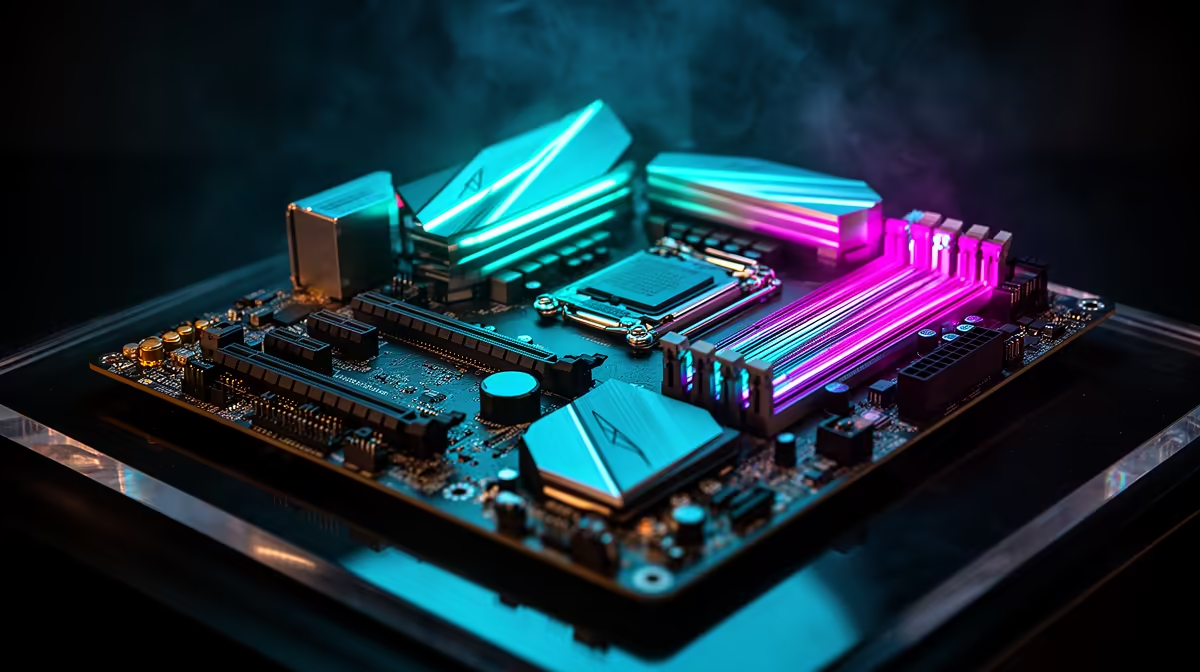
Howzit, gamers! The new AMD Ryzen 9000 series CPUs are here, promising a serious leap in performance. But a powerful processor is only half the story. To truly unlock its potential and squeeze out every last frame per second, you need a motherboard that can keep up. Enter the MSI X870E Tomahawk… a board built from the ground up to dominate. Let's dive into optimising your MSI X870E Tomahawk Ryzen 9000 performance. 🚀
Understanding the X870E Tomahawk's Power
Before we get to the tweaks, let's look at why this board is such a great partner for Zen 5. The MSI X870E Tomahawk Ryzen 9000 performance combo is potent because the board is designed for the future. It boasts a robust power delivery system (VRMs) to feed the new CPUs with stable voltage, even under heavy load. Plus, with full support for PCIe 5.0 on both the graphics card slot and an M.2 slot, you're getting the fastest data lanes available for your GPU and storage.
This isn't just about raw speed; it's about a stable, reliable foundation for your high-end gaming rig. You can explore the full feature set and specs on the official MSI MAG X870E Tomahawk MAX WIFI product page.
Essential Tips to Maximise Your Ryzen 9000 FPS
Getting amazing gaming performance from your MSI X870E Tomahawk and Ryzen 9000 CPU is straightforward if you know where to look. Follow these essential steps to ensure you're not leaving any frames on the table.
1. Dial-In Your DDR5 RAM
AMD's Ryzen processors love fast memory. Simply installing your DDR5 RAM isn't enough; you need to tell the motherboard to run it at its advertised speed.
- Enter the BIOS: Tap the
Deletekey when your PC starts. - Enable EXPO: Look for a setting called "EXPO" (Extended Profiles for Overclocking) and enable it. This one-click setting loads the optimised timings and speeds for your RAM kit, providing a significant performance boost in games.
Crucial First Step 🔧
Always update your motherboard's BIOS to the latest version before you start tweaking. Motherboard manufacturers like MSI frequently release updates that improve stability, memory compatibility, and overall Ryzen 9000 performance. It's the single easiest performance boost you can get!
2. Unleash Precision Boost Overdrive (PBO)
Think of PBO as AMD's intelligent, automated overclocking tool. It safely pushes your CPU's clock speeds higher based on your system's power and thermal headroom. For most users, simply enabling PBO in the BIOS is enough to see a noticeable improvement in responsiveness and FPS. It's a safe and effective way to enhance your MSI X870E Tomahawk Ryzen 9000 performance without complex manual overclocking.
3. Optimise Your Cooling Solution ✨
Your CPU's temperature directly impacts its performance. The Ryzen 9000 series will automatically boost to higher clock speeds and maintain them for longer if it's kept cool. A stock cooler won't cut it here. Investing in a quality tower air cooler or an All-In-One (AIO) liquid cooler ensures your chip has the thermal headroom it needs to stretch its legs, especially during those long gaming sessions in the South African summer.
Choosing the Right Components for Your Build
While the X870E Tomahawk is a fantastic centrepiece, it's part of a bigger ecosystem. It represents a premium choice among the new generation of AMD motherboards, offering a balanced feature set for serious gamers who demand reliability and speed.
However, building a great PC is about finding the right balance for your budget and needs. Not every build requires the absolute top-tier chipset. Thankfully, there are plenty of excellent Intel and AMD-based motherboards available, ensuring you can find the perfect foundation for your rig, no matter what your budget looks like.
Ready to Build Your Ultimate Rig? The MSI X870E Tomahawk shows just how critical the right motherboard is for unlocking true Ryzen 9000 performance. Whether you're planning a new build or a major upgrade, we've got the hardware to make it happen. Explore our massive range of PC components and find the perfect parts for your next gaming beast.











