

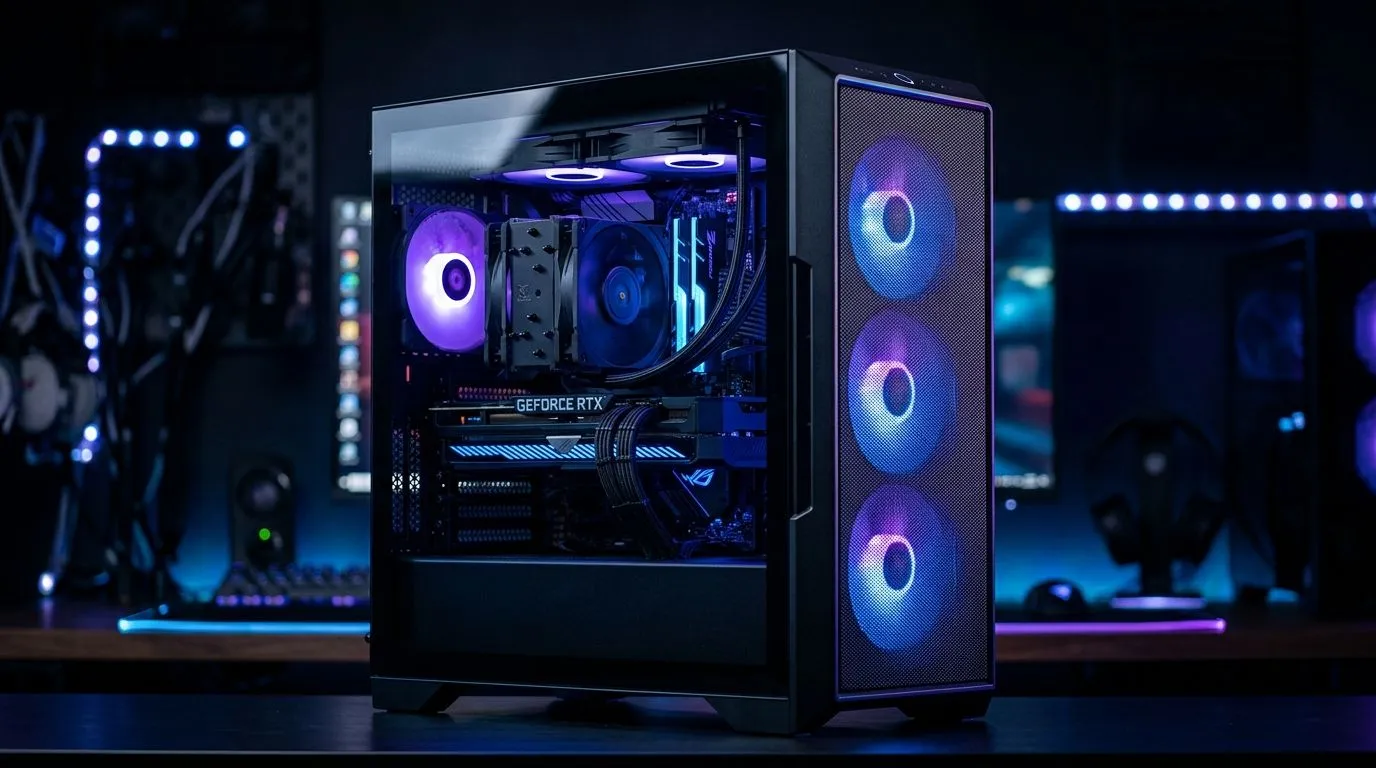
Multi-Fan GPU Case Cooling: Fix GPU Heat Fast
Your GPU is roaring through a sweaty Johannesburg summer, and the frame drops are starting to show. If your graphics card is clocking hot, spinning loud, or throttling under load, the fix may not be a new GPU at all. It could be airflow. A smarter case layout, plus a few well-placed fans, can pull heat out fast and keep your rig running cooler in South African conditions 🔧
GPU Heat Fast Starts With Better Case Airflow
Most gaming PCs do not fail from one dramatic overheating event. They slowly get louder, warmer, and less stable. That is often a case airflow issue, not a broken component. If your GPU dumps heat into a cramped chassis, the warm air lingers around the card and gets recycled back into the cooler. The result? Higher temperatures and less boost headroom.
A practical fix is to create a clear front-to-back airflow path. Front intake fans bring in cooler air. Rear and top fans push hot air out. More fans are not always better, though. Placement matters more than raw fan count.
For anyone starting fresh, browse the full range of computer cases built for modern builds. Look for mesh panels, multiple fan mounts, and enough space for your GPU length. Those small details make cooling easier from day one.
What to check before you buy
- Does the case support at least two front intake fans?
- Is there room above the GPU for hot air to escape?
- Can you mount fans near the top for exhaust?
- Does the front panel restrict airflow?
These are the kinds of details that matter when your room already feels warm by 7 pm ⚡
Multi-Fan GPU Case Cooling in Real South African Builds
If you are building around a high-power graphics card, multi-fan cooling is about consistency. One fan may help. Three or four fans can help more, but only if the case allows proper airflow. A well-ventilated chassis gives your GPU cooler intake air and helps stop heat soak during long sessions.
Some buyers prefer cleaner, premium interiors with better cable management and airflow-focused layouts. That is where Fractal Design cases often appeal. They are worth a look if you want a tidy build that still prioritises cooling.
Others want value and RGB without sacrificing basic airflow. In that case, Gamdias gaming cases are a solid category to explore. If you are watching your budget closely, Evetech’s Gamdias gaming cases under R1500 can be a smart starting point.
GPU Cooling Tips That Actually Help
A few simple changes can make a real difference:
- Clean dust filters every few weeks.
- Avoid blocking the front intake with a desk wall.
- Use balanced fan curves, not maximum speed all the time.
- Keep front intake slightly stronger than exhaust.
- Leave space behind the case for warm air to leave.
Cooling Pro Tip 🔧
If your GPU runs hot in games but looks fine at idle, test the case with the side panel on. That tells you whether airflow is actually moving through the chassis, or just spinning inside it.
If you still see high temperatures after improving airflow, check the GPU cooler itself, thermal paste age, and whether the card is pulling extra power from an aggressive factory profile. Sometimes the case is only part of the story, but it is often the easiest part to fix.
GPU Heat Fast Fixes for Better Gaming in Summer
South African gamers know the feeling. One minute you are loading into a match. The next, the fans sound like a small helicopter. Better case cooling does not just reduce noise. It can help your GPU hold boost clocks more consistently, which means smoother gameplay and less thermal stress over time.
If your current tower is old, restrictive, or packed with dust, it may be time to upgrade the airflow path itself. A better case is not flashy advice. It is practical advice. And practical usually wins.
Ready to Find Your Perfect Match? The Mac vs Windows debate is complex, but for maximum power, choice, and value in South Africa, Windows is hard to beat. Explore our massive range of laptop specials and find the perfect machine to conquer your world.











