

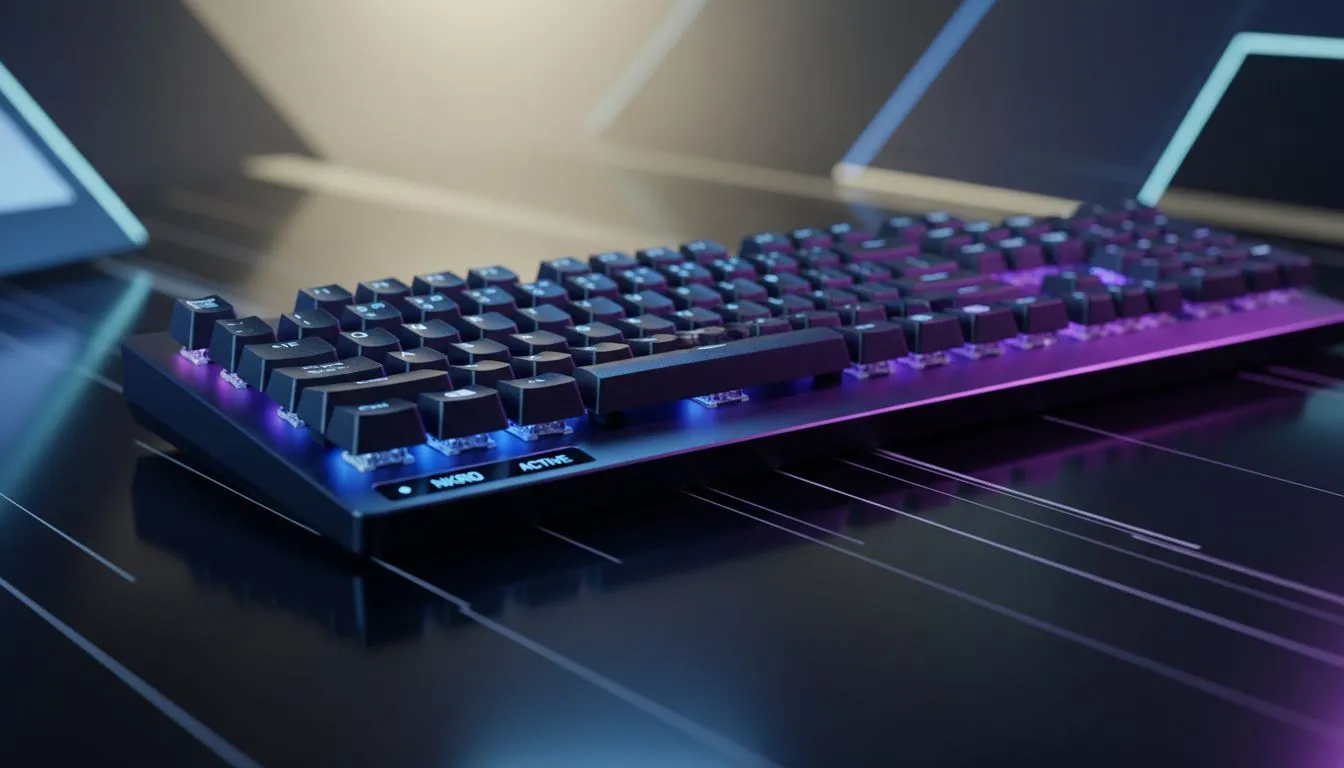
Ever been in a high-stakes Valorant clutch, only for your character to stand still when you swear you hit strafe, jump, and reload? It’s not lag... it’s your keyboard letting you down. For competitive gamers in South Africa, this hardware bottleneck is a silent rank-killer. The solution is a feature you might have overlooked, but it’s the secret behind flawless execution: N-Key Rollover. It’s the difference between a winning play and a frustrating loss.
So, What Exactly is N-Key Rollover?
At its core, N-Key Rollover (NKRO) is a keyboard's ability to correctly register every single keypress, no matter how many keys you press at once. Think of it as your keyboard having a direct line for every key, ensuring no signal gets lost in the chaos.
Most standard office keyboards have a very limited rollover, often just 2-Key Rollover (2KRO). This means they can only handle two simultaneous presses. Better ones might have 6KRO, which is decent for casual use. But for competitive gaming, you need the full power of NKRO, where the 'N' stands for... well, any number. It guarantees every command is sent to your PC exactly as you intended. 🚀
The Ghost in the Machine: Why Standard Keyboards Fail
Without proper N-Key Rollover, you encounter two frustrating problems: ghosting and jamming.
- Jamming: The keyboard simply stops registering keys after you've hit its simultaneous press limit.
- Ghosting: This is worse. The keyboard registers a key you didn't even press because it gets confused by the combination of signals from the keys you did press.
Imagine you're in a heated build-fight in Fortnite. You're sprinting (W + Shift), trying to jump (Space), and switch to your shotgun (3) all at the same time. A non-NKRO keyboard might miss one of those commands, leaving you vulnerable. This is why having a board that can keep up is non-negotiable. If you're serious about your performance, browsing the latest gaming keyboards in South Africa is the first step to eliminating these hardware issues.
Keyboard Test 🔧
Open a simple text document. Press and hold both Shift keys, then try to type out "THE QUICK BROWN FOX JUMPS OVER THE LAZY DOG". If you see missing letters, your keyboard has limited rollover. For a more advanced check, search online for a dedicated "keyboard rollover test" website to see exactly how many keys you can press at once.
Is N-Key Rollover a Must-Have for You?
So, do you really need it? If you're playing fast-paced, competitive titles like CS2, Apex Legends, or League of Legends, the answer is a resounding yes. Every action counts, and N-Key Rollover ensures your APM (actions per minute) is limited by your skill, not your gear. For those who prefer slower-paced strategy games or single-player adventures, it’s less critical but still a fantastic quality-of-life feature.
This technology is most common in mechanical keyboards, which offer superior performance and durability. Whether you prefer the instant response of top-tier wired keyboards for zero-latency gameplay or the clean setup of cutting-edge wireless keyboards, you'll find NKRO is a standard feature on most models built for gamers. You can even find it in some value-packed keyboard and mouse combos, making it accessible for any budget.
Ultimately, investing in a keyboard with full N-Key Rollover is about removing a variable. It’s about trusting that your hardware will perform flawlessly under pressure, letting you focus entirely on your game. When you're ready to make that upgrade, checking out our best gaming keyboard deals is the perfect place to start. ✨
Ready to Upgrade Your Keystrokes? N-Key Rollover isn't just a fancy feature... it's a competitive necessity. Stop letting your gear hold you back from that clutch play. Explore our massive range of gaming keyboards and find the perfect board to dominate the server.











