

Understanding System Latency in Open Worlds
We’ve all felt it in Los Santos... that slight delay when you yank the wheel or aim your weapon. With GTA 6 heading to the neon-soaked streets of Leonida, nobody wants sluggish controls. If you want to know how NVIDIA Reflex GTA 6: Fix Heavy Movement Fast works, you’re in the right place. Lowering system latency is the secret sauce to making Lucia and Jason feel responsive in every high-speed chase. ⚡
When we talk about "heavy" movement, we are usually referring to the time it takes for a mouse click or keyboard press to translate into an action on your screen. In massive open-world titles, the CPU often gets bogged down while trying to tell the GPU what to render next. This creates a backlog... a traffic jam of data that makes your character feel like they are wading through Mzansi mud. By integrating NVIDIA Reflex, Rockstar ensures that this communication is streamlined, effectively bypassing the render queue.
NVIDIA Reflex GTA 6: Fix Heavy Movement Fast and Smooth
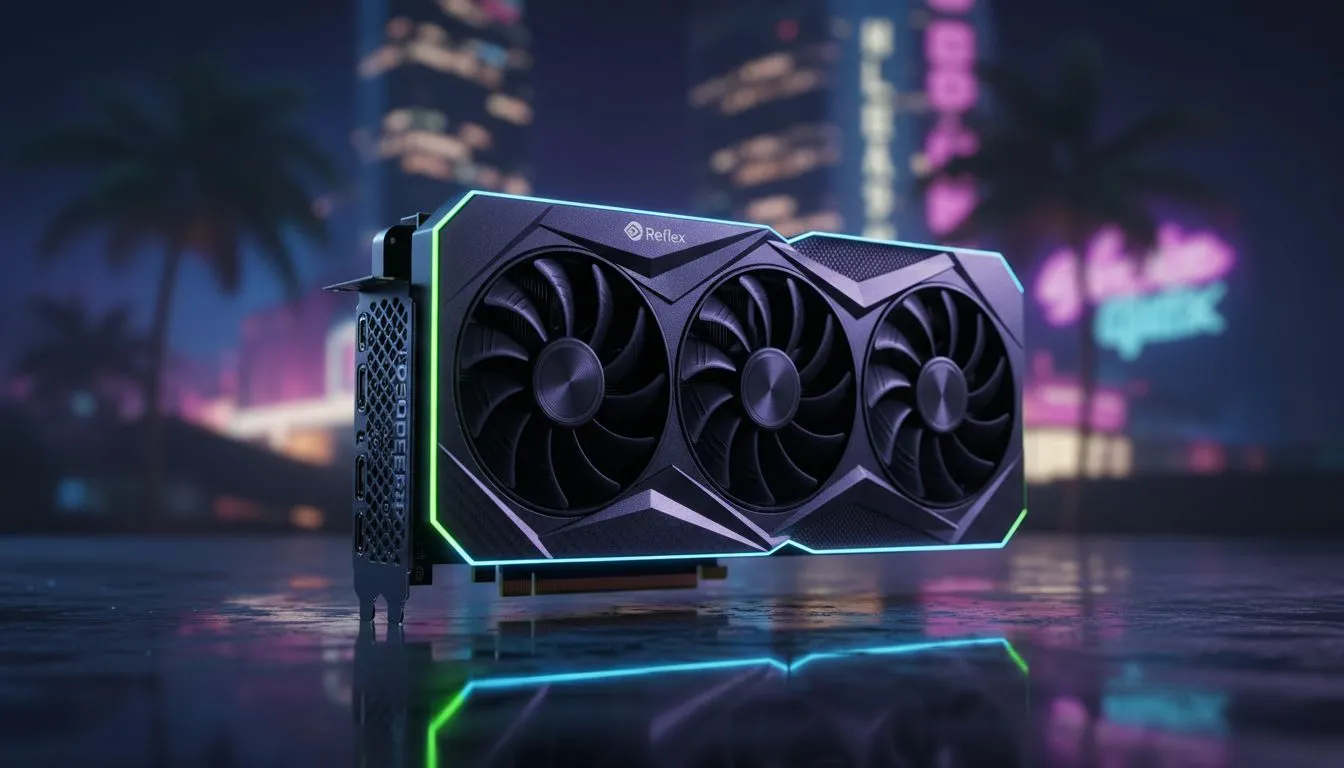
The primary way to implement the NVIDIA Reflex GTA 6: Fix Heavy Movement Fast solution is by ensuring your hardware is up to the task. If you are currently rocking an older setup, upgrading to modern NVIDIA graphics cards is the most direct path to better responsiveness. Reflex works by synchronising the engine and the GPU, eliminating the need for a large render-ahead buffer. This doesn't just make the game look smoother... it makes it feel "snappier" to the touch.
For South African gamers looking for the best thermal performance during our hot summers, the MSI GeForce RTX series offers exceptional cooling solutions that prevent thermal throttling. When your card stays cool, it maintains higher clock speeds, which further reduces the time it takes to process each frame. This is crucial when you are trying to land a precision shot while escaping a five-star police pursuit in the humid Leonida heat.
Reflex Pro Tip ⚡
Always enable 'On + Boost' in the NVIDIA Reflex settings menu if your power supply can handle it. This mode keeps the GPU clock speeds high even when the game is CPU-bound, ensuring that latency stays at an absolute minimum regardless of how much chaos is happening on screen.
Choosing the Right Hardware for Leonida
While NVIDIA dominates the latency conversation, they aren't the only players in town. If you are building a machine on a specific budget, AMD Radeon graphics cards offer their own Anti-Lag technology which provides a similar boost in responsiveness for RDNA-based systems. It is all about finding the right balance of price and performance for your specific needs. 🚀
For those who might be using their rigs for more than just gaming... perhaps some 3D rendering or video editing on the side... high-end workstation graphics cards can also handle these loads, though they aren't the primary target for Reflex features. Even the newer Intel Arc graphics cards are making strides in entry-level performance, though they still have some catching up to do in the ultra-low-latency department.
Ultimately, fixing heavy movement in GTA 6 comes down to reducing the "click-to-photon" delay. Whether you are upgrading your GPU or simply tweaking your in-game settings to "Reflex On", the goal is the same: total control. Don't let a R20,000 investment feel sluggish because of poor software optimisations. Set your Reflex to 'On', update your drivers, and get ready to dominate the streets of Leonida without the lag. ✨
Ready to Find Your Perfect Match? The battle for Leonida requires the best hardware to stay ahead of the pack. For maximum power, choice, and value in South Africa, our range of GPUs is hard to beat. Explore our massive range of laptop specials and find the perfect machine to conquer your world.











