


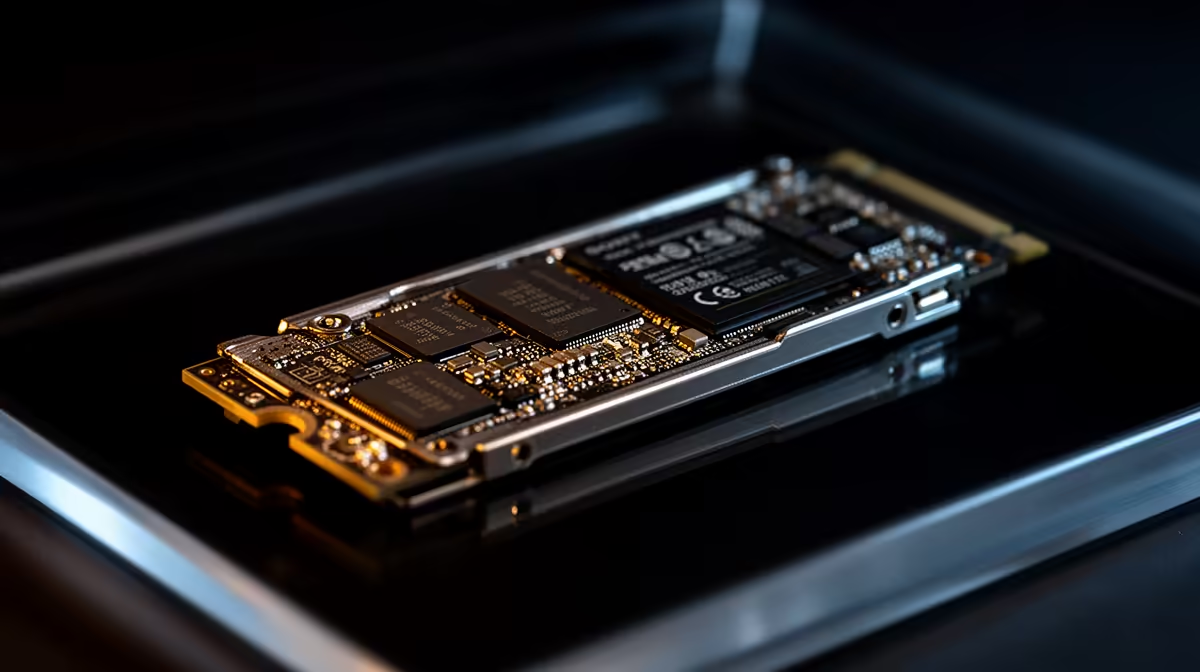
Tired of watching loading bars while your mates drop into the action? That old hard drive is costing you precious seconds. It's time to upgrade your rig with the speed of an NVMe SSD. Here in South Africa, these lightning-fast drives are the key to eliminating stutter and lag. They don't just load games faster; they make your entire PC feel brand new. Let's explore why.
Why NVMe is the New Standard for PC Storage
If you've built or upgraded a PC recently, you've heard the term "NVMe." But what makes it so special? It all comes down to the connection. Traditional hard drives and even many older 2.5-inch SATA SSDs use the SATA interface, which is like a single-lane road… reliable, but limited in speed.
An NVMe (Non-Volatile Memory Express) SSD, however, connects directly to your motherboard's PCIe lanes. Think of it as a multi-lane super-highway straight to your CPU. ⚡ This direct connection slashes latency and unlocks massive data transfer speeds that SATA could only dream of, making it the best choice for high-speed PC storage today.
Beyond Boot Times: How an NVMe Drive Boosts Your Gaming 🚀
Sure, your PC will boot up in seconds, but the real magic happens in-game. For South African gamers, an NVMe SSD isn't a luxury; it's a competitive edge.
- Zero Loading Screens: Okay, maybe not zero, but they'll be so fast you'll barely have time to read the on-screen tips. Games like Starfield and Cyberpunk 2077 with huge worlds load textures and new areas in a flash.
- Smoother Gameplay: Ever experienced that annoying stutter when you enter a new area in an open-world game? That's often your storage struggling to load assets. An NVMe drive feeds data to your GPU so quickly that texture pop-in and stuttering become a thing of the past.
- Faster Installs: Get to playing sooner. An NVMe drive drastically cuts down the time it takes to install and patch massive games, which is a huge plus when you're looking at 100GB+ downloads. Upgrading is one of the most impactful changes you can make when looking at your PC's overall SSD components.
Check Your Motherboard First! 🔧
Before you buy, check your motherboard's manual or product page for "M.2 slots." Make sure you know which PCIe generation it supports (e.g., Gen3, Gen4, or Gen5). A Gen4 NVMe drive will work in a Gen3 slot, but you'll be limited to Gen3 speeds. Match them up for maximum performance!
Finding the Perfect NVMe SSD in South Africa
Choosing the right drive doesn't have to be complicated. For most gamers, a 1TB or 2TB PCIe Gen4 NVMe SSD offers the best balance of speed, capacity, and price right now. The performance jump from an old hard drive is staggering, and with prices becoming more affordable, there's never been a better time to upgrade.
Keep an eye on pricing, as you can often find a fantastic bargain. A quick look at the best SSD deals in South Africa can help you snag a top-tier drive for a great price, giving you more budget for that GPU upgrade you've been eyeing. ✨
Ready for a Speed Upgrade? Stop waiting on loading screens and start dominating the lobby. Shop the best NVMe SSDs in South Africa at Evetech for performance that leaves lag in the dust.









