

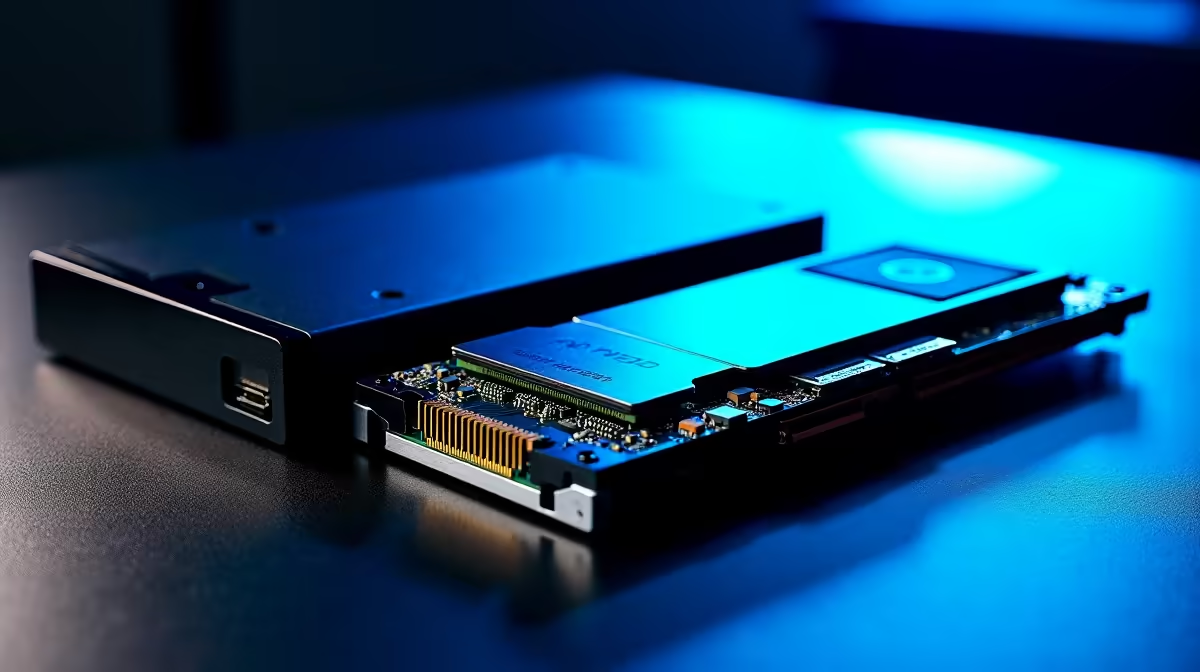
Choosing between NVMe, SATA, and HDD storage is one of the most practical decisions when building or upgrading a PC in South Africa, yet the differences are rarely explained in terms that match local buying realities. Prices, availability, and the types of workloads SA users run - from gaming to studying to remote work - all factor into which drive type actually makes sense for your build.
Quick Answer
NVMe SSDs are the fastest storage option and the best choice for your OS and main applications, SATA SSDs offer solid all-round performance at a lower price point, and HDDs remain relevant only for large bulk storage where speed is not critical. For most SA buyers in 2026, an NVMe SSD as the primary drive is the recommended starting point.
💾 NVMe SSDs: Speed Where It Counts
NVMe (Non-Volatile Memory Express) drives connect via the PCIe lane on your motherboard, bypassing the older SATA controller entirely. Gen 4 NVMe drives - the current mainstream standard - deliver sequential read speeds of 5,000–7,000 MB/s, compared to 550 MB/s on SATA. In practical terms, this means Windows boots in 8–12 seconds, large games like Call of Duty load in under 15 seconds, and heavy Creative Suite file operations feel instant.
For SA buyers, NVMe SSDs from Evetech start from around R700 for a 500GB Gen 4 drive and climb to R1,800–R2,500 for 1–2TB models. The 1TB NVMe is the sweet spot for a primary drive - enough for Windows, a full game library, and everyday apps without frequently needing to offload files.
When NVMe is the right call: new PC builds, laptop upgrades where an M.2 slot is available, content creation workstations, and anyone who values fast boot and load times.
📀 SATA SSDs: Reliable Mid-Range Value
SATA SSDs use the same interface as traditional hard drives but with flash memory instead of spinning platters. At 500–550 MB/s sequential read, they are roughly ten times slower than Gen 4 NVMe in synthetic benchmarks - but in everyday desktop use, the gap narrows considerably. Opening browsers, documents, and most applications feels just as snappy as NVMe. The real-world difference emerges in large file transfers, game loading, and OS responsiveness under multitasking.
SATA SSDs are the right choice when your system has no M.2 slot (common on older boards), when you are adding a secondary drive to an existing build, or when budget is tight and you need maximum storage per rand. A 1TB SATA SSD can be found around R600–R900, making it a cost-effective way to extend a build's storage capacity.
When SATA makes sense: older systems without M.2 slots, secondary storage drives, budget builds where rand-per-GB matters.
🗄️ HDDs: Still Alive for Bulk Storage
Hard disk drives spin magnetic platters to read and write data, topping out at around 150–200 MB/s sequential and suffering from far higher access latency than any SSD. For your primary drive in 2026, an HDD is not recommended - the system responsiveness difference versus even a SATA SSD is dramatic. However, HDDs remain the most economical way to store large volumes of data: a 4TB HDD costs around R1,200–R1,500, while a 4TB NVMe would run R4,000+.
For SA users with large video libraries, game archives, or backups, a secondary HDD alongside an NVMe primary drive is a sensible combination. Desktop gaming rigs often use this setup: NVMe for Windows and active games, HDD for archived titles and media.
When HDD still makes sense: bulk media storage, offline backups, archiving infrequently accessed files, very tight budget builds where storage volume is the priority.
🔧 Choosing the Right Combination for Your SA Build
The most practical storage setup for a 2026 PC build in South Africa is a 500GB–1TB NVMe primary drive for the OS and active applications, with optional secondary storage depending on your use case. Students and remote workers can often get away with 512GB NVMe alone. Gamers with large libraries benefit from adding a 1TB SATA SSD or 2TB HDD for overflow. Content creators and video editors should prioritise 2TB+ NVMe capacity or a fast SATA SSD as a scratch drive.
Check Evetech's SSD range for current pricing across all three categories, and pair your storage choice with a compatible motherboard that has the right number of M.2 and SATA ports for your plan.
❓ FAQ
Is NVMe noticeably faster than SATA in gaming? For game loading times, yes - NVMe loads large open-world games 20–40% faster than SATA. For in-game frame rates, storage type makes no difference as assets are loaded into RAM once the game is running.
Can I use both NVMe and SATA drives in the same PC? Yes. Most modern motherboards include at least two M.2 NVMe slots and two to four SATA ports, allowing you to mix drive types freely.
Are there any SA-specific buying considerations? Warranty and local support matter more in SA than in some markets. Stick to brands with local distributor support, and factor in that replacing a failed drive from an overseas seller can mean long shipping waits.
Do laptops support NVMe SSDs? Most laptops released from 2020 onwards include an M.2 NVMe slot. Some budget models still use SATA M.2, so check your specific model's specs before purchasing an upgrade.
Upgrade with NVMe SSDs or Graphics Card Deals — all available at Evetech with fast SA delivery.
Ready to Find Your Perfect Match? Building a new PC and need help choosing the right storage config? Browse Evetech's gaming PC deals and get a complete, optimised build.











