


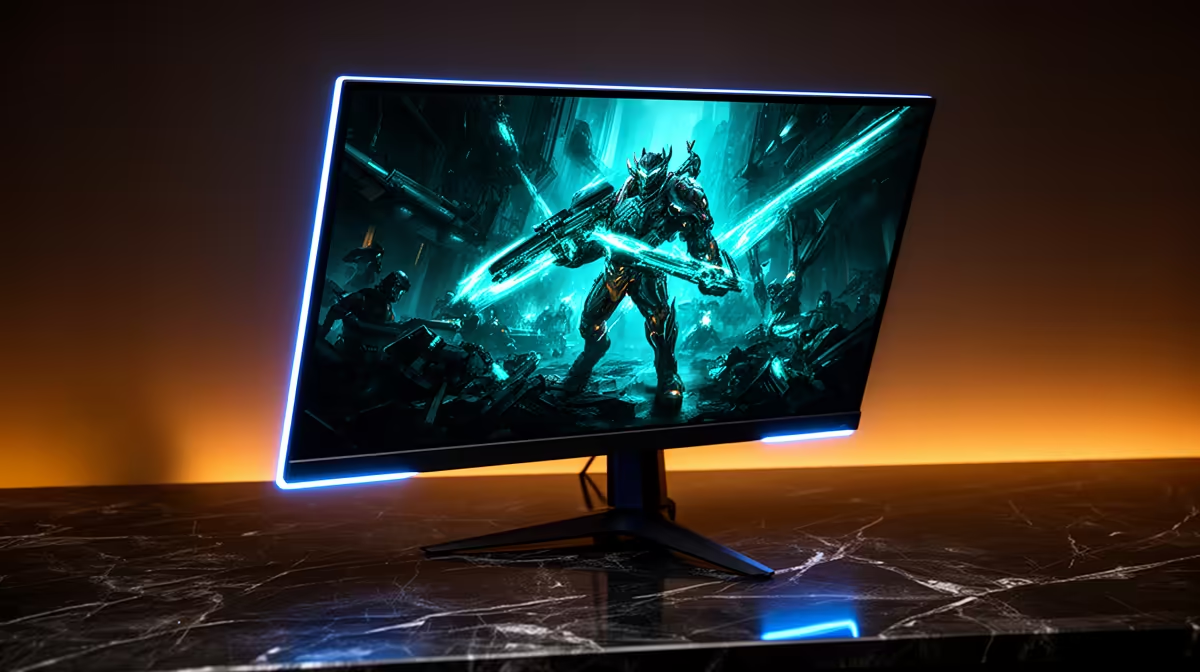
So, when you’re eyeing that gorgeous new OLED monitor with its perfect blacks and vibrant colours, a nagging question pops up: how much juice does it actually use? Is it a power-hungry beast that will make your electricity meter spin like a slot machine? Let's dive into the details of OLED monitor power consumption and see if they’re an efficient choice for South African gamers. ✨
Understanding How OLED Power Consumption Works
The magic of an OLED (Organic Light Emitting Diode) display lies in its pixels. Unlike traditional LCD/LED monitors that use a single, always-on backlight to illuminate all their pixels, each individual pixel in an OLED panel creates its own light.
What does this mean for power usage? It's simple:
- A black pixel is off. Completely. It uses virtually zero power.
- A bright pixel is on. The brighter the colour, the more power it draws.
This is fundamentally different from an LCD, where a black pixel is just a shutter blocking the constant backlight. This unique design is why OLED monitor power consumption is so dependent on what you're watching. A dark, moody game like Alan Wake 2 will use significantly less power than browsing a bright, white webpage.
OLED vs. LCD: The Real-World Power Efficiency Battle
So, which one is more efficient for gaming? It’s not a simple answer, but for most gaming scenarios, OLED often comes out ahead or is at least highly competitive.
While an LCD monitor has a relatively stable power draw regardless of the content, an OLED's usage fluctuates constantly. For the varied, dynamic scenes in most games—from shadowy corridors to bright open worlds—the average power draw of an OLED can be surprisingly low. If you're looking for a new screen, it's worth comparing the specs across all our gaming monitors to see how they stack up.
The story changes if your PC is mainly for work with spreadsheets and documents. In that case, an LCD might be slightly more efficient due to the predominantly white backgrounds. But for an immersive gaming rig, OLED efficiency is a real and tangible benefit.
Dark Mode Pro Tip ⚡
Activate Dark Mode in Windows and your favourite apps (like Discord and Chrome). On an OLED screen, this doesn't just save your eyes—it actively reduces power consumption by making more pixels display black or dark colours, which uses less energy. It's a small change that can make a real difference to your monthly electricity bill.
Key Factors That Influence Your OLED's Power Draw
The power your OLED monitor uses isn't a fixed number. Several factors come into play, giving you more control than you might think.
Brightness and HDR
This is the biggest variable. Running your monitor at 100% brightness will use far more power than at 50%. Activating HDR (High Dynamic Range) can also cause temporary spikes in power usage to create those stunningly bright highlights, but the average consumption across a whole movie or gaming session often remains reasonable.
Resolution and Size
It’s logical: a bigger screen with more pixels needs more power to run. A massive 49-inch ultrawide or one of the latest 4K monitors will naturally consume more energy than a 27-inch model. This is true for all display technologies, not just OLED. Even advanced portable monitors follow this rule.
Content is King
As we've covered, the images on your screen are crucial. A vibrant, colourful game like Overwatch 2 will demand more power than a space exploration game like Starfield, which is filled with the inky blackness of space. Many gamers find the immersive experience of curved monitors combined with OLED technology to be the ultimate setup.
The Verdict: Is an OLED a Smart Buy in SA? 🚀
Absolutely. While the initial price can be higher, the fear that an OLED monitor will wreck your electricity budget is largely unfounded, especially for gaming. The variable nature of OLED monitor power consumption means it's often more efficient than you'd expect, adapting to the content you enjoy most.
You get an unparalleled visual experience—infinite contrast, lightning-fast response times, and breathtaking colours—without a massive penalty on your power bill. When you consider the complete package, an OLED isn't just a purchase; it's an investment in a top-tier gaming experience. You can find a wide variety of these and other display types among our general selection of PC monitors.
Ready to Find Your Perfect Match? The world of monitors is vast, but for the ultimate gaming experience, OLED is tough to beat. Explore our best PC monitor deals and find the perfect screen to conquer your virtual worlds without worrying about your power bill.











