

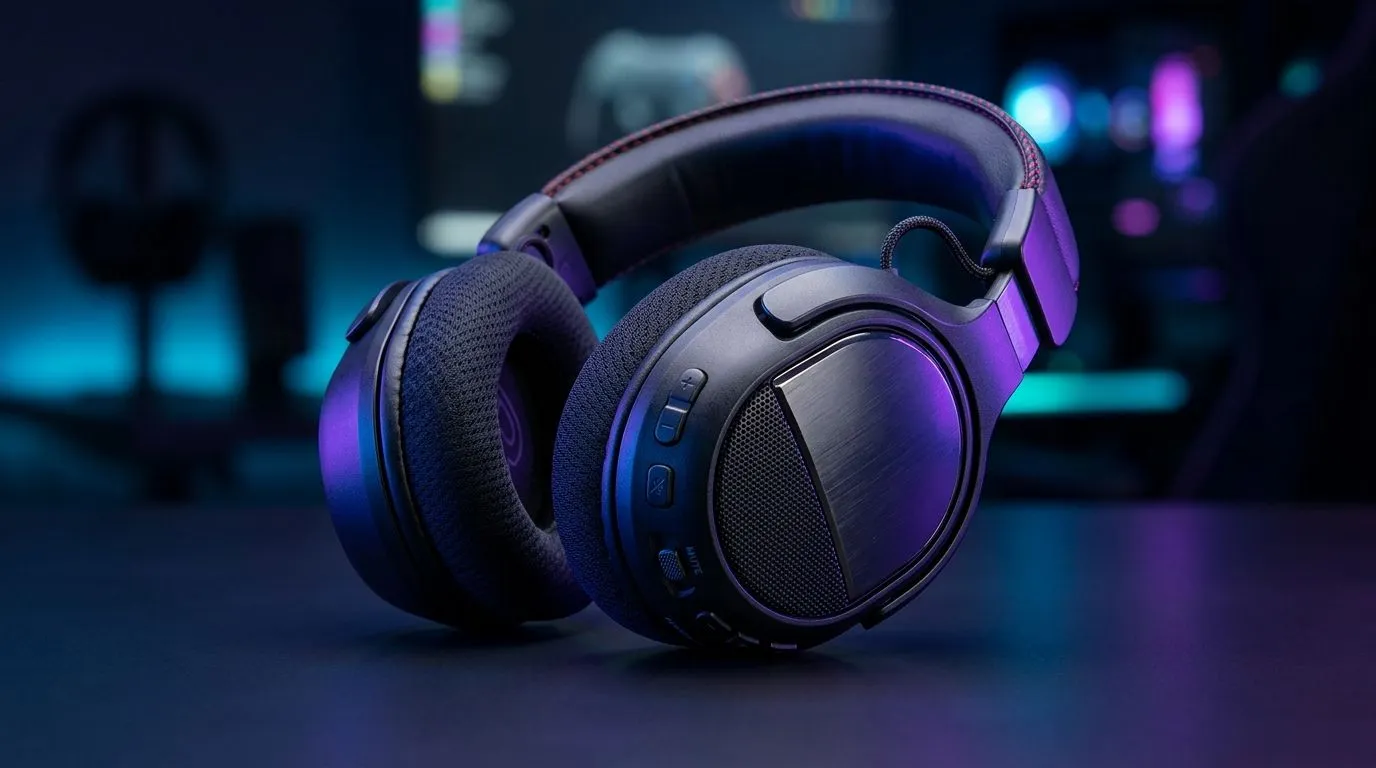
On-Ear Volume Controls for Faster Reactions in Gaming: Why It Matters
You’re mid-round. Enemy footsteps are close. You need comms now, not later. If your headset volume is buried in software, you’ll lose those split seconds that decide a clutch. On-ear volume controls put the adjustment on your schedule... not your PC’s. For South African gamers chasing better consistency (and fewer accidental blasts), this simple hardware feature can feel surprisingly impactful. ⚡
On-Ear Volume Controls for Faster Reactions in Gaming: What to Look For
The best on-ear control isn’t just “there”. It’s usable while you’re moving, aiming, and calling out. Here’s what to prioritise:
1) Tactile placement you can find instantly
Buttons or a wheel should sit where your thumb naturally lands. If you have to look down, it’s not helping in a firefight. A well-placed control keeps your focus where it belongs.
2) Smooth adjustment, not random jumps
You want fine steps for voice chat balance. Too jumpy and you’ll keep over-correcting. Too smooth and you might not notice changes. Either way, “muscle memory” is the goal.
3) Stable sound profile at different volumes
Even if volume changes, your voice clarity should stay good. Otherwise, you’re trading reaction time for worse comms.
4) Comfort over long sessions
A control that’s accessible but makes your ear sweat or clamp down will backfire. Comfort affects how long you can stay locked in.
On-Ear Volume Controls for Faster Reactions in Gaming: Quick Setup Tips for SA Gamers
Most players tweak audio once and forget it. Don’t. Do a fast calibration that matches how you actually play.
Dial in voice first (then game audio)
Start with voice at a comfortable level. Then bring game audio up until footsteps feel present. If you’re using a mix with competitive shooters, aim for “voice intelligibility first”.
Use consistent volumes across days
If you change Windows volume and headset volume separately, it can drift. Pick a headset position you trust and keep PC adjustments smaller.
Productivity Pro Tip 🔧
On Windows, set your headset volume as the main level and use in-headset on-ear controls for quick chat balancing during matches. This reduces the chance of sudden spikes when Discord, TeamSpeak, or game audio devices switch.
On-Ear Volume Controls for Faster Reactions in Gaming: Headset Picks to Consider (Evetech)
If you want on-ear control convenience with a solid gaming-first audio setup, it’s worth checking Evetech’s range. One popular option to browse is the Razer Barracuda X Chroma Wireless headset family here: Razer Barracuda X Chroma Wireless Headset (Phantom White) deals at Evetech.
Want to compare more styles and price points? Start broader with Razer headphones and headsets at Evetech, then narrow by your preferred form factor using Headphone & headset deals.
Why browse in stages? Because “on-ear controls” only matter if the rest of the headset matches your comfort and your platform. In South Africa, that means you also want value that fits your budget in ZAR... and stock that’s actually available.
On-Ear Volume Controls for Faster Reactions in Gaming: Don’t Guess, Test Your Workflow
Before you commit, ask yourself one question: “Can I adjust volume without breaking aim?” If the answer is no, you’ll feel it in the next match. Choose a headset where the control is reachable, the steps feel consistent, and voice remains clear. That’s how faster reactions become repeatable.
Ready to Find Your Perfect Match? The Mac vs Windows debate is complex, but for maximum power, choice, and value in South Africa, Windows is hard to beat. Explore our massive range of laptop specials and find the perfect machine to conquer your world.











