

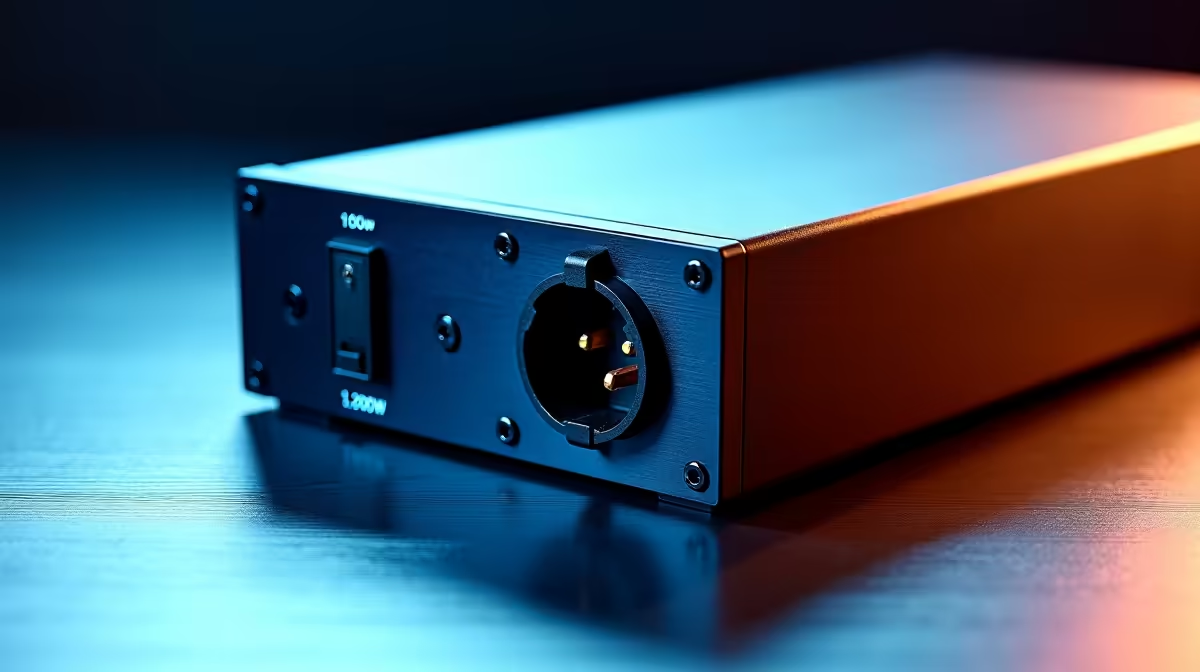
When building a high-wattage PC in South Africa, the CPU power connector situation can cause genuine confusion - particularly when pairing a powerful 1200W PSU with a motherboard that has two CPU power headers. Understanding whether one connector is sufficient, and when you actually need both, prevents instability and protects your hardware investment.
Quick Answer
A single 8-pin (or 4+4-pin) CPU power connector is sufficient for most consumer CPUs, including unlocked Core i7 and i9 chips running at stock or moderate overclocks. A 1200W PSU is more than capable of delivering stable power through one connector for the vast majority of builds. A second CPU power connector is only needed when pushing extreme overclocks on the most power-hungry flagship CPUs.
⚡ How Much Power Does One CPU Connector Actually Provide?
A single 8-pin EPS CPU connector is rated to deliver up to 336W of power (8 pins × 12V × 3.5A per pin = 336W). In practice, with overhead and de-rating for heat and efficiency, sustained delivery of 200-250W is what most system builders rely on. The vast majority of desktop CPUs - including the Ryzen 7 7700X (105W TDP), Core i7-14700K (125W base, 253W PL2), and even the Ryzen 9 7950X at stock - operate well within this envelope. Even Intel's more aggressive power limit configurations rarely push peak sustained draw above 250W through a single connector under normal gaming loads.
🔌 When Does a 1200W PSU Actually Need Both CPU Connectors?
A 1200W PSU has the bulk power capacity for the most extreme builds, but the CPU power delivery path is independent of total PSU wattage. Two CPU connectors become necessary when your CPU's sustained power draw during workloads exceeds what a single connector can safely deliver - typically around 300W+. This applies to extreme overclocks on processors like the Core i9-13900K at PL2 removed (potentially 350W+), Threadripper or HEDT chips, or heavily overclocked Ryzen 9 platforms. If your motherboard has two CPU power headers and you're running a stock or lightly tuned build, populating only the primary connector (usually labelled CPU1 or ATX12V) is perfectly safe and compliant with Intel and AMD specifications.
🖥️ Motherboard Design and Header Labelling
High-end motherboards with dual CPU power headers use the secondary connector to feed additional VRM phases under extreme load. When only one connector is plugged in, the VRM controller redistributes power delivery across the available phases - effective for stock and moderate overclocking scenarios. Most premium X670E and Z790 boards are designed to run safely with only the primary 8-pin populated, and their manuals explicitly state the second connector is required only for overclocking beyond rated TDP. Check your specific motherboard manual: if it says the second header is "optional for overclocking," you're safe with one connector on a stock build.
🔧 Should You Plug In Both Connectors Anyway?
If your 1200W PSU has the cables and your motherboard has both headers, there's no downside to connecting both - it provides more headroom across VRM phases and slightly better power distribution under sustained peak load. For SA builders planning to keep their gaming PC for several years, running both connectors is a sensible habit even if it's not strictly required today. It ensures the system is ready for BIOS-level power limit adjustments down the line and keeps VRM temperatures marginally lower under heavy workloads like rendering or sustained CPU-intensive gaming sessions.
❓ FAQ
Q: Will my PC boot with only one CPU power connector on a 1200W PSU? Yes. Most motherboards will boot and run normally with a single 8-pin CPU connector, even on dual-header boards. Some high-end boards may display a BIOS warning but will still operate correctly.
Q: Is there a risk of damaging the connector with too much load? Under stock CPU configurations, no. Connectors are rated conservatively, and a single 8-pin supplying 150-200W is well within limits. Only extreme overclocking with power limits removed on flagship CPUs risks approaching the safe ceiling.
Q: What if my PSU only has one CPU power cable? This is common with high-quality 1200W PSUs that include modular cables. A single 8-pin or 4+4-pin cable is standard and completely adequate for non-overclocked builds, including Ryzen 9 and Core i9 at stock settings.
Q: Does cable quality matter for CPU power delivery? Yes. Use only the OEM cables supplied with your PSU or certified replacement cables from the manufacturer. Third-party cables with incorrect gauge wire can cause voltage drop and heat buildup at high sustained CPU loads.
Evetech carries All CPUs & Processors and Graphics Card Deals — check live stock and pricing before you buy.
Ready to Find Your Perfect Match? Shop High-Wattage Gaming PC Builds at Evetech











