

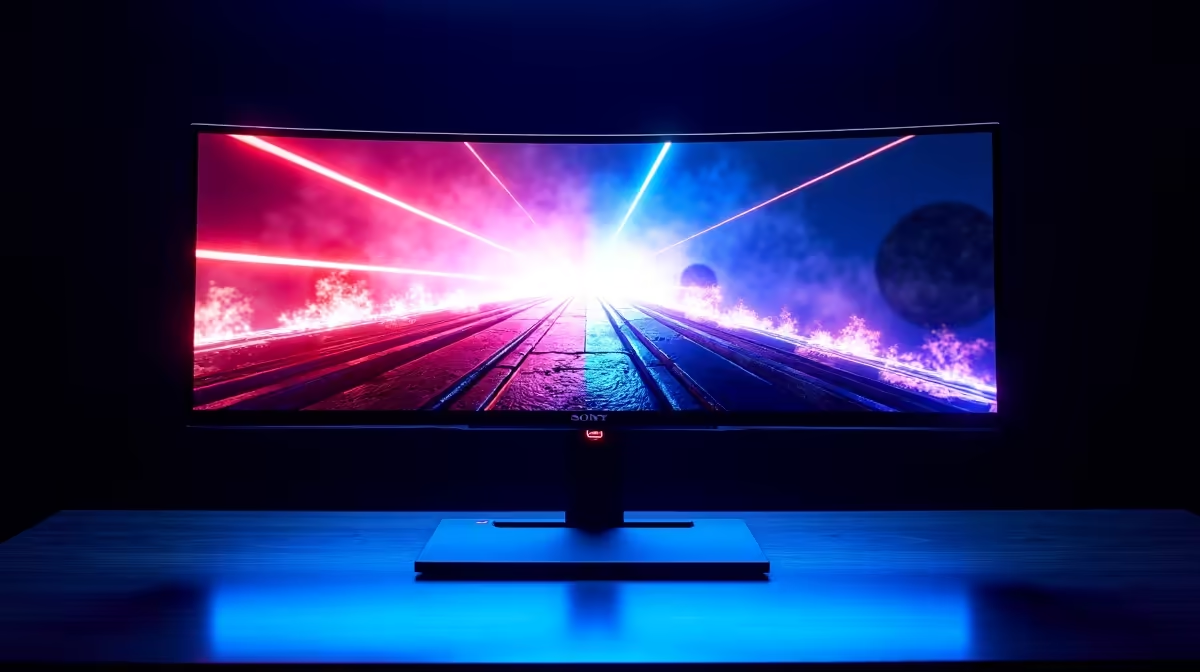
The Reality of Onimusha Ultrawide Support
Reliving the demon-slaying action of Onimusha: Warlords on a modern PC is a nostalgic trip... but South African gamers moving to 21:9 often hit a snag. When you fire up this Capcom classic, you expect immersive samurai battles. Instead, you often find black bars framing your journey. Does the Onimusha ultrawide support hold up, or does the UI break under pressure? ⚔️
Most older titles were designed for square screens. Capcom updated the remaster for widescreen, but it stops at 16:9. If you have grabbed one of the best PC monitor deals lately, you likely want more. Native support for 21:9 or 32:9 is unfortunately missing from the official settings menu. This leaves enthusiasts looking for community patches to fill the gap.
UI Scaling and Visual Integrity
When you force Onimusha ultrawide support through external tools, things get interesting. The 3D models look fantastic with the extra horizontal space. However, the static backgrounds were never painted for these widths. You might see the edges of the world... or just black voids. Standard PC monitors hide this well. On high-end gaming monitors, the UI elements like health bars often stay glued to the 16:9 safe zone. They do not strictly break, but they certainly look off-centre. 🔧
Ultrawide Fix Tip ⚡
Use the 'Flawless Widescreen' tool or specific community scripts for older Capcom titles. These often fix the FOV and HUD placement issues automatically. It saves you the headache of manually editing game files every time there is a tiny update.
Solutions for the Ultrawide Warrior
If you are using curved monitors, the immersion is still worth the effort. Even portable monitors can benefit from a cleaner look if you use a FOV fix. Most South African players find that a simple Hex edit can remove the pillars. Just be prepared for some minor clipping in pre-rendered cutscenes. It is a small price to pay for such a cinematic experience.
Investing in high-resolution 5k 4k monitors ensures that even with black bars, the image is crisp. To keep your desk tidy while battling Genma, consider some monitor accessories like a sturdy gas-spring arm. Prices for quality arms in South Africa usually start around R850... making them a great value add. 🚀
Ready to Find Your Perfect Match? Choosing the right display for classic remasters and modern blockbusters is essential for the best experience. Explore our massive range of monitor specials and find the perfect screen to elevate your South African gaming setup.











