

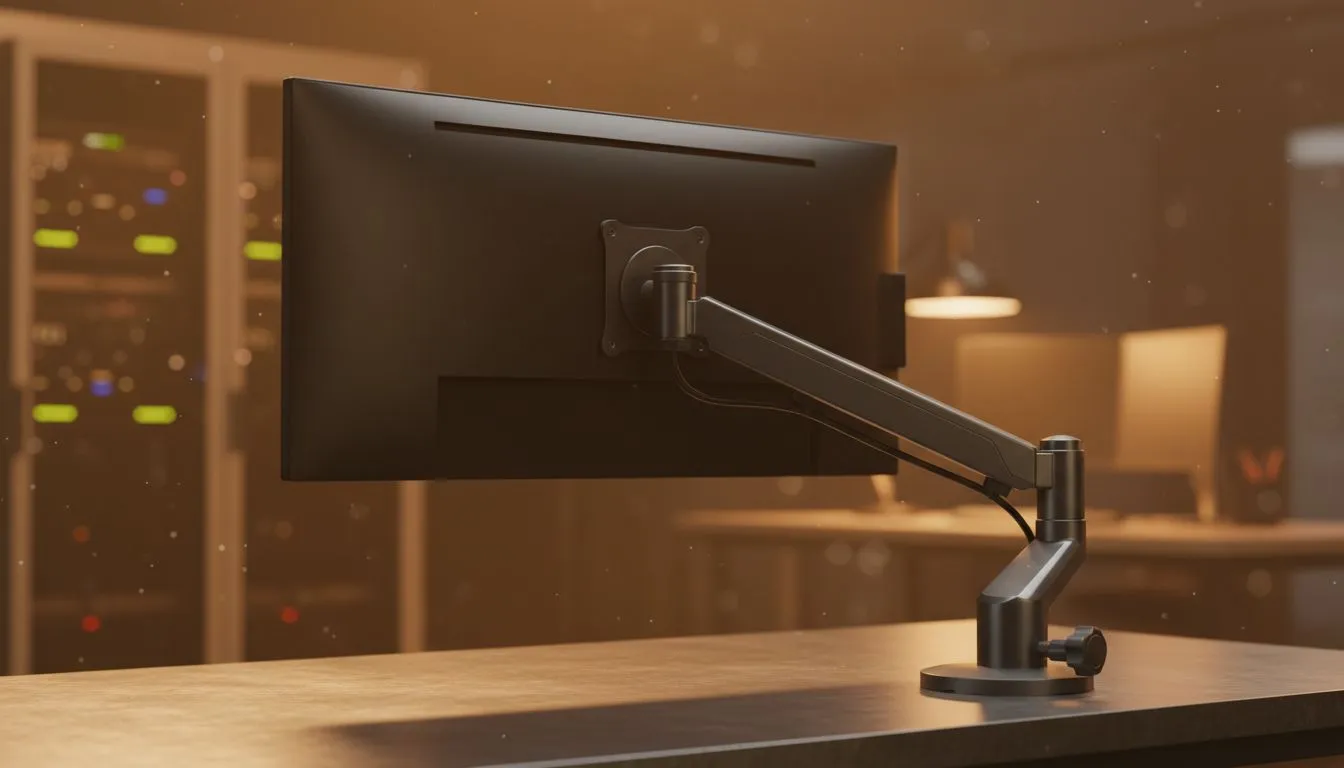
Optimal Monitor Height for Long Working Hours — Why it matters
If you spend long days editing, coding or gaming from Cape Town to Jozi, small posture mistakes add up. "Optimal Monitor Height for Long Working Hours" is the single tweak that reduces neck strain, boosts focus and keeps you productive. Read on for practical measurements, cheap upgrades and local buying tips that respect South African budgets and desk realities. 🔧✨
Optimal monitor height: simple measurements that work
Set the top third of your screen at, or just below, eye level. Sit 50–70 cm from the screen and tilt it 10–20 degrees back to match your natural gaze (these are standard ergonomic recommendations from OSHA and Mayo Clinic) (https://www.osha.gov/etools/computer-workstations) (https://www.mayoclinic.org/healthy-lifestyle/adult-health/in-depth/office-ergonomics). That distance keeps pixel shimmer and eye fatigue down; the tilt keeps your neck neutral.
Need accessories? Browse Evetech’s monitor accessories for stands, arms and risers to hit these numbers without chopping your desk (monitor accessories)[https://www.evetech.co.za/PC-Components/buy-monitor-accessories-368]. Prices vary, so measure first and buy what fits.
Optimal monitor height for long sessions: adjusting for multi‑monitor setups
If you use two monitors, angle them like a shallow V and make the primary display centred with your nose. Keep secondary displays slightly lower. For ultrawide or vertical monitors, prioritise the area you look at most — centre it at eye height to avoid repeated craning.
For reliable, brand-specific mounts check Orico desk mounts that suit slimmer setups and modular arms (Orico desk mounts)[https://www.evetech.co.za/PC-Components/buy-monitor-accessories-368?brands\=Orico].
Optimal monitor height: low‑cost tips and small upgrades
Small changes bring big comfort: raise your laptop with a stack of risers or an inexpensive stand, or use a VESA arm for dynamic height changes. If you prefer gas-spring arms, WINX makes sturdy, smooth options that make hourly adjustments painless (WINX gas-arms)[https://www.evetech.co.za/PC-Components/buy-monitor-accessories-368?brands\=WINX]. Expect to spend from under R800 for basic risers to a few thousand rand for premium arms.
Want budget control? Filter accessories under R3,338 to find solid options that won’t break the bank (accessories under R3,338)[https://www.evetech.co.za/PC-Components/buy-monitor-accessories-368?max-price\=3338].
Productivity Pro Tip ⚡
On Windows, use the PowerToys FancyZones utility to create custom snap layouts for your windows. It's a lifesaver for managing multiple apps on an ultrawide monitor, letting you organise your timeline, preview window, and asset folders perfectly for video editing.
Optimal monitor height: quick checklist to test your setup
- Top third of display at or slightly below eye level (confirm with a mirror).
- Screen 50–70 cm from eyes; adjust font scaling if necessary.
- Tilt 10–20 degrees so your eyes follow the centre naturally.
- If you feel any persistent pain, see an ergonomic specialist or GP — long-term issues need attention.
Ready to Find Your Perfect Match? The Mac vs Windows debate is complex, but for maximum power, choice, and value in South Africa, Windows is hard to beat. Explore our massive range of laptop specials and find the perfect machine to conquer your world.











