

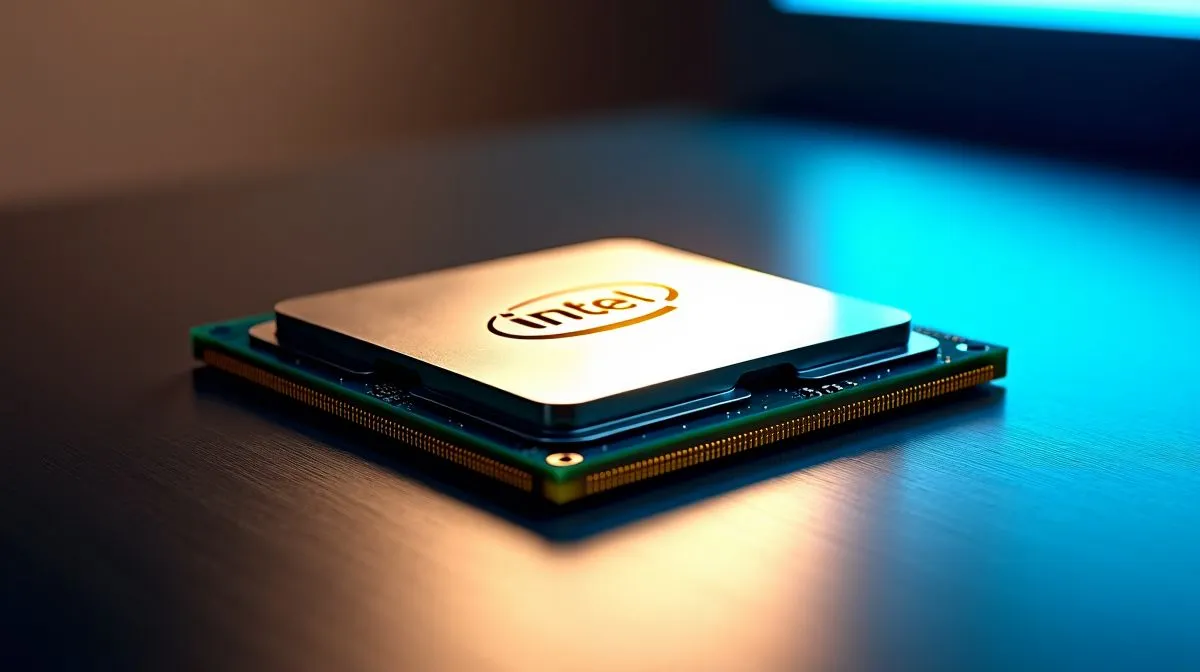
Optimise Intel Core Ultra 5 Gaming and Productivity: Quick wins
South African gamers: want smoother framerates and faster content creation without replacing your whole rig? Optimise Intel Core Ultra 5 Gaming and Productivity with a few local-friendly tweaks and you’ll see real-world gains in AAA titles and export times. Start with BIOS updates, the right RAM configuration and Windows power options to unlock balanced performance and efficiency. 🔧
Pairing and parts matter. If you’re shopping, compare prices in ZAR on Evetech’s CPU listings to pick the best fit for your budget and use case: general CPU options are here.
Optimise Intel Core Ultra 5 for gaming
For gaming, aim for a balanced build: a quality GPU paired to the Intel Core Ultra 5, fast dual-channel RAM, and an NVMe SSD for quick load times. Use Evetech’s Intel CPU category to check compatible models and pricing before upgrading. Keep drivers current and use a “Game” power profile in Windows to avoid background throttling. If you play competitive shooters, prioritise single-core turbo performance and low latency networking.
Micro-story: I tuned a midrange rig for a friend in Pretoria, swapping a single dimm for matched dual-channel sticks and updating the motherboard firmware. The result: a consistent 10–12% uplift in average fps across titles, plus less stutter. Little, targeted changes add up. ⚡
Optimise Intel Core Ultra 5 for productivity
When you edit video or compile code, multi-thread efficiency matters. Configure background tasks, use high-performance storage, and allocate GPU acceleration inside your apps. Compare Intel against AMD options on Evetech’s AMD CPU listing if you’re weighing cores vs single-thread speed. If you’re considering high-core Ryzen chips for heavy rendering, check the Ryzen 9 choices here to benchmark against Intel before you buy.
Productivity Pro Tip ⚡
On Windows, use the PowerToys FancyZones utility to create custom snap layouts for your windows. It's a lifesaver for managing multiple apps on an ultrawide monitor, letting you organise your timeline, preview window, and asset folders perfectly for video editing.
Also consider stepping up to Intel’s higher-tier Ultra models for extra headroom; Evetech lists Core Ultra 9 options if you need a long-term upgrade path. ✨
Final thoughts and next steps
Optimise Intel Core Ultra 5 Gaming and Productivity by prioritising matched RAM, fresh firmware, and appropriate power profiles. Test changes incrementally and record results so you can revert if needed. Need parts in South Africa? Evetech lists CPUs, accessories and builds in ZAR and ships locally.
Quick checklist: update motherboard BIOS, enable XMP/EXPO, install latest chipset drivers, set Windows to High Performance, pair dual-channel RAM, and prioritise fast NVMe storage. For PC builders on a budget, Evetech often lists competitive ZAR prices and specials; compare models and warranties before buying. If you need help selecting parts, Evetech’s support can advise on compatibility. Small investments ... a matched RAM kit or a better cooler ... often deliver more perceivable gains than chasing higher clocked CPUs alone.
Test with real workloads, not synthetic numbers, to see true improvements. Happy building, and enjoy the performance boost.
Ready to Find Your Perfect Match? The Mac vs Windows debate is complex, but for maximum power, choice, and value in South Africa, Windows is hard to beat. Explore our massive range of laptop specials and find the perfect machine to conquer your world.











