

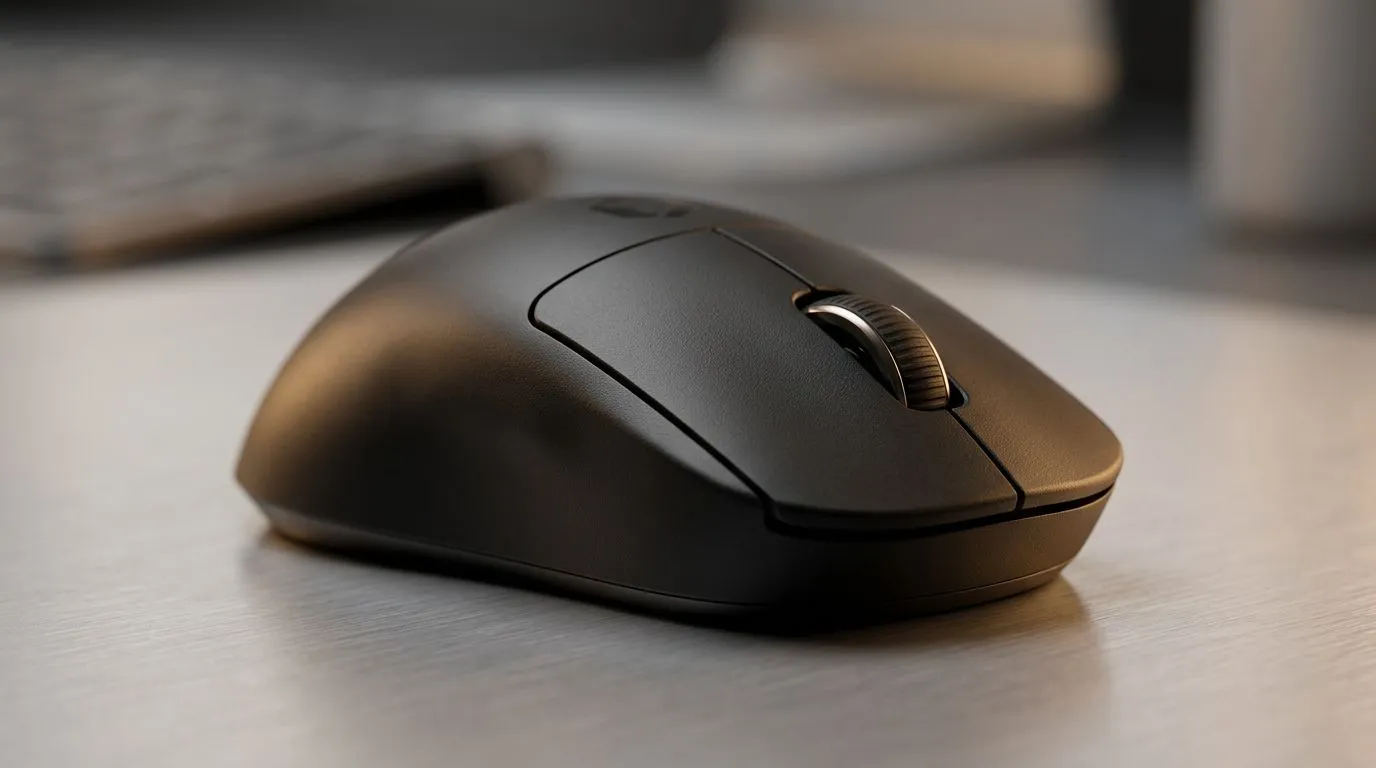
Battery Life Basics for Wireless Mice in South Africa
South African gamers hate the one thing… a mouse that dies mid-match. 🔋 If you’ve ever swapped batteries after a long weekend of Tarkov or CS2, you know the pain. This guide will help you stretch battery life for months, so your setup stays responsive and predictable. And yes, we’re talking about optimising battery life on wireless mice for 18 months, not just “a few extra days”.
Optimising Battery Life on Wireless Mice for 18 Months (What Actually Works)
Wireless battery life comes down to three things: power draw, radio efficiency, and your settings. Here’s what to focus on first.
1) Set your DPI and polling strategy
Higher DPI isn’t always the enemy, but higher polling rates usually are. If your mouse supports multiple polling rates, dropping it can reduce power use noticeably. Many modern wireless mice ship with configurable software, so you can tune performance without guessing.
If you want a fresh setup, compare options from:
- Evetech’s wireless mouse range: Buy wireless mouse options
v
2) Use the right surface and switch off “unnecessary tracking”
Poor tracking surfaces can make the sensor work harder. If your mouse has stutter or you’re fighting cursor drift, you’ll often see battery drain alongside the annoyance.
A clean mouse pad matters too. Wipe dust off your pad and the mouse feet. It’s small work… big payoff.
3) Turn off RGB or reduce brightness
RGB is fun, but it’s a real battery tax. If your mouse has adjustable lighting, try lowering brightness or using a “low-power” mode. Aim for “looks good” rather than “lights up the room”.
4) Manage button macros and scroll habits
Continuous macro fire and rapid-fire wheel use can increase average current draw. Not always dramatic, but it stacks. If you use a gaming profile, create one “battery mode” for longer sessions like ranked grinds or workdays.
Productivity Pro Tip 🔧
wired vs wireless: if you stream, use a wired mouse at the desk for long recording sessions, then switch to wireless for movement around the room. For many people, this simple workflow keeps wireless batteries for evenings and travel while maintaining consistent tracking at home. We have wired options here for that purpose: https: www.evetech.co.za buy-wired-mouse x 1596.aspx
Practical Habits That Extend Life Beyond “New Out of the Box”
Here’s the part nobody tells you: the best battery saving isn’t one setting, it’s routines. ⚡
Recharge and store smart
- If the mouse uses a rechargeable battery, avoid leaving it at 0% for long periods.
- Store it somewhere cool and dry if you’ll be away for a month.
- Keep firmware updated if your mouse software supports it, since power tuning improvements do happen.
If you’re shopping for a model specifically for longevity, browse:
Choose the Right Mouse for Your 18-Month Goal 🚀
Not all wireless mice behave the same. Sensor type, polling options, and sleep behaviour differ by brand and model. If you want the smoothest “forget about it” experience, start with a short-list based on what you care about: battery, weight, and tracking.
Looking for a deal right now? You can still shop smart:
For deeper spec comparisons across gaming sensors and designs, check:
Quick Checklist Before You Commit to a 18-Month Plan
- Lower polling rate when you can (especially for non-competitive work).
- Reduce or disable RGB.
- Clean your sensor and feet.
- Use a consistent mouse pad.
- Keep firmware updated.
- Create a “battery profile” for longer sessions.
Do these, and you’re no longer relying on luck. You’re controlling the variables.
Ready to Find Your Perfect Match? The Mac vs Windows debate is complex, but for maximum power, choice, and value in South Africa, Windows is hard to beat. Explore our massive range of laptop specials and find the perfect machine to conquer your world.











