

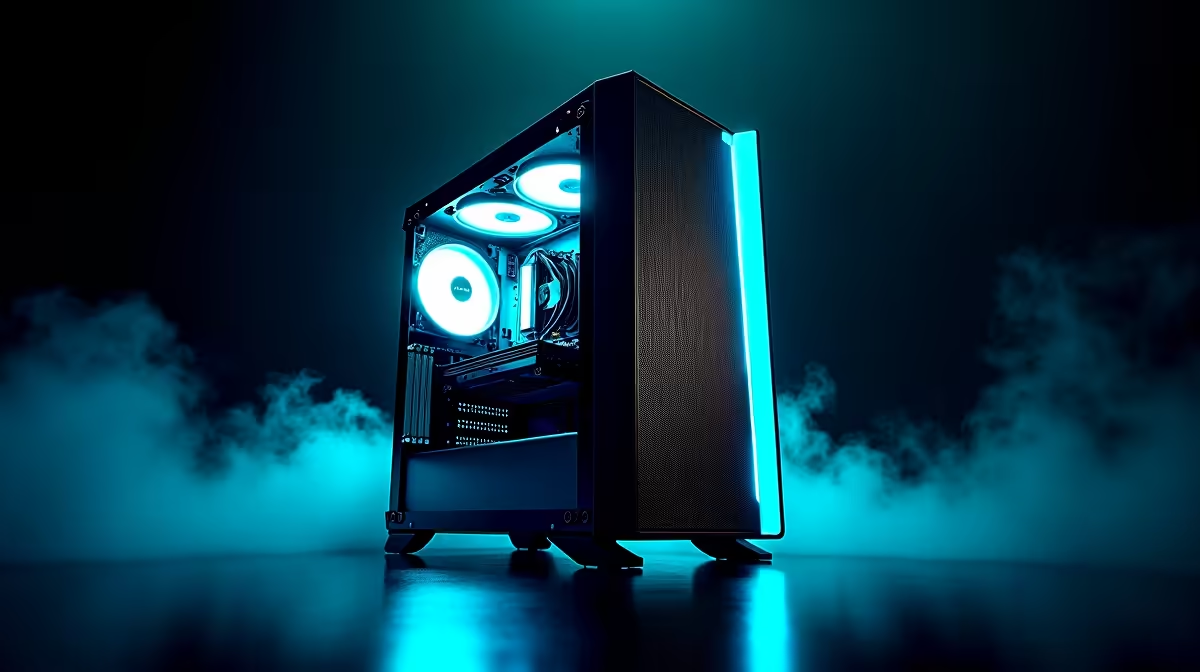
Is there anything worse? You’re in the final circle in Warzone, your aim is crisp, and then… a sudden frame drop gets you sent to the Gulag. We’ve all been there. In South Africa, where every millisecond counts, a stuttering rig is a death sentence. But before you start pricing new components, let's talk about how to optimise your gaming PC. These straightforward tweaks can unlock hidden power and give you the smooth, high-FPS gameplay you deserve. 🚀
First Steps to Optimise Your Gaming Rig
Before diving into complex settings, let's cover the basics. These simple software-level adjustments form the foundation of any good PC optimisation strategy and can deliver immediate results.
- Update Your Graphics Drivers: This is non-negotiable. Both NVIDIA (via GeForce Experience) and AMD (via Adrenalin Software) release frequent updates that include performance improvements and bug fixes for new games. Set them to auto-update and forget about it.
- Tweak Windows Settings: Enable "Game Mode" in your Windows settings (Settings > Gaming > Game Mode). This tells your OS to prioritise system resources for your game. Also, close unnecessary background applications like Chrome, Discord, or Spotify before launching a demanding title. Every bit of RAM and CPU power helps, and even the most affordable budget gaming PCs feel snappier with fewer background tasks.
- Clean Up Your Storage: A full SSD or HDD can slow down your entire system, impacting game load times and even causing in-game stuttering. Aim to keep at least 15-20% of your drive space free for optimal performance.
Fine-Tuning In-Game Settings for Higher FPS
This is where you'll see the biggest gains. To properly optimise your gaming PC for a specific title, you need to understand the trade-offs. Dropping a few visual settings from "Ultra" to "High" can often result in a massive FPS boost with very little noticeable difference in visual quality.
Start by targeting these usual suspects in your game's graphics menu:
- Shadow Quality: Often the biggest performance hog. Lowering this from Ultra to High or Medium can claw back a significant number of frames.
- Anti-Aliasing (AA): This smooths out jagged edges on objects. Techniques like FXAA are less demanding than MSAA. If you’re playing at 1440p or 4K, you might even be able to turn it off completely without noticing.
- Resolution Scaling: If your game supports it, consider using features like NVIDIA's DLSS or AMD's FSR. They render the game at a lower internal resolution and use clever AI to upscale it, providing a huge performance lift. For rigs that are already powerful, like many of the PCs under R20,000, you might only need to enable one of these features to hit your desired frame rate.
Competitive FPS Pro Tip ⚡
In games like Valorant or CS2, visibility is everything. Many pros turn settings like shadows and effects to low, not just for higher FPS, but to make enemies stand out more clearly against the background. It's a classic case of function over form to gain a competitive edge.
Advanced PC Optimisation: BIOS and Hardware Checks
Feeling a bit more adventurous? A few hardware-level checks can ensure you’re getting every ounce of performance you paid for. 🔧
First, reboot your PC and enter the BIOS/UEFI (usually by pressing DEL or F2 on startup). Look for a setting called XMP (Extreme Memory Profile) or DOCP (for AMD systems) and make sure it’s enabled. This allows your RAM to run at its full advertised speed, which can provide a noticeable boost in many games. If you're running a high-end machine from our range of PCs above R20,000, ensuring your RAM is running at its rated speed is non-negotiable.
Next, check your temperatures. Dust buildup is a major performance killer, especially in our warm South African climate. If your CPU or GPU is running hot (consistently above 85-90°C under load), it will "throttle" itself, reducing performance to prevent damage. A simple clean-out with a can of compressed air can work wonders.
Knowing When It's Time for an Upgrade
Optimisation can achieve incredible results, but it has its limits. If you've tried everything and your trusty rig still struggles to run the latest titles, it might be time to consider an upgrade. No amount of software tweaking will make an older graphics card run Alan Wake 2 smoothly.
Sometimes, the most effective way to optimise your gaming PC experience is with new hardware. If you've squeezed every drop of performance out, it might be time to check out the latest pre-built PC deals and find a rig that meets today's demanding standards. Our selection of the best gaming PC deals in South Africa is the perfect place to start your search for a true powerhouse.
Ready for a Real Power Boost? Optimising your current rig is smart, but sometimes a hardware upgrade is the only way to get the jaw-dropping performance you crave. From graphics cards to super-fast NVMe drives, we've got the gear to take your gaming to the next level. Explore our massive range of PC components and build the machine of your dreams.











