

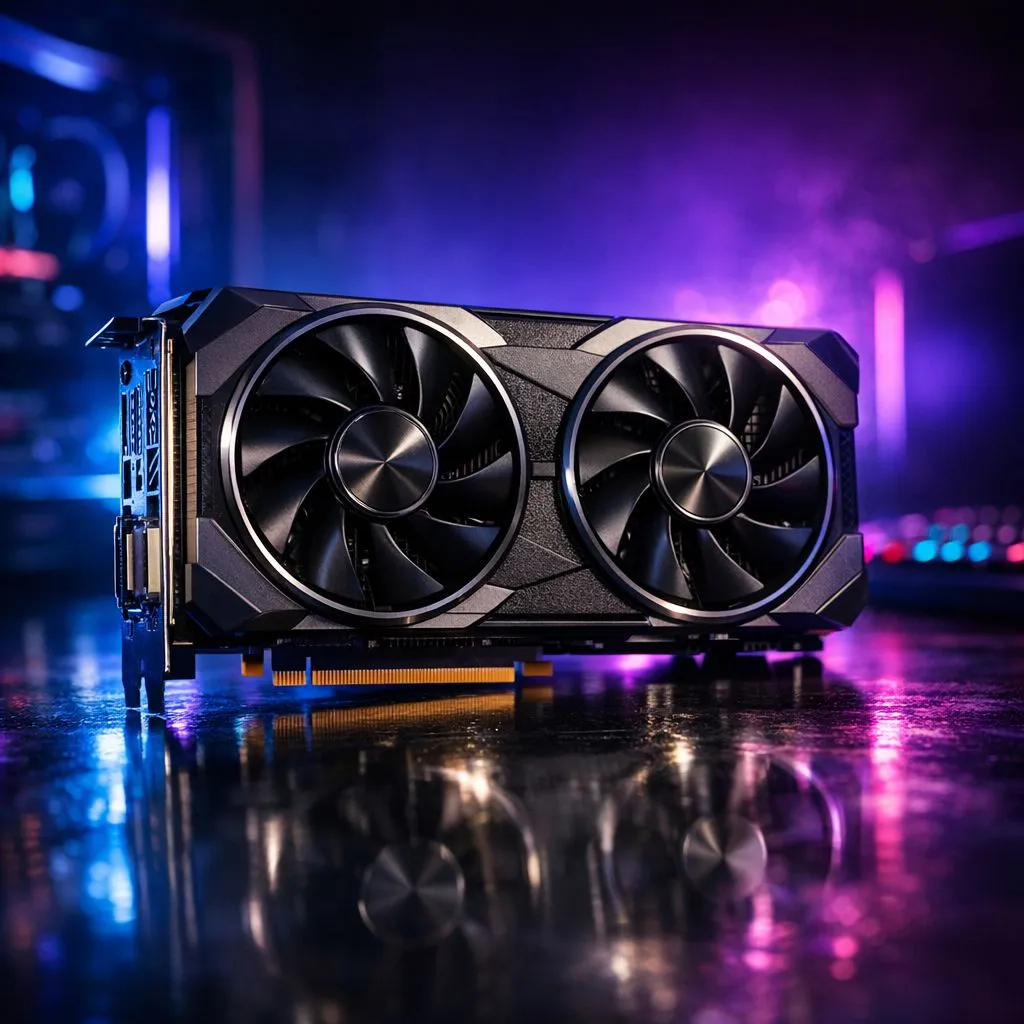
Preparing Your Rig for the Streets of Leonida
The Leonida hype is hitting South Africa hard. We’ve all seen the trailer... but is your PC actually ready? Before you drop thousands on a brand-new rig, let’s see if we can squeeze more life out of your hardware. You can optimize GPU for GTA 6 without breaking the bank today. It just takes a little digital elbow grease 🔧.
Update Drivers and Refresh Your Software
Start with the basics. Ensure your latest NVIDIA or AMD graphics cards are running the most recent "Game Ready" drivers. These updates often contain specific optimisations for massive open-world titles. If your performance feels sluggish, try a "Clean Install" using Display Driver Uninstaller (DDU). This removes old file remnants that might cause stuttering when you are cruising through Vice City.
Performance Pro Tip ⚡
Use the "Hardware-accelerated GPU scheduling" toggle in Windows Settings. This allows your graphics card to manage its own memory more effectively, often reducing latency and improving minimum frame rates in CPU-heavy games like the GTA series.
Master the Art of Upscaling
If your current card struggles at native resolution, upscaling is your best friend. Most modern MSI graphics cards support technologies like DLSS or FSR. These tools render the game at a lower resolution and use AI to sharpen the image. It is essentially free performance. Even owners of Intel Arc graphics cards can utilise XeSS to gain a significant FPS boost without sacrificing too much visual clarity 🚀.
Thermal Management and Overclocking
Heat is the enemy of performance. In the South African summer, your GPU can easily hit its thermal limit and throttle down. Clean your dust filters and consider a slight undervolt. This keeps the card cooler and allows for more consistent clock speeds. While most gamers focus on consumer hardware, even those using workstation graphics cards for side-hustle gaming can benefit from better airflow and custom fan curves.
When to Consider a Hardware Refresh
Sometimes, software tweaks can only go so far. GTA 6 is expected to be a VRAM hog. If you are still rocking a card with only 4GB or 6GB of memory, you might hit a wall. High-resolution textures require space. Upgrading to the latest AMD Radeon graphics cards with 12GB or 16GB of VRAM will ensure you aren't looking at blurry textures in the middle of a heist ✨.
Ready to Find Your Perfect Match? Squeezing every bit of power from your current card is great, but sometimes a real upgrade is the only way to experience Leonida in its full glory. Explore our massive range of graphics card specials and find the perfect GPU to dominate GTA 6.











