

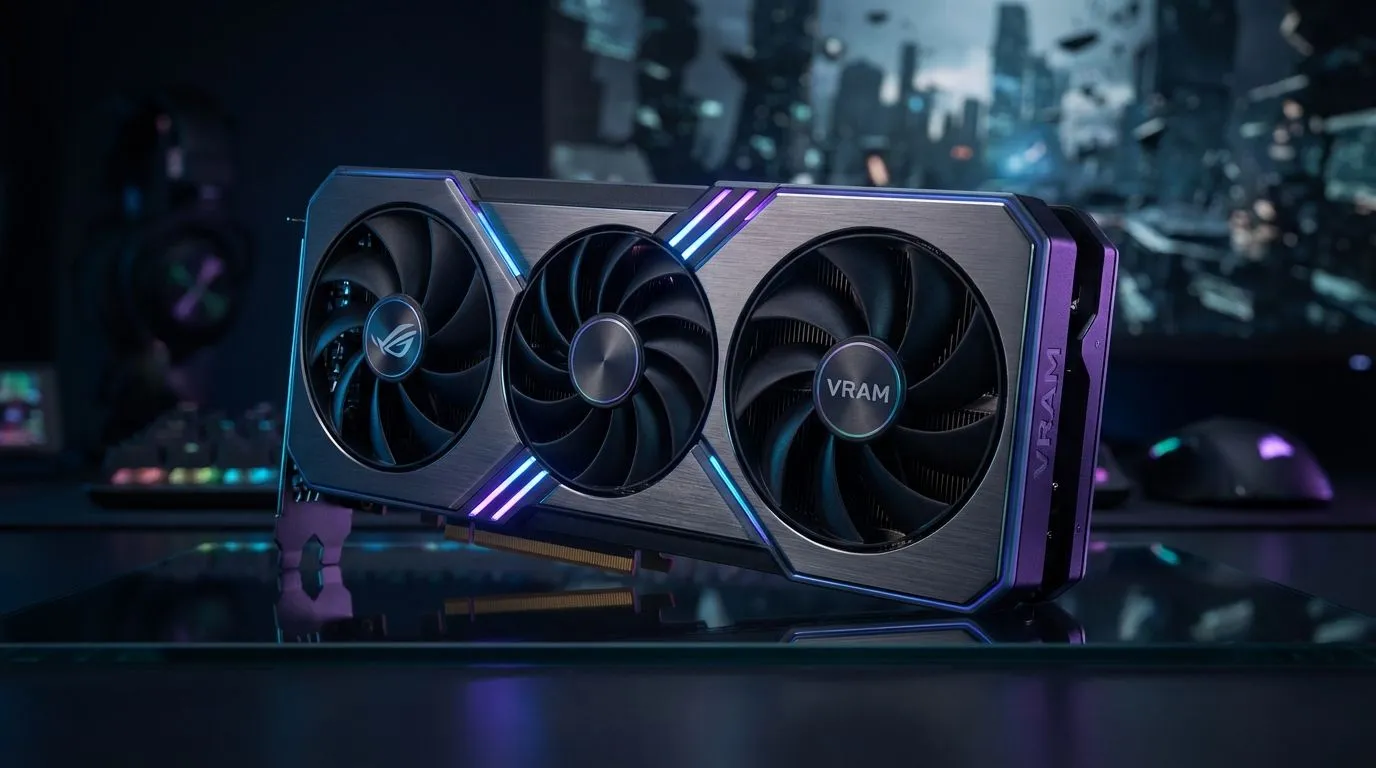
The VRAM Challenge in Marvel Rivals
Marvel Rivals is visually stunning, but those crumbling buildings in Tokyo 2099 can turn your screen into a slideshow. If you want to Optimize VRAM Marvel Rivals performance and stop stuttering, you need to manage your hardware resources effectively. Local gamers often face high pings... adding frame drops to the mix makes it unplayable. Let’s fix your settings and keep your gameplay smooth.
Destructible environments are the highlight of this hero shooter. However, every shattered wall consumes precious video memory. If your current card is older, you might need to browse high-performance NVIDIA and AMD graphics cards to find a model with at least 8GB of VRAM. Anything less will struggle when the Hulk starts levelling the map.
How to Optimize VRAM Marvel Rivals for Smoother Play
The first step to a stable frame rate is adjusting your texture quality. High textures look great, but they are the biggest VRAM hogs. For those using premium MSI graphics cards, the MSI Afterburner tool can help monitor usage in real-time. This ensures you aren't hitting the dreaded VRAM limit during intense 6v6 team fights. ⚡
Shadow quality and global illumination also play massive roles in memory consumption. Lowering these by just one notch can free up hundreds of megabytes. Don't sleep on newer players in the market either. Many latest Intel Arc graphics cards offer impressive memory bandwidth for their price in the ZAR market. While some might consider specialised workstation graphics cards for multi-purpose builds... gaming-specific hardware usually provides better driver support for NetEase’s latest shooter. 🔧
Hardware Choices for Destruction-Heavy Maps
If you prefer Team Red, high-capacity AMD Radeon graphics cards are excellent for handling heavy asset streaming. These cards often provide more VRAM per Rand, which is vital for destructible maps. 🚀
When the environment starts to break, the engine must store the physics data and new textures for debris. If your VRAM is full, the system swaps data to your slower system RAM. This causes the micro-stutter that ruins your aim. To truly Optimize VRAM Marvel Rivals settings, always aim to keep your "Estimated VRAM Usage" bar in the green. ✨
VRAM Management Pro Tip ⚡
Use the in-game overlay to monitor your dedicated video memory usage during a match. If you see usage exceeding 90%, lower your 'Effect Quality' first. This setting controls the complexity of particles and debris, which are the primary causes of stuttering in destructible zones like Yggsgard.
Ready to Dominate the Multiverse? Don't let stuttering cost you the match. For maximum power and the best VRAM value in South Africa, upgrading your GPU is the ultimate move. Explore our massive range of graphics card specials and find the perfect hardware to crush your rivals.











