

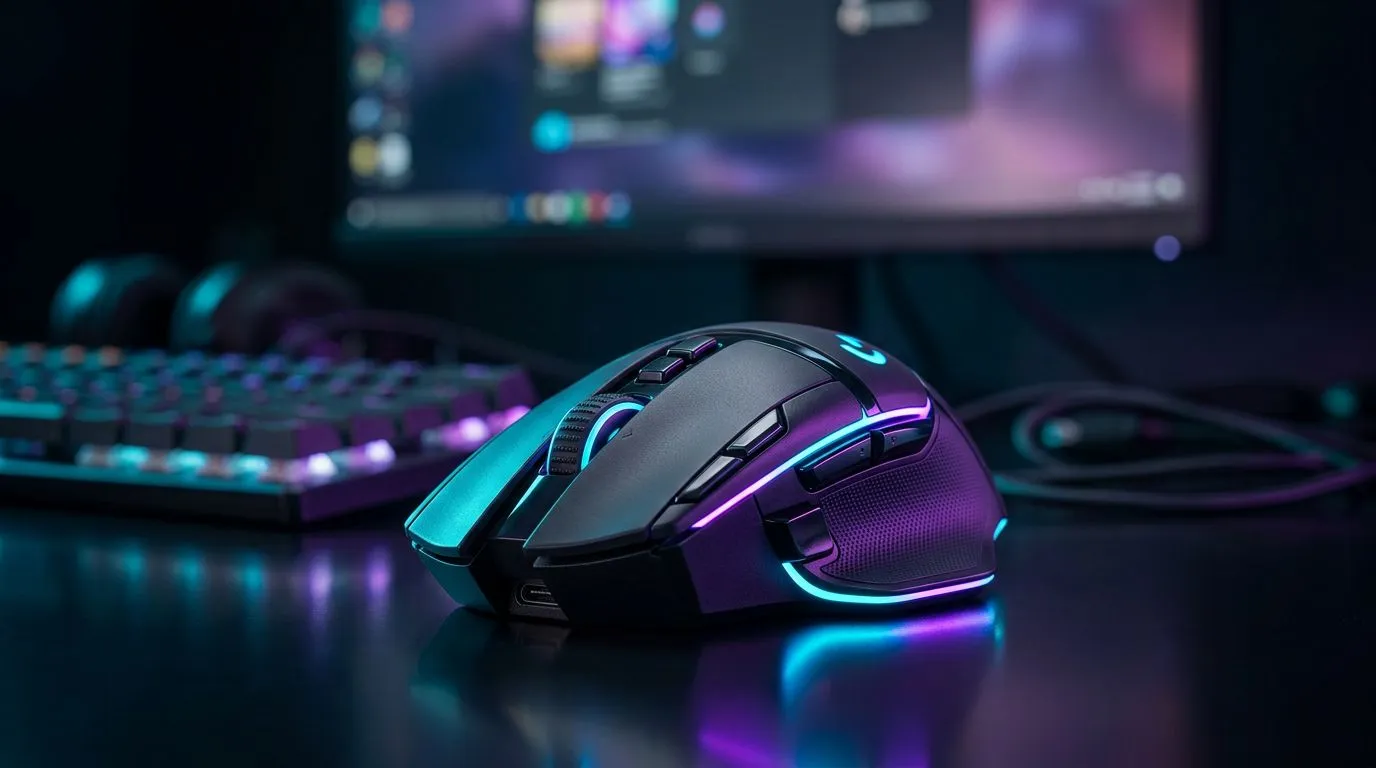
Optimise Wireless Gaming Mouse for South African Internet 🔧
Want buttery smooth aim over unstable home Wi‑Fi? Learn how to "Optimize Wireless Gaming Mouse for South African Internet" in minutes — no overpriced gear required. This short guide gives practical fixes, product pointers and local tips so South African gamers get lower input lag and fewer dropouts, whether you're on uncapped fibre or a spotty mobile hotspot.
Optimise Wireless Gaming Mouse for South African Internet: first steps
Start by picking the right wireless mouse profile for competitive play. Look for a gaming mouse with a dedicated 2.4GHz USB dongle or low‑latency Bluetooth profile. Browse Evetech's full gaming mouse range to compare sensors and polling rates before you buy: https://www.evetech.co.za/components/gaming-mouse-117.aspx. If you already own one, update the firmware and the manufacturer's driver utility. That often unlocks power options and performance modes.
Optimise Wireless Gaming Mouse for South African Internet: network and placement tips ⚡
Placement matters. Keep the dongle in a clear line of sight to the mouse. Use a USB extension to raise the receiver above desk clutter and away from Wi‑Fi routers. If you want accessories — extenders, dongle extenders, or mouse skates — check Evetech's mouse accessories to fine tune reach and glide: https://www.evetech.co.za/buy-mouse-accessories/x/1595.aspx. If you’re gaming on mobile data or a capped ISP, prioritise a wired fallback for critical matches. You can find wired options at Evetech here: https://www.evetech.co.za/buy-wired-mouse/x/1596.aspx.
Productivity Pro Tip ⚡
Turn off unneeded Bluetooth devices while gaming. Bluetooth headphones, phones or speakers in range can introduce radio noise. Use the mouse's dedicated 2.4GHz dongle when possible for a stable connection.
Optimise Wireless Gaming Mouse for South African Internet: hardware choices & ZAR deals
If you need a new mouse, choose one that balances sensor quality and weight. Evetech often lists deals in ZAR — expect competitive invites under R1,000 for solid mid‑range wireless mice. Compare current deals and prices before you buy at Evetech's best gaming mouse deals: https://www.evetech.co.za/best-gaming-mouse-deals/x/054.aspx. Prefer a pure wireless setup? Browse their wireless selection at: https://www.evetech.co.za/buy-wireless-mouse/x/1597.aspx. Pick a model with a high polling rate and reliable dongle.
Optimise Wireless Gaming Mouse for South African Internet: configuration and testing 🚀
Inside your mouse software, switch to a higher performance/polling profile for gaming. Lower the power saving threshold to avoid the mouse sleeping mid‑match. Test using aim trainers and built‑in DPI tests. If you still see micro‑stutters, try a wired connection for comparison — it helps isolate network versus hardware issues.
Optimise Wireless Gaming Mouse for South African Internet: final checklist
- Update firmware and drivers.
- Use the 2.4GHz dongle with a USB extension.
- Disable nearby Bluetooth devices.
- Try wired mode to compare.
- Shop deals in ZAR and consider accessories to improve reach.
Visit Evetech's wireless and wired ranges when you're ready to upgrade or buy accessories. They stock a wide selection and local warranties to protect your purchase.
Ready to Find Your Perfect Match? The Mac vs Windows debate is complex, but for maximum power, choice, and value in South Africa, Windows is hard to beat. Explore our massive range of laptop specials and find the perfect machine to conquer your world.











