

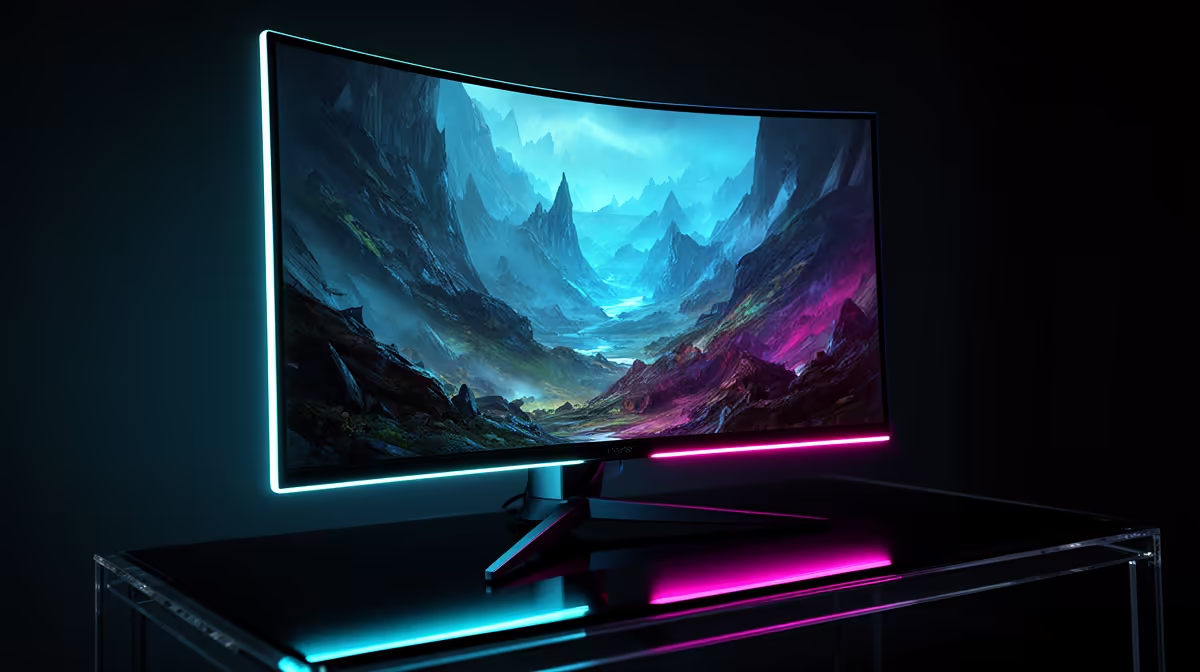
Staring at your screen, you know your rig has more to give. You’ve tweaked your GPU, optimised your settings… but what about your monitor? For South African gamers chasing every possible frame, the idea of a free performance boost is tempting. This overclock monitor guide breaks down the real risks and rewards of pushing your panel past its limits, helping you decide if it’s a smart move for your setup.
What is Monitor Overclocking, Exactly?
In simple terms, monitor overclocking is the process of pushing your display’s refresh rate (measured in Hertz, or Hz) beyond its official factory specifications. Think of it like tuning a car’s engine. The manufacturer sets a safe, reliable speed, but with a few tweaks, you might be able to squeeze a little extra performance out of it. ⚡
The goal is to increase the number of times your screen updates per second. For example, you might try to push a standard 60Hz panel to 75Hz, or a 144Hz gaming display to 160Hz. While most modern PC monitors have some headroom for this, success is never guaranteed.
The Rewards: Why SA Gamers Overclock Monitors
So, why would you even bother with this? For competitive and enthusiast gamers, the benefits of a successful monitor overclock can be surprisingly noticeable.
Smoother Gameplay
The most immediate reward is smoother on-screen motion. The jump from 60Hz to 75Hz, for instance, can reduce motion blur and make fast-paced games feel more fluid. This isn't just a placebo effect; more frames being displayed per second genuinely creates a more responsive experience, giving you a huge advantage across our range of all gaming monitors.
A Potential Competitive Edge
In shooters like Valorant or Apex Legends, milliseconds matter. A higher refresh rate means you get visual information slightly faster than an opponent on a slower screen. It might only be a tiny fraction of a second, but at high levels of play, that can be the difference between winning and losing a duel.
Cost-Effective Performance ✨
Let's be honest, this is the main appeal. Getting more performance without spending a Rand is the ultimate tech enthusiast's dream. An effective overclock gives you a premium feature for free... assuming it works correctly.
The Risks: What Could Go Wrong? 🤔
Before you rush to tweak your settings, it's crucial to understand the downsides. This is not a risk-free process, and knowing what can go wrong is key.
Frame Skipping & Artefacts
This is the most common issue. Your monitor might accept a higher refresh rate setting, but it can't actually display all the frames. This is called "frame skipping," and it results in choppy, stuttering motion that looks worse than your original refresh rate. You might also see flickering, strange colour lines, or general instability. This is especially true for pixel-dense 4K and 5K monitors, which are already pushing a lot of data.
Voiding Your Warranty
This is the big one. Most manufacturers consider overclocking to be operating the device outside of its specified limits. If your monitor fails while overclocked, your warranty claim will almost certainly be denied. You are proceeding at your own risk.
Reduced Lifespan
Pushing any electronic component beyond its rated specs generates more heat and stress. While it's unlikely to kill your monitor overnight, consistently running an aggressive overclock could theoretically shorten its overall lifespan.
A Quick How-To Guide to Overclock Your Monitor
If you've weighed the risks and still want to proceed, here’s a simplified, cautious approach.
- Use Your GPU Control Panel: You don’t need special software. You can do this right from the NVIDIA Control Panel, AMD Radeon Software, or Intel Graphics Command Center. Look for the "Display" section and find the option to "Create Custom Resolution."
- Increase in Small Steps: Do not jump from 60Hz straight to 90Hz. Increase the refresh rate in small increments, like 2-5Hz at a time. Apply the setting and see if the screen displays a stable image.
- Test Thoroughly: This is the most important step. After each successful increase, you must test for stability and frame skipping. The process is similar whether you have a flat panel or one of the latest curved monitors. While less common, the same principles can apply to some portable monitors for on-the-go gaming.
Don't Get Skipped! 🔧
Before you celebrate your new refresh rate, you must check for frame skipping. Head over to the Blur Busters UFO Test online. Take a photo of the moving UFOs with your phone camera in shutter speed priority mode. If you see a solid, continuous line of UFOs, you're golden. If there are gaps or uneven spacing, your monitor is dropping frames, and you need to lower the refresh rate.
The Verdict: Is It Worth It for You?
So, should you overclock your monitor? If you're an enthusiast who enjoys tinkering and understands the risks, it can be a rewarding experiment. A modest, stable overclock of 10-15Hz is a fantastic "free" upgrade.
However, if you're looking for a guaranteed, hassle-free performance uplift, the answer is simple: buy a monitor designed for it. The peace of mind from a warranty and factory-certified performance is often worth the investment. For many, a safer bet is often found by checking out the latest PC monitor deals for a model that meets your needs out of the box.
Ready for a Guaranteed Upgrade? While trying to overclock a monitor can be a fun project, nothing beats the guaranteed smoothness of a high-refresh-rate panel straight out of the box. Instead of risking your warranty, why not explore our massive range of gaming monitors and find the perfect screen to unleash your PC's true potential? Explore Evetech's Gaming Monitor Specials











