

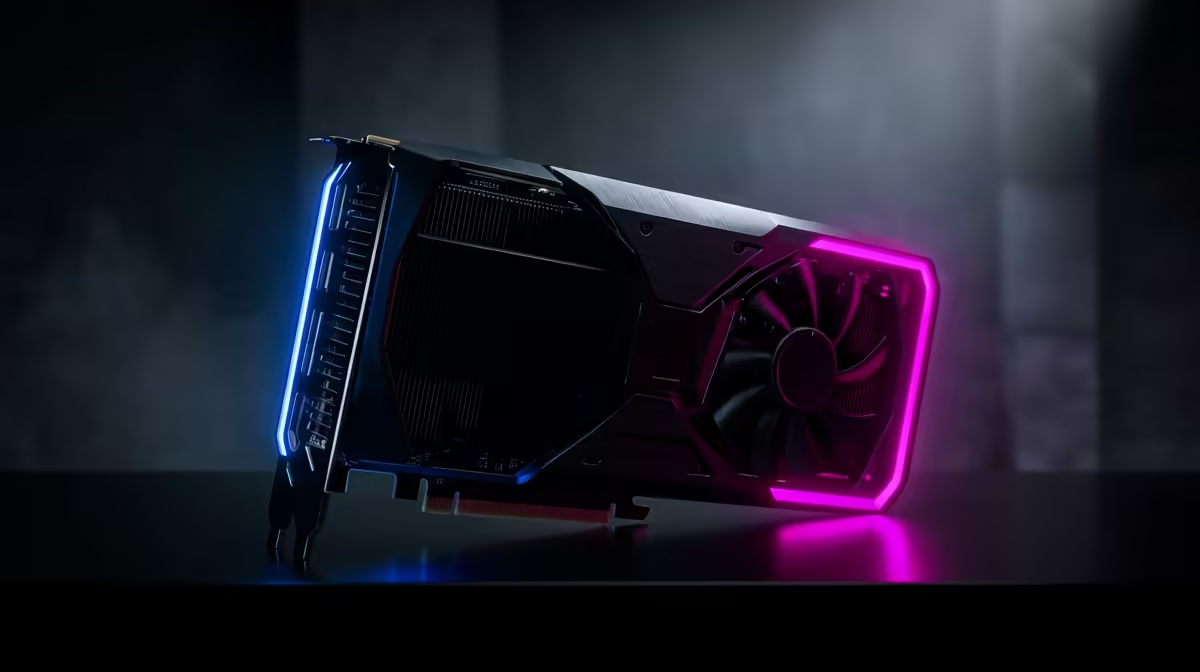
So, you've built a beast of a PC, but that 4K dream feels... just out of reach. You're seeing frame drops in the latest AAA titles, and upgrading your GPU again feels like a punch to the wallet. What if you could unlock free performance hidden inside your components? That's the magic of overclocking. This guide is for South African gamers ready to push their hardware and achieve buttery-smooth 4K visuals without spending another rand.
Why Overclocking for 4K Gaming is a Big Deal
At its core, overclocking is the process of safely increasing the clock speed of your components—like your CPU or graphics card—beyond their factory settings. Think of it as tuning your car's engine for the racetrack. For 4K gaming, this is massive. Pushing 8.3 million pixels every second demands incredible power, and even a 5-15% performance boost from a stable overclock can be the difference between a choppy 45 FPS and a fluid 60 FPS.
Is it risky? It used to be. But modern motherboards and components have built-in safety features to prevent damage. With careful, gradual adjustments and proper cooling, overclocking for 4K gaming in South Africa is a reliable way to maximise your investment. The key is to see the glorious results, which starts with having one of the right PC monitors for the job.
Gearing Up: What You Need for a Stable 4K Overclock
Not all hardware is created equal when it comes to pushing limits. To successfully start your overclocking journey, you'll need a solid foundation.
Key Components to Consider:
- CPU: Look for an "unlocked" processor, typically designated with a 'K' or 'X' in its model name (e.g., Intel Core i7-14700K or AMD Ryzen 7 7800X3D). These are designed for overclocking.
- Motherboard: A quality motherboard with a robust Voltage Regulator Module (VRM) is crucial. Good VRMs deliver clean, stable power to your CPU, which is essential when you're demanding more from it.
- Cooling: This is non-negotiable. 🔧 When you overclock, you generate more heat. A high-performance air cooler or an All-In-One (AIO) liquid cooler is vital to keep temperatures in check and prevent performance throttling.
- GPU: Most modern graphics cards can be overclocked using software like MSI Afterburner. The better the cooling solution on the card, the more headroom you'll have.
Ultimately, a powerful rig deserves a screen that can keep up. Whether you're looking for high refresh rates or stunning colour accuracy, you can browse all our gaming monitors to find a panel that complements your build. For many, the immersion of curved monitors is the perfect match for the expansive worlds of 4K gaming.
A Practical Guide to Overclocking for 4K Gaming
Ready to get your hands dirty? While every system is unique, the process of overclocking for 4K gaming follows the same fundamental steps. This isn't an exhaustive tutorial, but a roadmap to get you started safely.
- Establish a Baseline: Before you change anything, run a benchmark tool (like 3DMark or Cinebench) and play your favourite game. Note your scores and average FPS. This is your starting point.
- Enter the BIOS/UEFI: Restart your PC and press the designated key (usually Del, F2, or F12) to enter the BIOS. This is your PC's command centre.
- Tweak and Test: Locate the CPU Ratio/Multiplier and CPU Core Voltage settings. Increase the multiplier by a small increment (e.g., from 48x to 49x for 4.9GHz). Boot into Windows and run a stress test (like Prime95 or AIDA64) for at least 30 minutes.
- Rinse and Repeat: If it's stable, go back into the BIOS and increase it again. If it crashes, you may need to slightly increase the voltage or dial back the multiplier. The goal is to find the highest stable speed at the lowest possible voltage.
Cooling is King ⚡
Your component temperatures are the most important metric to watch. Download a monitoring tool like HWMonitor or use MSI Afterburner's overlay. For a CPU overclock, aim to keep your temps under 85-90°C during a stress test. For a GPU, keep it below 83°C. If temps get too high, your PC will throttle performance to protect itself, defeating the purpose of your overclock!
Once you've dialled in your CPU and GPU, the visual payoff on one of Evetech’s dedicated 4K monitors is truly something to behold. ✨
The Final Piece: Your Monitor Makes or Breaks the Experience
You’ve done it. You’ve successfully overclocked your rig and are now pushing an extra 10-15 frames per second in Cyberpunk 2077 at 4K. But what's the point if your monitor can't display them? This is where many builders miss a trick. A 60Hz monitor can only show 60 frames per second, period.
Achieving a stable overclock for 4K gaming is only half the battle. To truly benefit, you need a display with the right specs. A high-refresh-rate 4K monitor (120Hz or higher) will let you see and feel the smoothness you've just unlocked. Don't let your hard work go to waste on an outdated screen. You can often find some of the best PC monitor deals right here in South Africa, making the upgrade more accessible than you think.
Even gamers on the move can benefit from a quality external screen, with some excellent portable monitors now offering great colour and response times. Paired with the right monitor accessories like a VESA mount, you can create the perfect setup anywhere. 🚀
Ready to Build Your 4K Beast? Overclocking for 4K gaming in South Africa starts with the right hardware. From unlocked CPUs to high-performance coolers and motherboards with strong VRMs, every piece matters. Don't let a single component hold you back. Explore our massive range of PC components and build the rig that will dominate any 4K title.











