

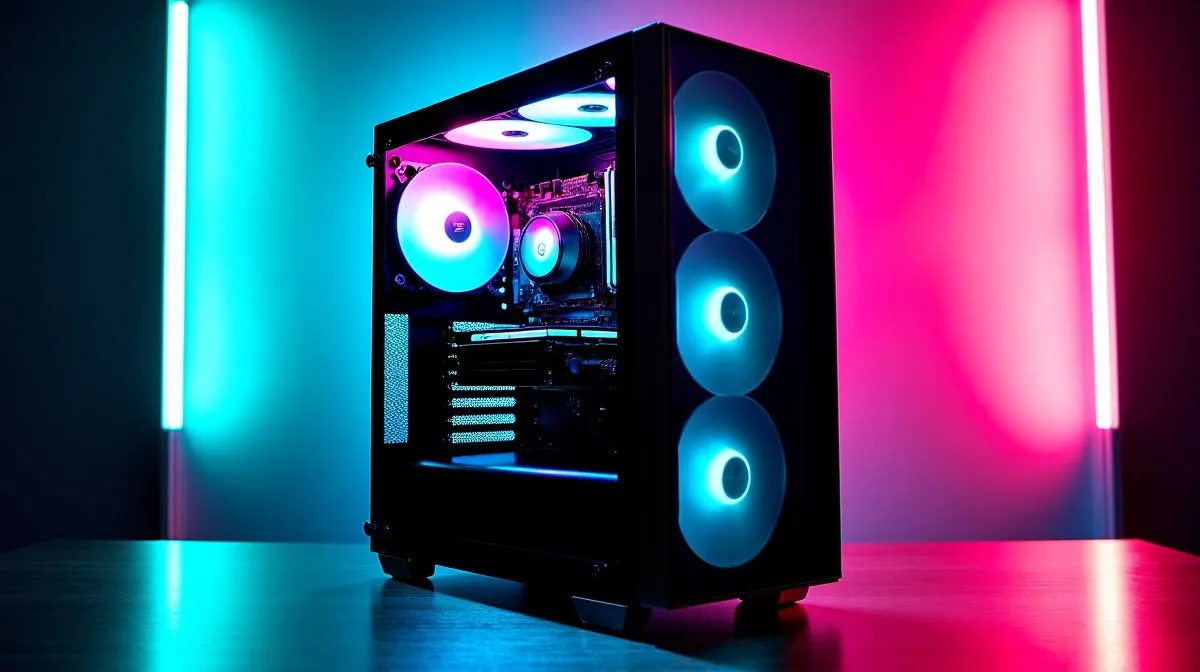
Performance Pulse: Does a Panoramic Glass PC Case Affect Airflow? 🔧
If you’ve ever stared at a sleek glass-sided tower and wondered whether the looks are costing you FPS, you’re not alone. South African gamers love a clean battlestation... but no one wants hotter components in a Durban summer or a noisy rig in a quiet room. The good news? A panoramic glass PC case does not automatically ruin airflow. The real story is in the layout, fan support, and how you build the system.
Performance Pulse: What Actually Changes Airflow?
A PC case influences airflow in three main ways: intake, exhaust, and internal obstruction. Glass itself doesn’t move air, but a panoramic design often uses more tempered glass and fewer front-panel openings. That can mean less direct intake if the case is built for style first.
Still, many modern cases compensate with clever chamber layouts, mesh side vents, top exhaust options, and support for multiple fans or radiators. So the question is less “glass or no glass” and more “how is the case engineered?” For a wider look at case styles and airflow-friendly options, Evetech’s computer cases range is a useful starting point.
Performance Pulse: When Glass Works Just Fine
A panoramic case can perform well if it has:
- front or side intake paths
- room for at least two intake fans
- clear exhaust routing at the top or rear
- enough cable space to avoid blocking airflow
If you run a mid-range gaming PC, you may never notice a penalty. In fact, a well-ventilated glass case can keep temperatures perfectly sensible while giving you that clean showcase look. It’s especially handy if you’ve invested in RGB fans, a neat GPU mount, or a tidy white build.
For buyers who want a more refined chassis, Evetech’s Fractal Design PC cases are worth a look. Fractal is known for practical layouts and airflow-focused design.
Build Smarter ⚡
When choosing a panoramic case, check the fan mounts before the colour of the glass. A case with front intake support and a clean top exhaust path usually matters more than the panel material itself.
Performance Pulse: The Biggest Mistakes Gamers Make
The case is only part of the equation. Poor airflow usually comes from bad fan placement, clogged filters, or a chunky graphics card sitting in a cramped chamber. If your front fans are installed backwards, or your cables are bunched near the GPU, temperatures can rise fast.
A simple rule helps: cool air in from the front or side, warm air out through the rear or top. That’s it. Keep dust filters clean too. In South Africa, dust can build up quickly, especially if your PC sits near an open window or on the floor.
Performance Pulse: Getting Style Without Sacrificing Cooling
Want the panoramic look without the thermal drama? Choose a case with mesh airflow sections and then match it with quality fans. A modest fan setup often beats a flashy but restrictive chassis. If you’re shopping on a tighter budget, Evetech’s Gamdias gaming cases include options that balance visual appeal with practical cooling. You can also browse Gamdias gaming cases under R1500 if you’re building smart on a budget.
Performance Pulse: The Bottom Line
So, does a panoramic glass PC case affect airflow? Sometimes, yes... but not always in a bad way. The panel material is only one factor. Case design, fan layout, and cable management matter more. If the chassis is built well, you can enjoy the clean look and keep your components cool enough for long gaming sessions.
Ready to Find Your Perfect Match? The Mac vs Windows debate is complex, but for maximum power, choice, and value in South Africa, Windows is hard to beat. Explore our massive range of laptop specials and find the perfect machine to conquer your world.











